

Contents
Google Drive’s Upcoming ‘Local Backup’ Feature: What You Need to Know
Google Drive, a cornerstone of cloud storage for Android users, is on the verge of introducing a feature that might, at first glance, appear to contradict its fundamental purpose: cloud-based data backup. For years, Google Drive has been synonymous with safeguarding your data by storing it securely in the cloud. So, what exactly is this “local backup” option, and why is Google implementing such a seemingly paradoxical feature?
Let’s dive into the details and clarify what this exciting new functionality truly entails.
Understanding Google Drive’s “Local Backup” Feature
To grasp the essence of how Google Drive will leverage this new Android system function, it’s helpful to look at its description from recent change logs. The feature will allow you to:
- Automatically save downloaded documents directly to Google Drive.
- Ensure these files are accessible from any of your other devices.
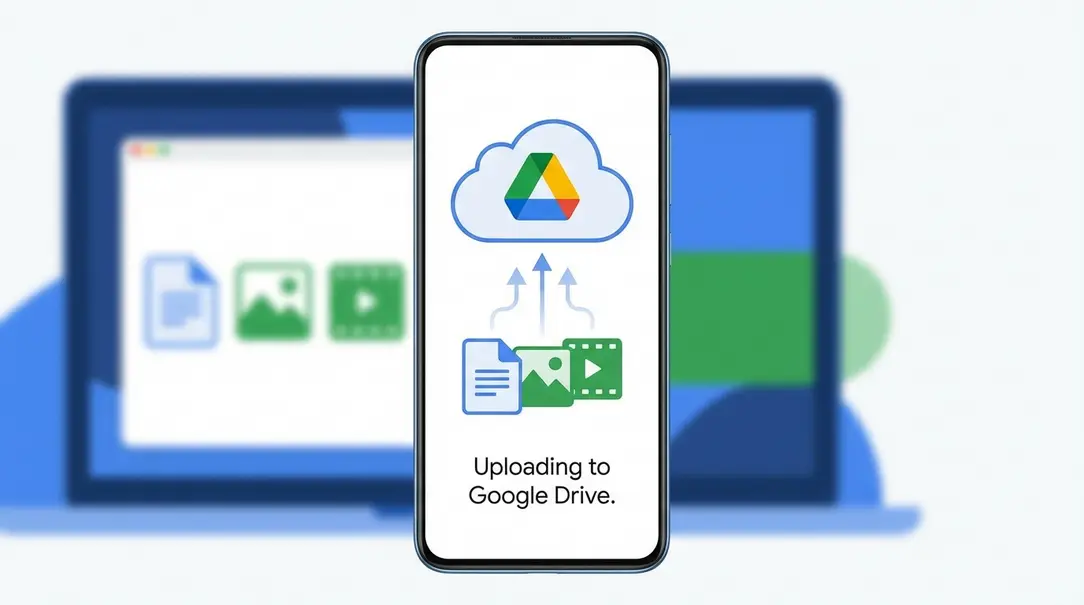
This functionality doesn’t mean Google Drive will duplicate files by keeping a local copy and a cloud copy simultaneously. Instead, it aims to seamlessly move your selected local files, such as downloads, directly to your cloud storage. This process mirrors how Google Photos automatically uploads and synchronizes your pictures, making them available everywhere without needing to manually upload them.
How Does It Work? A Seamless Cloud Integration
Imagine downloading an important PDF document, like a train ticket or an invoice, onto your Android smartphone. With this new feature, instead of residing solely on your device’s local storage, Google Drive will automatically transfer that file to your cloud account. Moments later, that same document will be accessible on your computer, tablet, or any other device where you access Google Drive, thanks to this automated transfer.
This integration significantly enhances convenience and ensures that critical files are always backed up and available, reducing the risk of data loss if your device is lost or damaged.
What Files Will Be Included?
While the core functionality is becoming clear, it’s not yet precisely defined which types of files Android will categorize for automatic cloud transfer. Key questions remain:
- Will it be limited to the primary “Downloads” folder?
- Will the system automatically identify and transfer all files with specific extensions (e.g., PDFs, Word documents) from various locations on your device?
The exact scope of file selection will be crucial for the feature’s usability and overall impact. A well-implemented system that intelligently identifies relevant documents would be incredibly beneficial.
The Benefits of This New Approach
Despite its name, this “local backup” option is poised to be a remarkably useful addition to Google Drive, offering several advantages:

- Enhanced Accessibility: Files downloaded on one device become instantly available across all your linked devices.
- Automatic Backup: Critical documents are automatically moved to the cloud, reducing manual effort and improving data security.
- Streamlined Workflow: No more needing to manually upload files or transfer them between devices to get them into your cloud storage.
- Peace of Mind: Important information like travel tickets, receipts, or work documents are always safe and retrievable.
This feature represents a significant step towards a more unified and effortless digital experience, bridging the gap between local device storage and the ubiquitous accessibility of the cloud.
Frequently Asked Questions (FAQ)
What is the new “local backup” feature in Google Drive for Android?
This new feature allows Google Drive to automatically transfer downloaded files from your Android device directly to your cloud storage. It makes these files instantly accessible across all your devices, without requiring manual uploads.
How is this different from traditional cloud backup?
Unlike traditional backup methods that might duplicate files or require manual initiation, this feature acts more like a seamless synchronization. It moves newly downloaded files to the cloud rather than just creating a copy, similar to how Google Photos manages your pictures.
Which files will be automatically transferred to Google Drive?
The exact scope is still being clarified, but it’s expected to include downloaded documents. It might focus on the main “Downloads” folder or intelligently identify specific file types (e.g., PDFs) for automatic cloud transfer.
What are the main benefits of this new Google Drive feature?
The primary benefits include enhanced accessibility of your downloaded files across all devices, automatic cloud backup for important documents, a streamlined workflow by eliminating manual uploads, and greater peace of mind knowing your files are securely stored and retrievable.
About Post Author
