

Contents
Major Enhancements in One UI 8.5 Beta 8
Samsung continues to refine its One UI overlay, built upon the Android 16 foundation. The latest iteration, One UI 8.5 Beta 8, introduces a host of significant changes and optimizations. While the Galaxy S24 series has recently joined the broader One UI Beta program, this particular eighth beta version of One UI 8.5 is specifically targeting the Galaxy S25 series. The company has focused heavily on improvements designed to enhance the daily performance and user experience of the system.
Key Optimizations and New Features
The One UI 8.5 Beta 8 update brings several notable improvements, with a strong emphasis on core system functionality and user-facing applications.
Smart Story Creation in the Gallery App
One of the most visually apparent changes comes to the Gallery application. Samsung has integrated a new “stories” feature that intelligently generates curated memories based on temporal analysis of your photos and videos. This system automatically compiles monthly, quarterly, and annual summaries, offering a delightful way to revisit past moments.
This innovative mechanism leverages metadata such as dates and locations to contextually group content, making your photo gallery more dynamic and organized. This functionality is reminiscent of similar popular features found in services like Google Photos, providing users with personalized memory compilations.
Significant Multimedia Fixes
Crucial fixes have also been implemented across the multimedia layer of One UI. Samsung has successfully addressed an issue where corrupted previews appeared in the quick camera view. This problem typically occurred when the last item displayed in the gallery was content stored exclusively in the cloud, leading to incomplete or distorted thumbnails.
Additionally, the update resolves a bug in the Studio app concerning the restoration of original files. Previously, after modifying the recording resolution within the app, users sometimes faced difficulties restoring their media to its original state. This fix ensures a seamless editing experience.
Enhanced System Stability
Beyond new features and specific bug resolutions, Samsung has prioritized overall user interface stability in One UI 8.5 Beta 8. This focus on underlying performance ensures a smoother, more reliable experience during everyday use of the device, minimizing unexpected glitches and crashes.
Availability of the One UI 8.5 Beta 8 Update
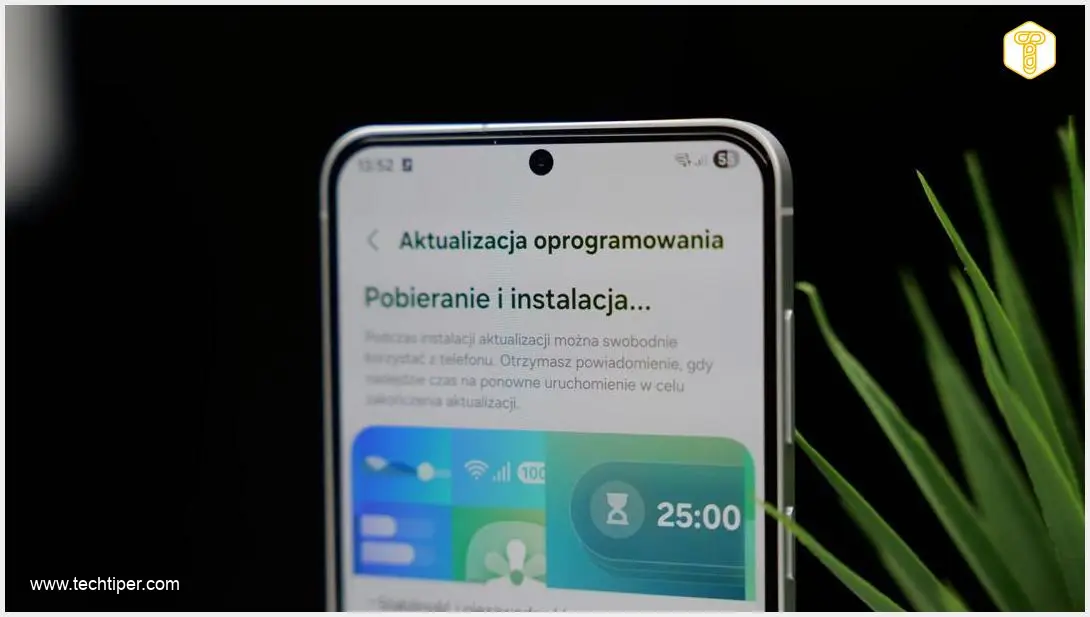
The One UI 8.5 Beta 8 update is currently rolling out to participants of the One UI Beta Program who own smartphones from the Galaxy S25 series. This update is accessible to testers in various international markets, including Germany, South Korea, India, and the United Kingdom. Samsung has also indicated that the update will be made available in the United States at a later date. As is standard practice, the update is being distributed over-the-air (OTA), allowing eligible users to download and install it directly from their device settings.
Frequently Asked Questions (FAQ)
What are the main benefits of the One UI 8.5 Beta 8 update?

The One UI 8.5 Beta 8 update focuses on enhancing system performance and introduces exciting new features. Key benefits include an intelligent “stories” feature in the Gallery app for automatic memory creation, significant fixes for multimedia playback and editing, and overall improvements to user interface stability for a smoother daily experience on your Galaxy S25 device.
Is the One UI 8.5 Beta 8 available for all Samsung Galaxy devices?
No, this specific Beta 8 update for One UI 8.5 is primarily available for participants of the One UI Beta Program who own devices from the Samsung Galaxy S25 series. While other devices like the Galaxy S24 series might be part of the general One UI Beta program, this particular version targets the S25 lineup.
When can I expect the stable version of One UI 8.5 to be released?
As One UI 8.5 Beta 8 is still a beta version, Samsung has not yet announced an official release date for the stable public version. Typically, a stable release follows a period of extensive beta testing, allowing the company to refine the software and address any remaining issues. Users should monitor official Samsung announcements for the most accurate timeline.
How can I join the One UI Beta Program?
To join the One UI Beta Program, you usually need to download the Samsung Members app on your eligible Galaxy device. Within the app, look for a banner or announcement regarding the One UI Beta Program and follow the registration instructions. Enrollment is often on a first-come, first-served basis and availability can vary by region and device model.
Source: SammyFans, Self-developed content
Opening photo: Krzysztof Wilamowski
About Post Author
