

Contents
Android Introduces a 24-Hour Limit: Understanding the New Security Feature
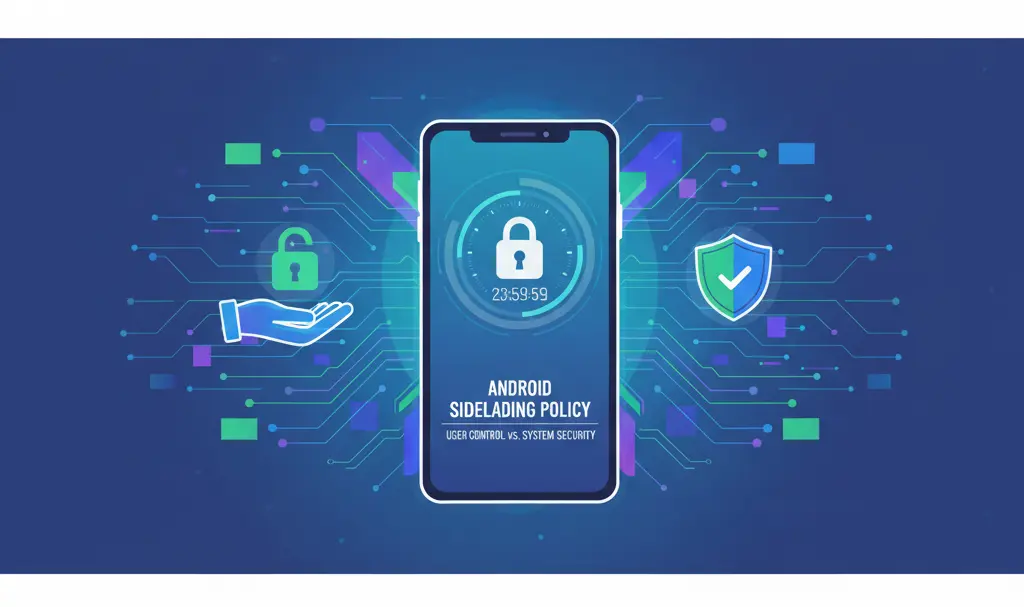
Android is implementing a significant new security measure that will require users to wait 24 hours before installing applications from sources other than the Google Play Store. This feature is designed to protect users from malicious software, often pushed by scammers attempting to force harmful installations. While enhancing security, it also introduces a new layer of control over user actions. We now have more detailed insights into how this module will function.
Understanding Android’s New Sideloading Security Measures
Google has revealed an intriguing detail about this new system. If you enable the installation of third-party applications (often referred to as sideloading) on one Android device, this preference will automatically transfer to subsequent new devices associated with your Google account. This means you won’t need to repeat the initial 24-hour waiting period on future smartphones, streamlining the process for experienced users.
The 24-Hour Sideloading Wait Explained
The core of this new security feature is a mandatory 24-hour waiting period after a user initiates the process to install an application from an “unknown source” (i.e., not the Google Play Store). This delay provides a crucial window for users to reconsider potentially risky installations and for Android’s internal security checks to operate, reducing the risk of accidental or coerced malicious software installations.
For more detailed information on Android’s proactive security updates, you might find this article helpful: Android Sideloading 24-Hour Wait Security Update.
Exemptions to the Waiting Period
Not all sideloading scenarios will be subject to the 24-hour waiting period. Google has outlined specific exceptions:
- ADB Installations: Users who opt to install external applications using the Android Debug Bridge (ADB) computer environment will be exempt from the 24-hour waiting period. ADB is typically used by developers and advanced users, implying a higher level of technical proficiency and awareness.
- Account Transfer: As mentioned, once you’ve enabled sideloading on one device and served the 24-hour waiting period, this setting will sync across your Google account to new devices, avoiding repeated waits.
Managing Sideloaded App Updates
The system also addresses how sideloaded applications will be updated:
- To ensure seamless updates for sideloaded apps, users must keep the “Install unknown apps” permission enabled for the respective source.
- Android will reportedly offer options to enable sideloading for either a 7-day period or indefinitely, providing flexibility based on user needs.
- Interestingly, developer mode will not be required for subsequent app updates; it only needs to be activated for the initial enablement of sideloading. This simplifies the ongoing management of non-Play Store applications.
These enhancements are part of Google’s ongoing efforts to bolster system security. For other recent security-focused features, see: New Android Canary Screen Recorder and Security Updates.
Balancing User Freedom and Security
These changes appear to strike a thoughtful balance between robust security and user flexibility. Advanced users, particularly those comfortable with tools like ADB, will retain their freedom and efficiency in managing device settings. Concurrently, the majority of users will benefit from significantly enhanced protection against potentially harmful applications, making the Android ecosystem safer for everyone.
Frequently Asked Questions (FAQ)
Why is Android implementing a 24-hour waiting period for sideloading?

This measure is designed to enhance user security by preventing the forced installation of malicious applications by scammers. The waiting period gives users time to reconsider an installation and allows Android’s security systems to perform checks.
Does this 24-hour limit apply to all app installations outside the Google Play Store?
No, there are exceptions. Users installing applications via the Android Debug Bridge (ADB) will not be subject to the 24-hour waiting period. Additionally, once sideloading is enabled and the initial wait is completed on one device, this preference transfers to new devices associated with your Google account.
How will this change affect my ability to update sideloaded apps?
To update sideloaded apps, you will need to keep the “Install unknown apps” permission enabled for the relevant source. Android will allow you to enable this permission for 7 days or indefinitely. Developer mode is only needed for the initial activation of sideloading, not for subsequent updates.
Will I have to wait 24 hours every time I set up a new Android phone?
No, you will not. Once you have activated the installation of external applications on one smartphone and completed the initial 24-hour waiting period, your account settings will automatically transfer to new devices. This means you won’t have to repeat the waiting process on subsequent Android phones.
Source: Android Developers / X & Opening photo: Gemini
About Post Author
