

Contents

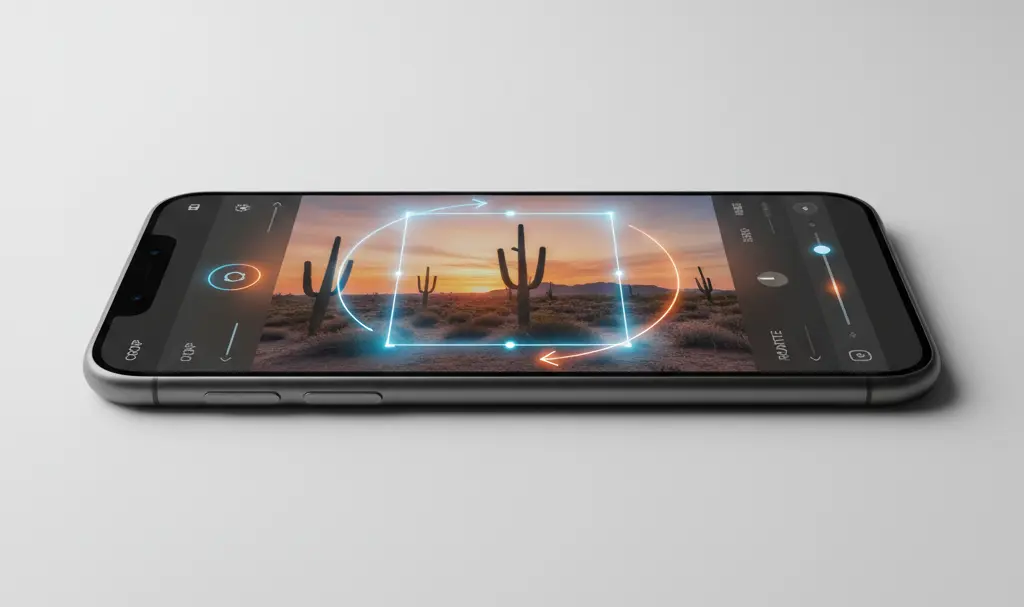
Google Photos Update: Enhanced Cropping and Editing Tools for Seamless Adjustments
If you regularly rely on the Google Photos app to back up, organize, and tweak your digital memories, ensuring you have the latest version installed is highly recommended. The tech giant has recently rolled out a targeted update aimed at refining a fundamental aspect of its built-in editor: the image cropping tool.

For many users, adjusting the framing of a picture is the most common editing action taken before sharing a snapshot. However, interacting with cloud-backed photos sometimes resulted in minor visual glitches. This latest patch specifically addresses these pain points, offering a much more fluid and precise editing experience.
What Exactly Has Improved in the Cropping Tool?
According to official release notes from Google, the recent adjustments focus on three critical aspects of the user interface and functionality. If you have ever experienced stuttering or unexpected resizing while trying to perfect a photo’s framing, these fixes are designed for you.
- Accurate Image Previews: A frustrating bug where the displayed image would inexplicably shrink while adjusting the crop boundaries has been completely resolved. The image now accurately maintains its scale during the editing process.
- Stable Cropping and Rotating: Developers have eliminated several glitches that caused photos to visually “jump” or snap into unintended shapes when applying rotation adjustments. Your framing will now stay exactly where you set it.
- Smoother Performance and Animations: The overall fluidity of the editing software has been notably upgraded. Users will experience much smoother animations when dragging borders, rotating images, and customizing aspect ratios, making the tool feel much more responsive and premium.
Continuous Refinements Across the Google Ecosystem
Google is constantly working under the hood to ensure its suite of applications operates flawlessly, often focusing on subtle quality-of-life improvements. While Google continues to enhance the user experience across its wider ecosystem—such as the recent Google App AI mode history update—this particular Google Photos patch focuses purely on refining fundamental editing mechanics.
Similarly, just as we have seen significant multimedia and communication refinements with the Google Messages Ultra HDR and voice transcription copy feature, Google Photos is receiving the necessary attention to ensure that handling high-quality media remains a top-tier experience for all users.
How to Get the Latest Version
This update is currently rolling out globally and is already available to download via the Google Play Store and Apple App Store. If your smartphone is configured to install app updates automatically, you will likely notice these smooth new editing mechanics the next time you open a backed-up photograph and tap the crop icon.
Frequently Asked Questions (FAQ)
Does this cropping update apply to photos stored locally or only those backed up in the cloud?
While the release notes specifically highlight improvements for photos saved to your cloud backup, the underlying user interface fixes apply to the cropping tool itself. This means you will experience smoother animations and bug-free resizing whether you are editing a recently captured local photo or an older image pulled from your Google account.
Will the enhanced animations slow down the performance of older smartphones?
No, the update is actually designed to optimize performance. The smoother animations are a result of better software rendering and bug removal, meaning the cropping tool should feel more responsive and less demanding on your device’s memory, even on older hardware.
Why did my photos previously jump or change shape while rotating?
This was a known rendering glitch related to how the app calculated aspect ratios dynamically when an image was shifted off its standard axis. The app was attempting to force the image into a predefined aspect ratio too early in the rotation process. The new patch corrects this mathematical error, allowing for free rotation without snapping.
Source: Google Photos Help & Opening photo: Gemini
About Post Author
