

Contents
A Paradigm Shift in UI/UX: How Claude Design Changes the Game
Designing is becoming as straightforward as typing a text message. Claude Design, a groundbreaking new proposition from Anthropic, proves that building a professional layout no longer requires years of graphic design experience. By democratizing the creative process, this tool empowers users to build stunning websites and applications without needing deep knowledge of composition or complex software.
What is Claude Design? Anthropic’s Newest Creation
Claude Design is Anthropic Labs’ latest product, currently in its research preview phase. It is available to users subscribed to Pro, Max, Team, and Enterprise plans. Operating entirely within the web browser, the tool leverages the latest, most advanced Claude AI models to support a wide range of professionals—from UX/UI designers and product managers to marketers and non-technical power users.
With this release, Anthropic joins a rapidly expanding market of companies developing AI-driven design tools. It competes directly with industry giants like Figma, Canva, Adobe Express, and Google Stitch (a prompt-to-prototype tool deeply integrated into the Google ecosystem). As AI adoption accelerates across all sectors—extending even to defense and geopolitics, with recent reports of the Pentagon developing its own AI—Anthropic is firmly cementing its position as a leader in practical, enterprise-grade AI applications.
Anthropic’s core ambition is to create an ecosystem where a user can transition from an initial text prompt to a fully functional prototype or slide deck within a single conversation. Unlike standard AI image generators, Claude Design is engineered as a full-fledged project editor. It meticulously handles UI components, page structure, typography, and complex design systems.
From Prompt to Prototype: How Claude Design Works
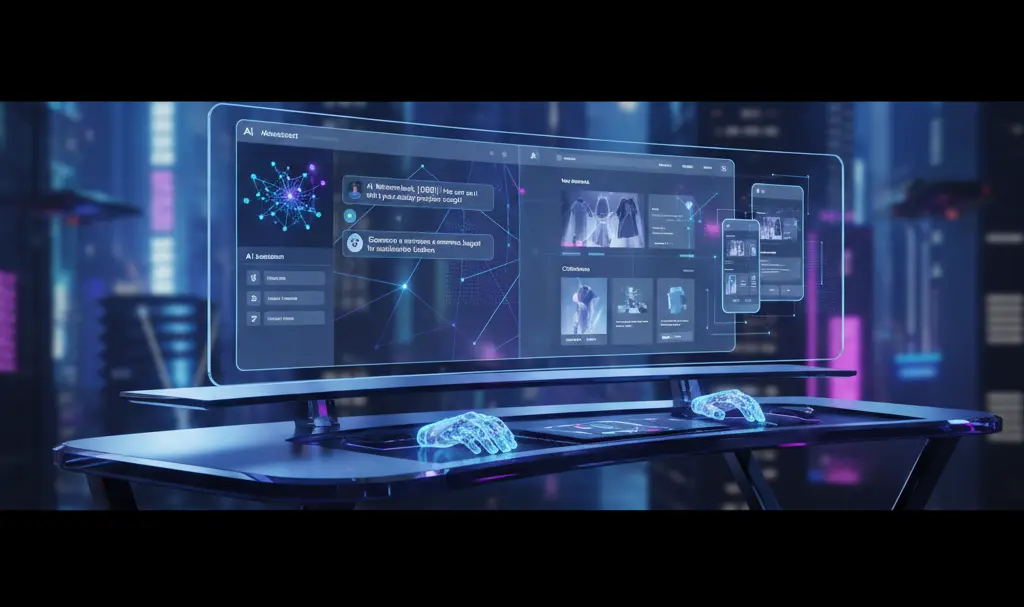
The user interface of Claude Design is intuitively split: on the left, you chat with the Claude AI assistant, while on the right, a dynamic workspace displays the generated design in real time.
- Initiation: The process begins with a simple text prompt. Claude will ask a few clarifying questions before rendering the first draft of a website, app interface, or one-pager.
- Iteration: Users can refine the design by commenting directly on canvas elements or editing text on the fly.
- Customization: Automatically generated sliders allow for easy adjustments to spacing, color palettes, and overall layout. Crucially, these adjustments can be applied globally across the entire project.
Furthermore, Claude Design does not restrict you to starting from scratch. Users can upload existing materials—such as DOCX, PPTX, and XLSX files—or point the AI to a code repository. It can even capture elements from a live website, extracting its color scheme, typography, and component structure. This ensures that early-stage prototypes instantly resemble a realistic product, maintaining strict alignment with existing brand guidelines.
Bridging the Gap: From Presentations to “Frontier Design”
Anthropic positions Claude Design as the ultimate “do-it-all” visual tool for product, marketing, and sales teams. In practical terms, it enables the lightning-fast generation of diverse visual assets. Whether you need a high-converting landing page, a complex dashboard, mobile web mockups, conference slides, or social media assets, the platform handles it seamlessly.
For engineering and design teams, the ability to build interactive prototypes without immediate developer intervention is a massive workflow enhancement. This is further amplified by its integration with Claude Code, allowing teams to instantly generate a ready-to-implement “deployment package.” If you are curious about the technical capabilities of Anthropic’s broader coding ecosystem, you can read more about the recent Claude AI code leak and newly revealed features.
One of the most fascinating aspects of this new tool is its support for “frontier design.” This concept refers to next-generation projects that seamlessly blend traditional user interfaces with backend code, multimedia, voice interactions, and 3D elements. By supporting these advanced layers, Claude Design acts as a unified environment that can effectively replace multiple standalone applications.

Finally, Claude Design emphasizes interoperability. Projects can be exported to standard formats like PDF and PPTX, shared via a live URL, or directly imported into design staples like Canva and Figma. This allows design teams to refine visual micro-details, add complex animations, and collaborate at scale.
Frequently Asked Questions (FAQ)
Does Claude Design completely replace human UX/UI designers?
No. While Claude Design automates layout generation and basic prototyping, human designers are still essential for complex problem-solving, deep user research, and refining intricate visual details before a final product launch.
Can I use my company’s existing brand guidelines with Claude Design?
Yes. You can upload existing documents, point the AI to your current live website, or provide specific design system files to ensure the generated prototypes perfectly match your organization’s established visual identity.
What file formats can I export my Claude Design projects to?
Projects can be exported directly as PDFs, PPTX (PowerPoint) files, or shared as live URLs. They can also be transitioned seamlessly into other platforms like Figma and Canva for further detailing and team collaboration.
Source: Anthropic, TechCrunch
Opening photo: Gemini
About Post Author
