

Contents

How to Revive Your Sluggish Smart TV with a Simple Monthly Reset
Almost everyone has heard the legendary IT advice at least once in their lifetime: “Have you tried turning it off and on again?” Originally meant as a universal remedy for tech glitches, this simple restart is incredibly effective—especially when it comes to modern Smart TV systems.

Just like smartphones and computers, it is perfectly natural for modern televisions to experience a slowdown in system performance after months or years of use. While sometimes merely clearing the cache is enough, in many cases, a proper system reset is the only way to restore your TV’s snappy responsiveness. Even as newer models become incredibly powerful—such as the latest LG Smart TVs featuring AI, Micro RGB, and OLED tech for gaming—operating systems still accumulate temporary files that can bog down hardware.
3 Effective Ways to Reset Your Smart TV
When your television starts lagging or apps refuse to load, you generally have three options to bring it back to life.
1. The Soft Reset
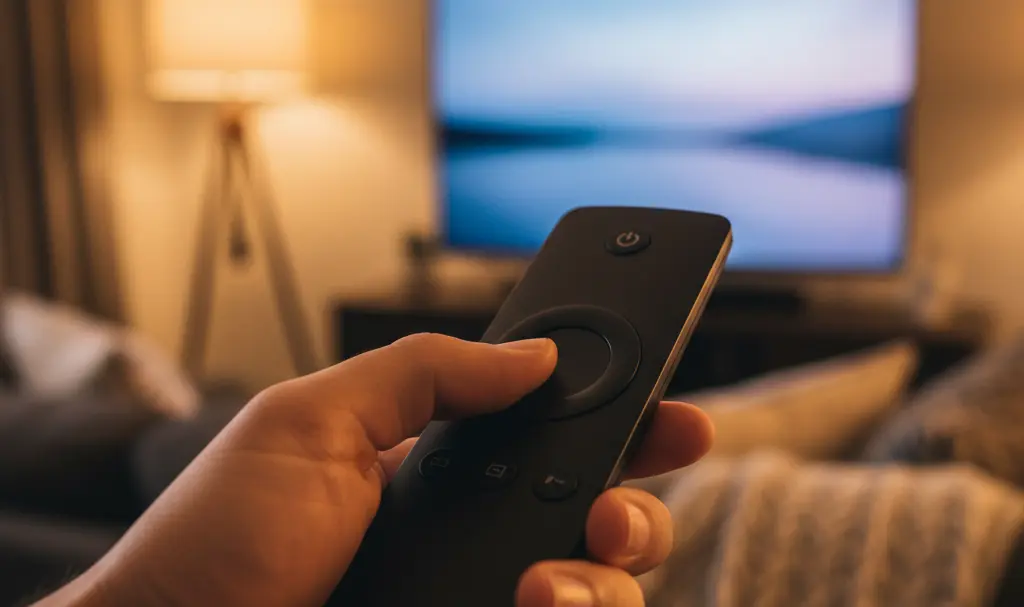
The first and most common method is the soft reset. This is particularly effective for televisions running Android TV and Google TV software. Executing a soft reset is incredibly straightforward: simply press and hold the power button on your remote control for a few seconds.
This type of restart typically solves the vast majority of minor performance issues, especially when the television’s user interface feels sluggish. If holding the button on the remote doesn’t work, you can try resetting the unit by pressing and holding the physical power button on the television’s casing (usually for about 10 to 20 seconds) until the device powers off completely.
2. The Power Cycle (Unplugging)
The second option is to completely disconnect the television from the wall outlet for a brief period. Major electronics manufacturers, such as Sony, recommend leaving the device unplugged for at least two minutes.
This process drains residual power from the TV’s internal components and acts similarly to the soft reset. It is highly effective at clearing out minor Smart TV glitches, such as the accumulation of unnecessary temporary files or minor memory leaks caused by heavy background processing.
3. The Factory Reset
The third method is restoring the television to its factory settings. This is widely considered a drastic step and should be treated as a last resort. You should only perform a hard reset when the previous two methods have failed to resolve your issues.
You can find this option within your television’s main settings menu. Keep in mind that a factory reset will completely wipe your device—all your downloaded apps, custom settings, and saved login data will be permanently deleted.
Why You Should Restart Your Television Regularly
You might be wondering why it’s worth regularly restarting your Smart TV. Today’s televisions are essentially large computers. With modern advancements like Google Gemini TV features that reduce phone reliance, TVs are running more background tasks than ever before.
A routine reset helps you eliminate minor software instability, single app crashes, and even persistent video or audio desync problems. In addition to general performance boosts, regular resets can resolve:
- Random, unexpected television reboots
- Dropped Wi-Fi or general network connection issues
- Severe menu lag and low application performance
- Forgotten parental control PIN codes (via factory reset)
Frequently Asked Questions (FAQ)
Does a soft reset delete my installed apps or login details?
No, a soft reset only clears temporary memory (RAM) and safely reboots the operating system. All of your installed applications, customized settings, and saved passwords will remain completely intact.
How often should I power cycle my Smart TV to maintain optimal performance?
Performing a soft reset or a full power cycle once a month is generally sufficient to keep your TV’s operating system running smoothly, clear out background cache, and prevent software lag.
Will a factory reset bypass a forgotten parental control PIN?
Yes, performing a full factory reset will erase all user data, including parental control settings and PINs. However, you will have to set up your television from scratch, including reinstalling apps and logging back into your streaming accounts.
Source: Sony. Opening photo: Gemini
About Post Author
