

Contents
Google Play Store Update: Finding Optimized Apps for Tablets and Foldables Just Got Easier
For years, users of tablets and foldable devices have faced a frustrating, recurring issue. Far too often, you download an exciting new app only to discover—after installation—that its interface is entirely unoptimized for a larger display. Instead of a seamless experience, you are greeted with awkward black bars, stretched buttons, and wasted screen real estate.
Fortunately, Google is finally stepping in to solve this long-standing pain point. A comprehensive update to the Google Play Store is set to introduce a much-needed labeling system, making it incredibly simple to identify large-screen compatibility before you ever hit the download button.
The Challenge of Large-Screen App Discovery
As the mobile hardware industry evolves, consumers are increasingly gravitating toward versatile devices. Whether you are using a premium tablet for productivity or exploring cutting-edge foldable smartphones, the expectation is that software should seamlessly adapt to expanded screen dimensions.
Historically, the Google Play Store did not clearly differentiate between apps built solely for standard phones and those optimized for larger displays. This lack of transparency forced users to install applications “blindly,” leading to poor user experiences and frequent uninstalls when interfaces failed to scale correctly.
What’s New in Google Play Store Version 51.2?
To combat interface scaling issues, Google is overhauling the app discovery process in the upcoming v51.2 update. The primary focus is heavily geared toward improving transparency and user experience through visual indicators.
Here is what users can expect from the latest rollout:
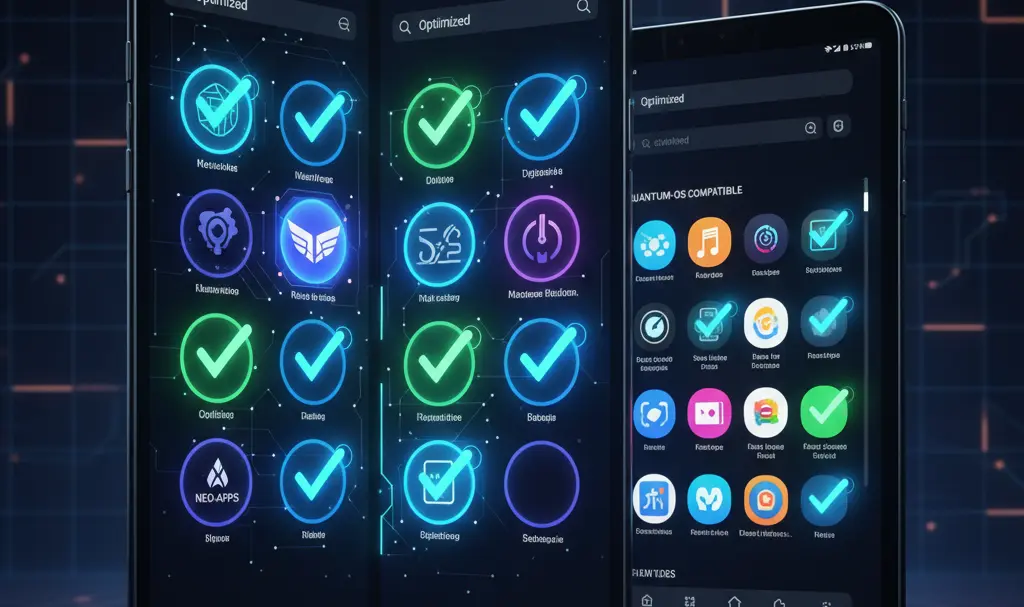
- Dedicated Optimization Badges: Applications that have been specifically designed or updated to support tablets and foldable smartphones will receive special highlight badges. These markers will be visible directly on the app’s store listing.
- Streamlined App Installation: The update will refine the backend installation process, making app downloads and updates noticeably faster and more reliable.
- Enhanced Age Rating Visibility: Parents and guardians will have a much easier time identifying the appropriate audience for games and applications, thanks to more prominently displayed age classifications.
- Subscription Insights in Reviews: User reviews will now feature integrated subscription information, allowing potential buyers to see exactly what premium features reviewers are discussing.
- Faster “Collections” Access: Tablet users will benefit from improved navigation. Features like “Collections” will be accessible more rapidly via long-pressing app icons or utilizing new home screen widgets.
Shaping the Future of Android Software
This Play Store update is part of Google’s broader, ongoing strategy to bridge the gap between advanced hardware and software ecosystems. By incentivizing developers to prioritize scalable UI designs, Google ensures that the software experience justifies the investment in premium large-screen devices.
As we look toward future Android updates, it is clear that native support for dynamic screen sizes is no longer just an afterthought—it is a core pillar of the operating system’s evolution.
While version 51.2 of the Google Play Store is not yet available to the general public, the rollout is expected to reach devices globally over the coming weeks. Once live, downloading unoptimized apps will finally become a thing of the past.

Frequently Asked Questions (FAQ)
How will I know if an app is optimized for my tablet or foldable before downloading?
With the upcoming Google Play Store update, optimized apps will feature clear, distinct badges on their store listings. These visual indicators will confirm whether the developer has tailored the interface for larger screens, eliminating the need to guess prior to installation.
Will apps without the optimization badge still work on large screens?
Yes, unoptimized applications will still function on your tablet or foldable. However, they will likely run in a compatibility mode, which often results in black bars (letterboxing) or stretched UI elements that fail to utilize the full potential of your display.
When will the Google Play Store version 51.2 update be available globally?
While Google has not provided an exact calendar date, the version 51.2 update is currently in the deployment phase. It is expected to roll out gradually to Android users worldwide over the next few weeks.
Source: Android Authority & Opening photo: Gemini
About Post Author
