

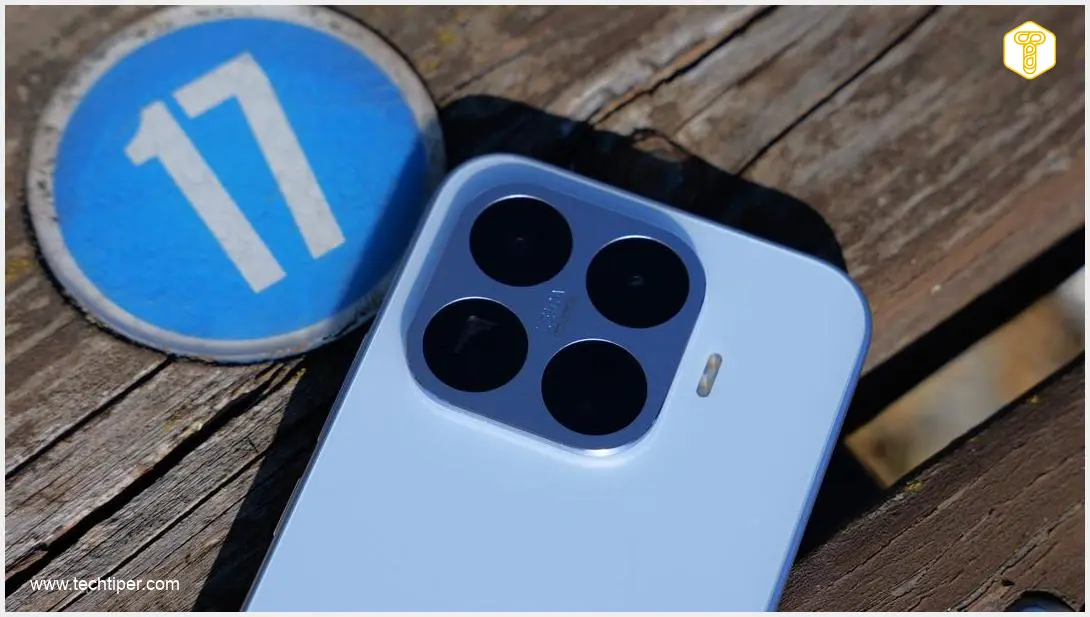
In a significant development for cross-platform connectivity, Xiaomi has announced that its HyperOS operating system will now support AirDrop-like functionality, allowing for seamless file sharing with Apple devices. This is excellent news for Xiaomi smartphone owners, particularly those who frequently interact with Apple products like Mac computers or iPhones. The integration marks a crucial step in bridging the gap between the Android and Apple ecosystems, enhancing user convenience and productivity.
Contents
Xiaomi Smartphones Embrace AirDrop-Like Functionality for Seamless Apple Device Sharing
For years, Apple’s AirDrop has been lauded for its effortless and rapid wireless file transfer capabilities between Apple devices. Now, a similar experience is becoming increasingly available for Android users, with Xiaomi being the latest major manufacturer to adopt this coveted feature within its HyperOS interface, built on top of the Android system.
What Does This Mean for Xiaomi Smartphone Users?
The essence of this update is the ability to quickly and wirelessly share photos, videos, documents, and other files between your Xiaomi smartphone and compatible Apple devices. This functionality leverages a feature similar to Apple’s AirDrop, likely through Google’s Quick Share (formerly Nearby Share), which has been evolving to support broader interoperability.
Xiaomi officially announced this integration via its HyperOS social media channels, highlighting the seamless sharing experience. While a complete list of supported devices isn’t yet available, hashtags in the announcement tweet point towards models running HyperOS version 3.0.
AirDrop is now available on Quick Share.
— Xiaomi HyperOS (@XiaomiHyperOS_) June 1, 2026
Fast, seamless sharing of photos and files to Apple devices.#AirDropSupport #XiaomiHyperOS3 #Xiaomi pic.twitter.com/vqJ0w0QUbp
A Growing Trend: Android’s Cross-Platform Sharing Evolution
Xiaomi’s move follows a broader industry trend towards improved cross-device compatibility. Google Pixel smartphones began supporting AirDrop-like functionality within Android since late 2025, laying the groundwork for wider adoption. Following suit, Samsung also integrated similar capabilities into its Galaxy devices, allowing for enhanced sharing options with Apple products. For more details on Samsung’s implementation, you can explore:
- AirDrop for Samsung Galaxy: Leaked List of Supported Smartphones
- Samsung Galaxy AirDrop Compatibility: Date Confirmed
This expansion to Xiaomi devices further solidifies the commitment of major Android manufacturers to provide users with a more interconnected and flexible digital experience, reducing friction when sharing content across different operating systems.
How to Access and Use AirDrop-Like Sharing on Your Xiaomi Device
To take advantage of this new feature, you will likely need to ensure your Quick Share application or your entire HyperOS system is up to date. While Xiaomi has not yet released precise instructions on the exact steps required, the process is generally straightforward:
- Update Your Device: Check for the latest HyperOS updates on your Xiaomi smartphone.
- Update Quick Share: Ensure your Quick Share application is updated to its newest version. This usually happens automatically but can be checked in your app store.
- Test the Feature: Try sharing any file (e.g., a photo) from your Xiaomi phone using the Quick Share option.
- Look for Apple Devices: Observe if your Apple devices (iPhone, iPad, Mac) appear as available recipients in the Quick Share interface.
If your Apple device is visible, you can confidently proceed to enjoy this convenient new sharing capability. This eliminates the need for cumbersome workarounds like emailing files to yourself or using third-party cloud services for quick transfers between your Xiaomi and Apple gadgets.
Benefits of Seamless Cross-Platform File Sharing
- Effortless Transfers: Quickly share large files like videos or photo albums without cables or internet connection.
- Time-Saving: Streamline your workflow by instantly moving content between your devices.
- Enhanced Productivity: Work more efficiently across your personal tech ecosystem, regardless of the operating system.
- User Convenience: Enjoy a more integrated and user-friendly experience when juggling both Android and Apple devices.
Frequently Asked Questions (FAQ)
While an official, complete list of supported Xiaomi devices has not been released, the announcement indicates that devices running HyperOS version 3.0 are expected to be compatible. Users should look for software updates to HyperOS 3.0 to gain access to this feature.

This functionality is an AirDrop-like feature integrated into Google’s Quick Share for Android, which now has enhanced interoperability with Apple devices. It provides the same seamless and fast wireless file sharing experience as AirDrop, but it’s part of the Android ecosystem’s sharing protocols.
First, ensure both your Xiaomi smartphone (with Quick Share and HyperOS) and your Apple device are updated to their latest software versions. Make sure Bluetooth and Wi-Fi are enabled on both devices, and that the Apple device’s AirDrop receiving settings are set to “Contacts Only” or “Everyone” for optimal visibility. If issues persist, check Xiaomi’s official support channels for specific troubleshooting steps.
Source: Xiaomi / X. Opening photo: Krzysztof Wilamowski
About Post Author
