

Contents

Google Messages: Significant Update Gives Users More Control
A popular messaging application on Android is undergoing a significant modification. Google Messages is addressing the common problem of accidentally sent messages by rethinking how its smart text suggestions operate. This update is designed to empower users with greater control over their conversations.

Rethinking Smart Replies in Google Messages
Google Messages frequently introduces small yet impactful changes, like the recently tested photo brightening feature. Now, the focus shifts to a major redesign of its intelligent text suggestions, a feature many users interact with daily.
Previously, the system’s automation could be a source of frustration. A single, accidental tap on an AI-suggested reply would instantly and irreversibly send it to the recipient. This often led to unintended messages, miscommunications, and a general lack of confidence in using the smart reply feature.
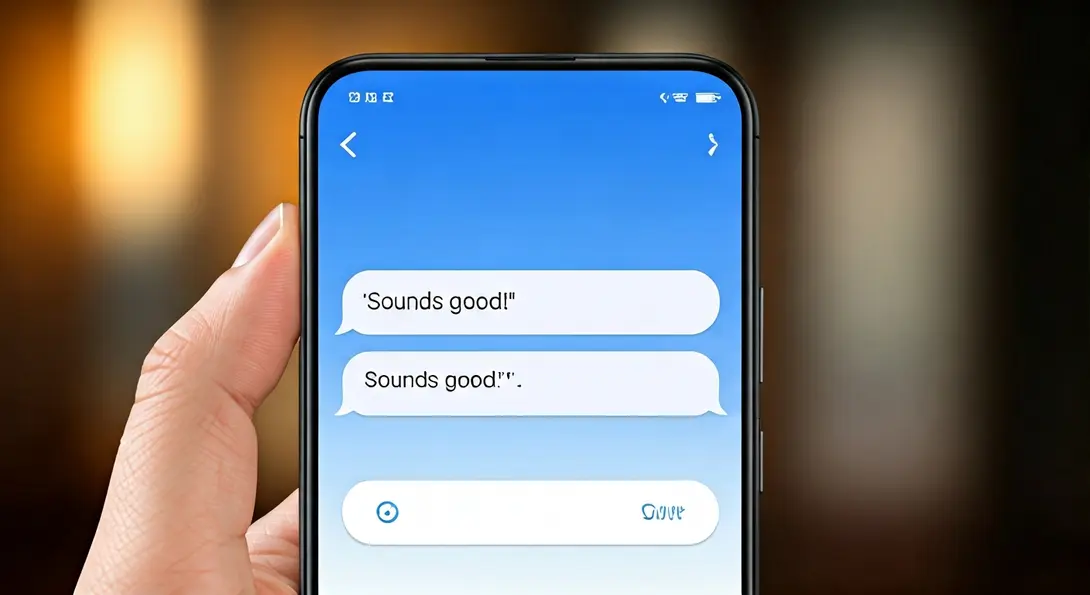
The new change fundamentally alters this interaction. When a user taps on a suggested message, it now first appears in the editing field as a standard draft. This crucial intermediary step provides users with valuable space to:
- Verify the generated content for accuracy.
- Add their own personal comments or context.
- Include appropriate emojis to convey the right tone.
- Completely delete the text if it’s not suitable.
This subtle but powerful modification ensures that users have complete oversight before any message is finalized and sent, aligning with Google’s commitment to intuitive and user-friendly communication tools. Explore other advanced features like Ultra HDR support and voice transcription that further enhance the messaging experience.
Enhancing User Control and Confidence
This update is a testament to Google’s ongoing efforts to refine the user experience within its messaging platform. By preventing premature sends, Google Messages significantly reduces the likelihood of embarrassing mistakes and improves the overall quality of digital conversations. Users can now confidently explore and utilize smart replies, knowing they have a final say before a message goes out. This enhanced control fosters a more reliable and less stressful communication environment, allowing users to focus on the content of their messages rather than worrying about accidental taps. This philosophy of empowering users with more control is also evident in tools like Google Gemini’s memory import feature, designed to streamline and personalize digital interactions.
How to Access the New Smart Reply Feature
This innovative feature is rolling out in the latest stable version of the Google Messages application. It’s important to note that the solution does not activate automatically upon installation of the updated version. The default behavior of the messenger remains the previous immediate sending of suggestions.
To benefit from this improved functionality, users must manually enable the option within the app’s settings. Navigate to the ‘Suggestions and actions’ section in Google Messages to activate this new behavior.
While the interface change itself is global, the deployment of automatic suggestions can be gradual across different regions and devices. Its availability may depend on the smartphone model and often activates primarily when using RCS (Rich Communication Services) chat standards, which offer a more robust and feature-rich messaging experience.
Frequently Asked Questions (FAQ)
Google implemented this change to prevent accidental message sends. Previously, a single tap on a smart reply would instantly send it, often leading to unintended communication. The new system ensures users can review and edit suggestions before sending.
No, the new smart reply functionality is not activated by default. Users need to manually enable it by navigating to the ‘Suggestions and actions’ section within the Google Messages app settings.
The primary benefit is enhanced user control. Users can now tap a smart reply, have it appear as an editable draft in the text field, and then review, modify (add text or emojis), or delete it entirely before deciding to send. This reduces errors and increases confidence in using the feature.
Source: Android Authority, own elaboration.
Opening photo: Gemini
About Post Author
