

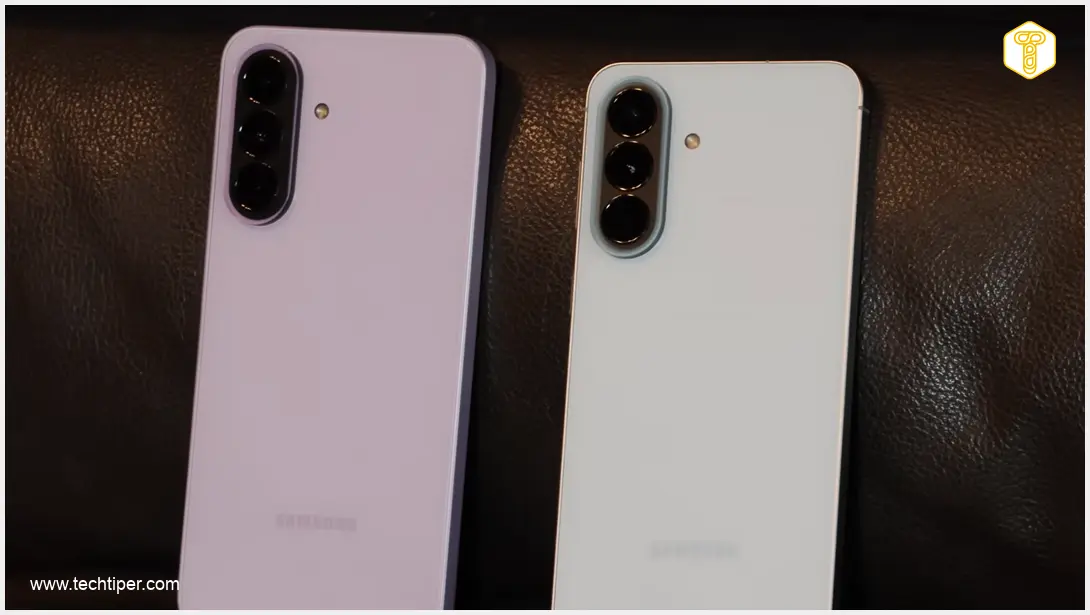
Samsung is enhancing the security of its popular Galaxy A-series smartphones by rolling out the anticipated July security update. This essential software patch is now reaching owners of the Galaxy A54, Galaxy A33, Galaxy A26, and Galaxy A15, bringing critical fixes and improvements to these devices.
Contents
Critical Security Update for Samsung Galaxy A-Series Devices
The latest security update is a significant step in Samsung’s commitment to user safety and data protection. It specifically targets and resolves a total of 57 security-related issues within the Android operating system and Samsung’s proprietary software. These vulnerabilities, if left unaddressed, could potentially allow unauthorized access to protected user data or enable actions without explicit user consent.
Gradual Rollout: What to Expect
While the update has begun its rollout, it’s being distributed in stages. This means not all users will receive it simultaneously. The availability of the update can vary based on several factors, including your geographical region, your mobile network operator, and the specific version of your device.
Affected Models and Software Versions
Users can identify the new software by checking their device’s build number. Here are the specific designations for each model receiving the update:
- Galaxy A15: A156EDXSAEZG1
- Galaxy A26: A266MUBSACZG1
- Galaxy A33: A336EDXSJGZG3
- Galaxy A54: A546SKSSIFZG1
This update is primarily focused on bolstering security and stability. Users should not expect any major changes to the system’s interface or the introduction of new features. Its core purpose is to eliminate detected bugs and vulnerabilities, ensuring a safer and more reliable user experience.
How to Check for the Update
If you own one of the affected Galaxy A-series models, you can manually check for the update:
- Go to your phone’s Settings.
- Scroll down and tap on “Software Update.”
- Select “Download and install” or “Check for updates.”
Your device will then search for the available update. If found, you can proceed with the download and installation. Ensure your device is sufficiently charged and connected to a stable Wi-Fi network before initiating the update process.
Future Android 17 and One UI 9 Updates
For most of these updated models, the July security patch is not the final significant update. Three out of the four mentioned devices are slated to receive further major operating system upgrades:
- Galaxy A54
- Galaxy A26
- Galaxy A15
These models are expected to receive One UI 9, which will be based on the upcoming Android 17. For those interested in the latest developments, you can follow discussions and guides on the upcoming Android version at Android 17 Beta Release Date and Testers Guide.

However, the Galaxy A33 will not be receiving One UI 9 or Android 17. Launched in 2022 with Android 12, Samsung promised four major operating system updates for this model. Its final major OS upgrade will be Android 16, concluding its update cycle before Android 17 is released. This highlights the importance of understanding the software support lifecycle for different devices.
Samsung has not yet announced exact release dates for One UI 9 for these specific Galaxy A series models. It is generally anticipated that these updates will roll out gradually, typically following the release for newer and more premium Samsung devices. Users may also find useful information regarding other Samsung software updates, such as Samsung One UI 8.5 Quick Settings Customization Delay, if they are awaiting other feature enhancements.
Frequently Asked Questions (FAQ)
A security update addresses vulnerabilities and flaws in your phone’s operating system and pre-installed software. These flaws could potentially be exploited by malicious actors to gain unauthorized access to your data, install harmful software, or take control of your device. By installing these updates, you patch these weaknesses, making your phone more secure against cyber threats.
Software updates are often rolled out gradually to manage server load, monitor for unforeseen bugs in a limited release, and ensure compatibility across various regional and carrier-specific device variants. This phased approach allows manufacturers to catch and fix any critical issues before a wider deployment, ensuring a smoother experience for the majority of users.
No, your Galaxy A33 will not become unsafe to use immediately after its last major OS update (Android 16). Samsung typically continues to provide security updates for a period even after a device stops receiving major Android version upgrades. This ensures that critical vulnerabilities are still patched. However, over a longer period, not receiving the latest OS features and security enhancements can eventually make a device less secure compared to newer models.
Source: SamMobile. Opening photo: Michał Kosmala
About Post Author
