Contents
Samsung Galaxy Gallery Embraces Google Photos for Seamless Cloud Sync
Samsung is revolutionizing the way users manage their precious memories, integrating its native Galaxy Gallery application directly with Google Photos. This significant update signals a shift from the previous OneDrive partnership, promising a more streamlined and accessible experience for Galaxy smartphone and tablet users worldwide.
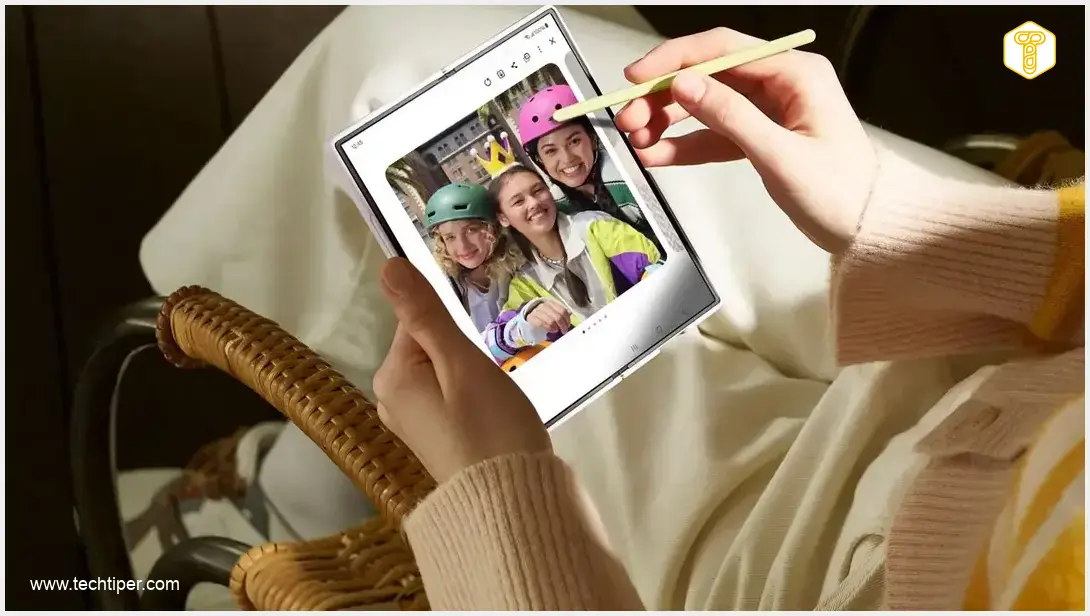
The move aims to simplify how photos and videos are backed up and accessed, leveraging Google’s robust cloud infrastructure. This integration will make it effortless for users to view and manage their multimedia content across all their connected Galaxy devices.
How the New Google Photos Sync Works
Dubbed “Samsung Gallery sync with Google storage,” this new service facilitates the viewing of photos and videos across multiple Galaxy devices without the need for manual file transfers. The process is straightforward: users simply log in to their Galaxy phone and tablet with the same Samsung and Google accounts, then enable synchronization within the Gallery application.
Once activated, all new photos and videos captured on your Galaxy device are automatically uploaded to the Google storage linked to your account. This means you can open the Gallery on a different Galaxy device, such as a tablet, and instantly see the same content. Samsung’s Gallery displays thumbnails of these synchronized files, with the original, high-resolution versions remaining securely in the cloud. Specific photos or videos are downloaded on demand, ensuring efficient use of local storage.
Enabling the New Sync Feature on Your Galaxy Device
Activating this convenient feature is designed to be user-friendly. You can initiate the setup by tapping the cloud icon within your Samsung Gallery app, or by navigating to Settings and then selecting Synchronize photos and videos. After logging into both your Samsung and Google accounts, the application will guide you through the remaining steps.
Within the settings, users have granular control over their synchronization preferences. You can choose whether uploads occur via Wi-Fi, mobile data, or both types of connections. The feature also allows you to select specific albums for synchronization and, if needed, manually trigger an update of your media library. This functionality is initially rolling out to select Galaxy devices running One UI 9, with Samsung planning a gradual expansion to more models. For insights into other features of this operating system, you might be interested in articles discussing Samsung One UI 9’s namedrop feature or what’s new in One UI 9, including multi-window and AI cross-device capabilities.
Free Up Space: Optimize Your Device Storage
One of the most practical benefits of this update is the “Free up space” feature. After your photos and videos have been successfully uploaded to Google storage, you have the option to delete the original files from your phone’s internal memory. The Gallery app will retain thumbnails, allowing you to browse your entire collection while significantly reducing the storage footprint on your device.
This solution is particularly valuable for users who frequently capture high-resolution photographs or record lengthy 4K videos, which can quickly consume valuable phone storage. However, it’s crucial to remember that this synchronization utilizes the storage allocation tied to your existing Google account, rather than providing additional, independent cloud space.
A standard free Google account typically offers up to 15 GB of storage, which is shared across various Google services including Gmail, Google Drive, and Google Photos. Therefore, the available space for your Galaxy multimedia might be limited if you’re a heavy user of other Google services. Users needing more storage can upgrade to a Google One plan for expanded capacity.

Frequently Asked Questions (FAQ)
Yes, this new integration with Google Photos replaces Samsung’s previous partnership with OneDrive. While your existing OneDrive backups will remain untouched in OneDrive, new synchronizations will occur with Google Photos. If you wish to consolidate all your photos in one place, you may need to manually migrate your OneDrive photos to Google Photos.
If your Google account’s storage (which typically includes 15 GB free, shared across Gmail, Drive, and Photos) becomes full, new photos and videos from your Samsung Galaxy device will stop synchronizing to the cloud. To resume synchronization, you would need to either free up space in your Google account or purchase additional storage through a Google One subscription.
This feature is being rolled out gradually. Initially, it is available on selected Samsung Galaxy devices running One UI 9. Samsung has announced plans for a phased expansion to include more Galaxy models over time, ensuring a wider user base can benefit from this enhanced cloud synchronization.
Source: Samsung Newsroom & Opening photo: Samsung / Press materials
About Post Author