

Contents
Google Photos Forces Samsung Users to Clutter Storage
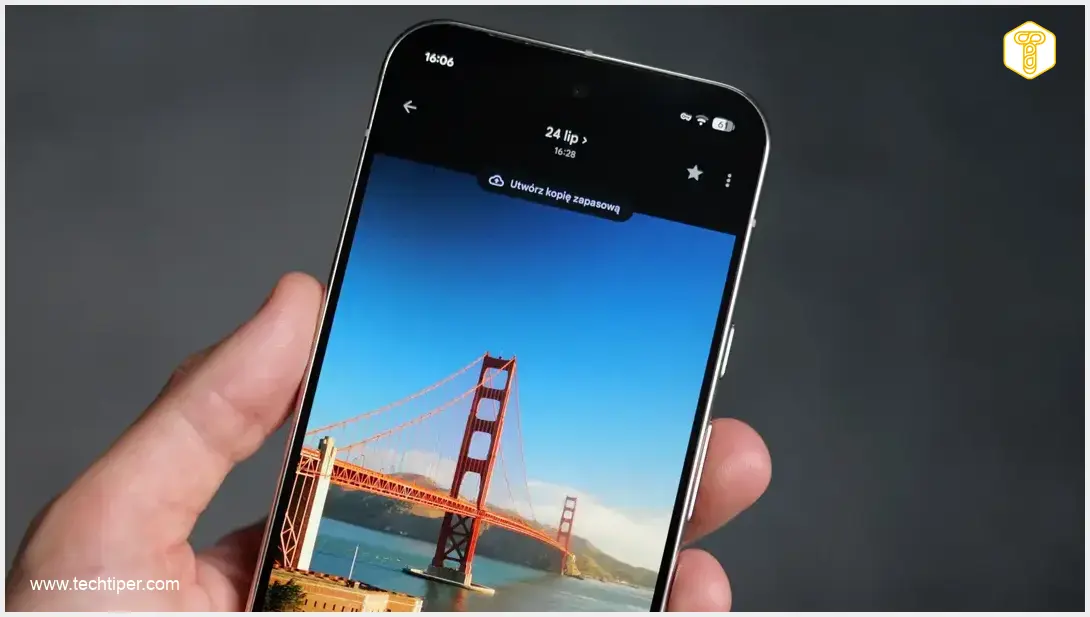
Recently, a perplexing situation has emerged for many Samsung smartphone owners using Google Photos. The app has been unexpectedly prompting them to save any changes made to photos as new copies rather than simply overwriting the original files. This behavior has led to user frustration and concerns about rapidly accumulating duplicate images, unnecessarily consuming valuable storage space.
The core of the issue remains unclear: is this an accidental bug that Google needs to address, or is it an intentional design choice? This ambiguity has left many users questioning the app’s functionality and its impact on their device storage.
An Annoying Requirement or Intentional Design?
Google Photos on Samsung devices, particularly those running One UI 9, has surprised users by mandating that even minor, cosmetic edits be saved as entirely separate copies. This deviates from the standard expectation of overwriting the original file after edits, a feature commonly found in photo editing applications.
Predictably, this change has been met with considerable irritation from the user community. The situation is further compounded by the fact that Google had recently introduced overwriting capabilities for various editing tools, such as the Magic Eraser, making this new requirement for saving copies seem inconsistent and counterintuitive.
Widespread Reports and Affected Devices
Complaints about this storage-consuming behavior have surfaced across popular online platforms, including Reddit and Google’s official support forums. The majority of these reports, detailing the creation of excessive photo copies, began appearing in early November. Specific Samsung models identified as experiencing this issue include the Galaxy Z Fold8 and the Galaxy S23 FE, though it is likely not limited to these devices.
Bug or Feature? The Unanswered Question
Whether this forced creation of duplicate photos can be classified as a bug is still uncertain. While the matter has reportedly been escalated to Samsung’s engineers, a definitive explanation for this frustrating issue has yet to be provided. This lack of clarity leaves users in a predicament, unsure if they should expect a fix or adapt to a new, more storage-intensive way of managing their photos.
Other Recent Google Photos Updates
It’s important to note that this storage issue comes amidst other significant updates announced for Google Photos. In the latter half of October, Google revealed three key changes to the application:
- Video Creator Renaming: The “Featured Video” function is being rebranded as “Video Creator,” a change first observed within the app’s code (version 7.98).
- Background Music Toggle for Memories: The “Memories” tab is gaining a new “Background Music” toggle. This feature aims to prevent unwanted automatic music additions to user Memories, offering more control. This is the only new option that has fully rolled out, becoming available earlier this month.
- Faster Motion Photo Access: Google is streamlining access to motion photo settings. Previously, users had to navigate through multiple app settings. A new “Show motion preview” toggle is being introduced to make this process quicker and more intuitive.
These updates, while improving other aspects of Google Photos, do not address the core problem of forced duplicate photo saving on Samsung devices.
Frequently Asked Questions (FAQ)
Many Samsung users have reported that Google Photos is prompting them to save edited photos as new copies instead of overwriting the original. The exact reason is unclear, with speculation ranging from a software bug to an intended, but poorly communicated, design change.

As of now, there is no definitive answer from Google or Samsung. User reports and the inconsistency with other Google Photos editing features suggest it might be an unintended bug. However, no official confirmation or explanation has been provided.
Reports indicate the issue affects various Samsung devices, including recent models like the Galaxy Z Fold8 and Galaxy S23 FE. It appears to be prevalent on devices running specific versions of Samsung’s One UI.
Source: Android Authority
Opening photo: Krzysztof Wilamowski
About Post Author