
Contents
New Bug in Google Pixel Phones After November Update: This Time It’s AOD and Android Auto
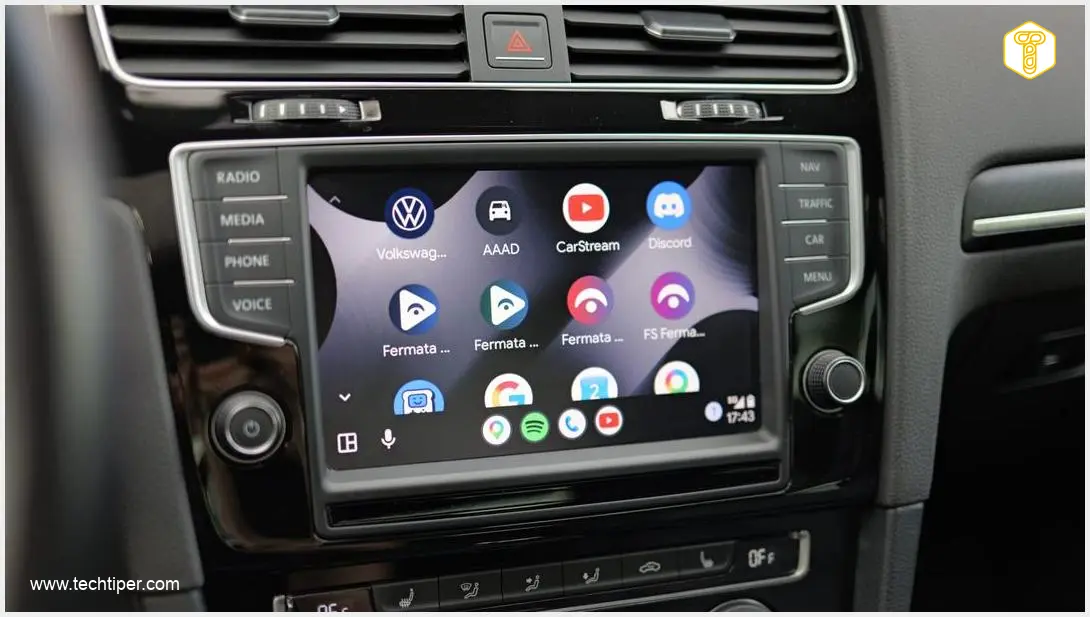
Following the significant November update, Google Pixel users are encountering another frustrating software bug, this time impacting Android Auto functionality. Owners of various Pixel smartphone generations are reporting that their phone’s Always-On Display (AOD) stops showing the time and notifications when connected to a car via Android Auto.
Black Screen Instead of Always-On Display
After the November system update, a segment of Google Pixel owners has discovered a new issue specifically affecting the integration with Android Auto. The Always-On Display (AOD) feature, which typically provides glanceable information, ceases to function the moment a smartphone is connected to a car’s infotainment system. Instead of the usual display showing the time, date, and notification icons, the screen remains entirely black.
This particular glitch has been widely reported by users on Reddit and within the official Android Auto help community. The initial reports emerged from an owner of a Pixel 9 Pro utilizing wireless Android Auto. However, similar accounts quickly followed from users with other, including newer, Pixel models, confirming a broader impact.
What Exactly Stops Working?
Always-On Display (AOD) is a popular feature designed to show essential information on a powered-off screen. This typically includes the current time, date, and pending notifications, allowing users to check crucial updates without fully waking their device.
With this newly identified bug, the AOD function displays no content whatsoever when a Pixel device is linked to Android Auto. The screen persists in its black state until the phone is disconnected from the car, at which point the AOD feature typically reverts to its normal operation.
The problem is not isolated to a single model. Beyond the Pixel 9 Pro, users have also reported this issue on devices such as the Pixel 10 Pro, Pixel 11 Pro, and Pixel 11 Pro XL. This widespread reporting across multiple device generations strongly suggests a software-related cause rather than a defect in a specific hardware unit.
For context on other display-related issues with Pixel devices, you might want to read about Google Pixel March Update Display Issues.
Is the November Update to Blame?
The surge in these bug reports coincides directly with the installation of the November Pixel Drop update. While Google introduced a variety of new features and improvements in this update, users have also been reporting various interface and screen operation problems for several weeks now.
Interestingly, this isn’t the first AOD-related bug reported around these updates. Previously, another AOD anomaly saw the notification panel expanding and remaining on screen after the display was turned off, instead of activating the Always-On Display. This new bug is distinct, however, as it specifically manifests when the phone is actively connected and interacting with Android Auto.

Currently, there is no official solution or a confirmed, permanent workaround for this problem. The most reliable method to restore AOD functionality is to disconnect the phone from Android Auto. While effective, this naturally negates the convenience of using the car’s infotainment system for navigation and media during a drive.
Google has acknowledged these user reports and is actively gathering information. However, the company has yet to release any official statement regarding the root cause of the bug or an estimated timeline for a fix. Users experiencing issues with Android Auto’s visual elements might also be interested in our article on Android Auto’s Disappearing Signal Icon Visual Bug.
Frequently Asked Questions (FAQ)
Always-On Display (AOD) is a smartphone feature that allows a portion of the screen to remain active when the main display is turned off. It typically shows essential information like the time, date, battery status, and notification icons without requiring the user to fully wake up the device.
Users have reported this bug on multiple Pixel models, including the Pixel 9 Pro, Pixel 10 Pro, Pixel 11 Pro, and Pixel 11 Pro XL. This suggests the issue is software-related rather than specific to a single hardware model.
As of now, there is no official fix or permanent workaround provided by Google. The most reliable way to temporarily restore AOD functionality is to disconnect your Pixel phone from Android Auto. However, this means losing the benefits of Android Auto during your drive.
Yes, Google is aware of the user reports and is currently gathering information about the issue. However, they have not yet released an official statement detailing the cause of the bug or a timeline for its resolution.
Source: Android Headlines, Android Authority
Opening photo: Krzysztof Wilamowski
About Post Author