
Contents
Apple Brings Essential Battery Health Feature to macOS, Catching Up to Rivals
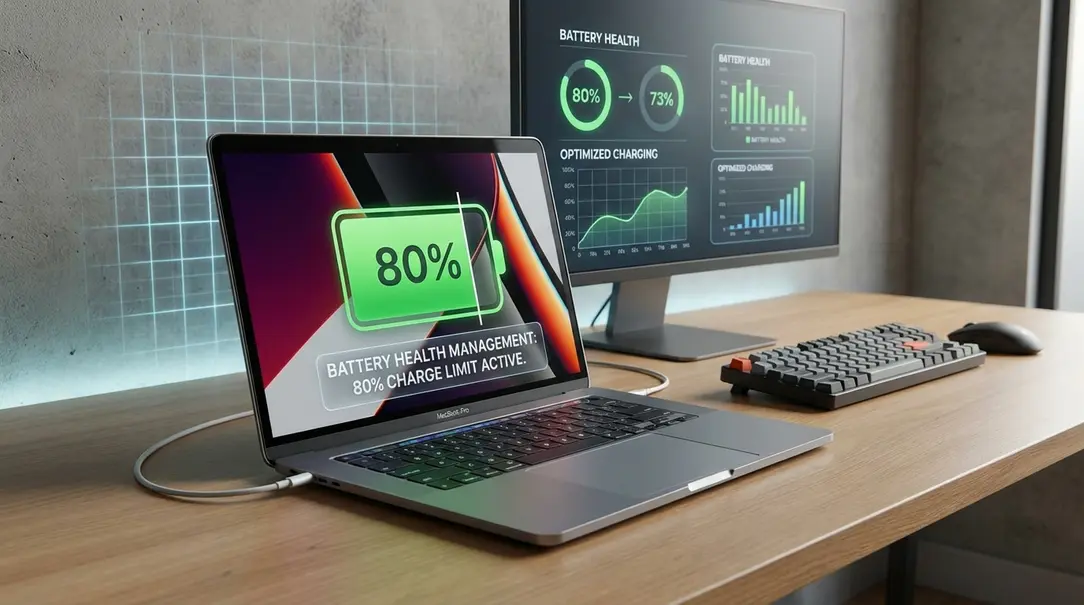
Apple has finally integrated a highly anticipated battery charge limit control into macOS Tahoe 26.4. This feature, already familiar to iPhone users on iOS and prevalent in many Windows laptops, now arrives on Cupertino’s desktop operating system, offering Mac owners a new way to preserve their device’s battery health and extend its lifespan.
Enhanced Battery Control for MacBooks
While setting charge limits has been a common feature on Android and and iPhones running iOS for some time, its arrival on macOS marks a significant step for Apple. As noted by MacRumors, a new option has appeared within the energy settings of macOS Tahoe 26.4, providing users with granular control over how their MacBook charges.
How the New Feature Works
The new charge limit interface on Apple MacBook computers closely resembles its counterpart on iPhones. Users can:
- Activate the charge limitation feature.
- Select a specific charge threshold, ranging from 80% to 100%.
- Adjust this threshold in 5% increments.
Once the designated percentage is reached, your Mac will stop drawing power, even if it remains plugged into the charger for an extended period. This mechanism is crucial for mitigating battery degradation.
Why Limiting Charge is Good for Your Battery
Lithium-ion batteries, commonly used in modern electronics, experience wear and tear over time, primarily due to “charging cycles” and prolonged exposure to high charge states (e.g., constantly at 100%).
- Reduced Degradation: Consistently charging a battery to 100% and keeping it there can accelerate chemical degradation. Limiting the charge to a lower percentage, such as 80%, reduces the stress on the battery’s cells.
- Extended Lifespan: By reducing the number of full charging cycles and avoiding prolonged states of maximum charge, the overall lifespan of the battery can be significantly extended. This means your MacBook’s battery will maintain its capacity and performance for a longer duration.
This approach aligns with general recommendations for lithium-ion battery care, which suggest keeping the charge between 20% and 80% for optimal longevity.
macOS Catches Up to Windows Laptops
While Microsoft’s Windows operating system itself does not natively offer built-in charge limit settings, many PC manufacturers have long provided similar functionality through their dedicated software suites. This means that while Apple is just now bringing this feature directly to macOS, Windows users have often had access to it via third-party tools.
Leading PC manufacturers frequently include specialized applications with their computers to manage battery health, such as:
- Microsoft Surface: Offers battery care features for its own devices.
- MyASUS: ASUS laptops often come with this utility, allowing users to set charge limits.
- Lenovo Vantage: A comprehensive tool for Lenovo users, providing options like charge thresholds and adaptive charging.
These applications typically allow users to set a fixed charging limit (e.g., 80%) or utilize advanced adaptive charging algorithms. Adaptive charging intelligently learns user patterns and adjusts charging behavior to optimize battery health and usage, ensuring the battery is fully charged when needed while minimizing stress during periods of inactivity.
Frequently Asked Questions (FAQ)
Is this battery charge limit feature new to Apple devices?
While charge limits have been available on iPhones running iOS for some time, this specific feature, allowing user-configurable percentage limits, is new to macOS, introduced in macOS Tahoe 26.4.
How does the new macOS battery charge limit work?
Users can access the setting in macOS Tahoe 26.4’s energy preferences, enable the limit, and select a maximum charge percentage between 80% and 100% in 5% increments. Once this limit is reached, the MacBook will stop charging, even if it remains plugged in.
Why is limiting my battery’s charge beneficial for its lifespan?
Constantly charging a lithium-ion battery to 100% and maintaining that state can accelerate chemical degradation. Limiting the charge to a lower percentage (e.g., 80%) reduces stress on the battery cells, minimizes full charging cycles, and can significantly extend the battery’s overall lifespan and capacity retention.
Do Windows laptops offer similar battery charge limiting features?
Yes, while the Windows operating system itself doesn’t have a native setting, many PC manufacturers like Microsoft (for Surface), ASUS (via MyASUS), and Lenovo (via Lenovo Vantage) provide dedicated software tools that allow users to set charge limits or utilize adaptive charging features to protect battery health.
About Post Author
