
Contents
Google Messages Introduces a Crucial ‘Trash’ Feature to Prevent Lost Texts
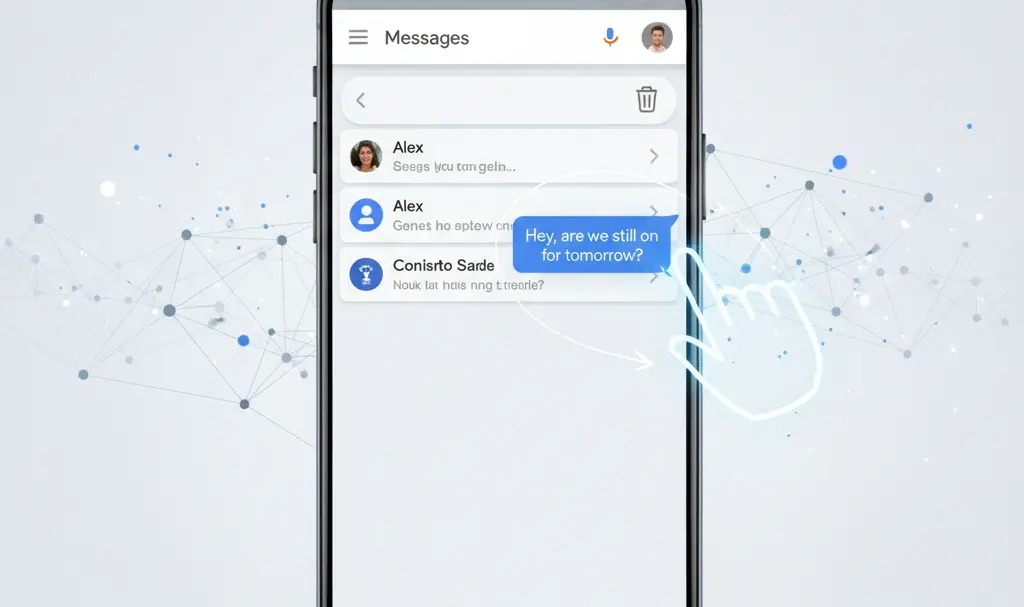
Google Messages has been undergoing significant development recently, and the latest update introduces a highly anticipated feature designed to protect users from accidentally losing important SMS and MMS conversations. This new ‘Trash’ functionality acts much like a recycle bin found in desktop operating systems, providing a crucial safety net for deleted messages.
How the ‘Trash’ Feature Works in Google Messages
Following the successful implementation of live location sharing, Google Messages is now enhancing its message management capabilities. The beta version of the application now includes a ‘Trash’ feature that operates intuitively, mirroring the functionality users are accustomed to on their computers:
- When you delete a message or conversation, it no longer disappears permanently. Instead, it is automatically moved to the ‘Trash’.
- Messages remain in the ‘Trash’ for a period of 30 days. This ample window gives users sufficient time to reconsider and recover any accidentally deleted content.
- Within the ‘Trash’ section, the app provides straightforward options to either permanently delete messages immediately or restore them to your inbox.
This addition is a welcome relief for many, addressing a long-standing user request that prevents the irreversible loss of valuable communication.
A Long-Awaited Feature Arrives
The introduction of a ‘Trash’ or recycle bin feature for messages is not entirely new to the mobile ecosystem. Similar functionalities have been available in competing messaging applications from major players like Samsung and Apple for some time. User feedback, particularly on platforms like Reddit, has highlighted the absence of such an option in Google Messages for over a year, with many expressing frustration over the lack of a recovery mechanism for deleted texts.
Google’s decision to finally integrate this feature brings its messaging platform up to par with industry standards, enhancing user experience and providing much-needed peace of mind.
How to Access the New ‘Trash’ Feature (Beta)
Currently, the ‘Trash’ feature is available to users participating in the Google Messages beta program. To access it:
- Open the Google Play Store on your Android device.
- Search for the “Google Messages” application.
- Scroll down the app’s download page until you find the “Join the beta program” prompt.
- Enroll in the beta program. Once enrolled and the beta update is installed, you should see the new ‘Trash’ option within the app’s settings or menu.
While initially exclusive to beta testers, this feature is expected to roll out to the stable, public version of the Google Messages application for all users in the near future.
Frequently Asked Questions (FAQ)
What is the new ‘Trash’ feature in Google Messages?
The ‘Trash’ feature acts like a recycle bin for your SMS and MMS messages. When you delete a message, it is moved to the Trash instead of being permanently removed immediately, giving you a chance to recover it.
How long do deleted messages stay in the ‘Trash’?
Deleted messages will remain in the ‘Trash’ for 30 days before they are permanently deleted from your device.
Can I restore messages from the ‘Trash’?
Yes, within the 30-day period, you can easily restore messages from the ‘Trash’ back to your main inbox. You also have the option to permanently delete them sooner if you wish.
Is the ‘Trash’ feature available to everyone?
Currently, the ‘Trash’ feature is being rolled out to users in the Google Messages beta program. It is expected to become available to all users in the stable version of the app in the coming weeks or months.
Why is this feature important?
This feature is crucial because it prevents accidental and permanent loss of important conversations, providing a much-needed recovery option for users who might delete messages by mistake.
Source: Phone Arena. Opening photo: Mojahid Mottakin / Adobe Stock
About Post Author
