
Contents
PlayStation 3 Games Launch with a Single Click: A Major Steam Integration
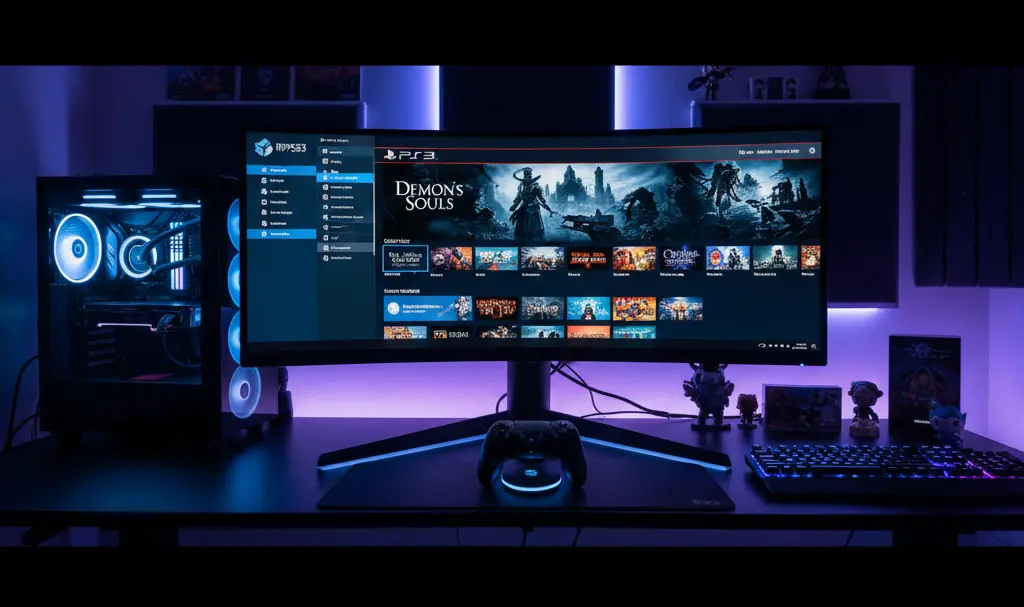
RPCS3, the leading PlayStation 3 emulator, has introduced a significant new feature that seamlessly integrates with Steam, the world’s most popular PC gaming platform. This update means gamers can now enjoy their favorite PS3 classics directly from their Steam library, eliminating the need to switch between applications and streamlining the experience for the millions of PC gamers who use Steam daily.
Bridging the Gap: RPCS3 and the Steam Ecosystem
With nearly 40 million daily active players, Steam represents a crucial platform for any game-related application. RPCS3 has long been celebrated for its remarkable compatibility with PlayStation 3 titles, boasting support for over 73% of the console’s vast library, including recent expansions for series like SingStar.
Beyond expanding its supported game roster, RPCS3’s developers are committed to enhancing user accessibility and attracting new players. This latest integration with Steam is a testament to that commitment, aiming to make the emulator more approachable and user-friendly.
Effortless Access: Steam Shortcuts for Emulated PS3 Games
The new functionality empowers RPCS3 users to easily create direct shortcuts for specific emulated games within their Steam Library. This means you can launch your PlayStation 3 games with unprecedented ease—for instance, directly from Steam’s full-screen Big Picture Mode using a game controller, perfect for a relaxed couch gaming setup.
Previously, achieving this level of integration required multiple, specific manual operations. Now, creating a shortcut is a trivial process, significantly improving the overall user experience and making PS3 emulation more accessible than ever.
How to Create Your RPCS3 Steam Shortcut
Follow these simple steps to integrate your PS3 games into your Steam library:
- Important Note: Ensure Steam is not running in the background before you begin this process.
- In the RPCS3 emulator, right-click on the desired game you wish to create a shortcut for.
- From the context menu, select “Manage Game.”
- Choose the option “Create Steam Shortcut.”
Personalizing Your Steam Library (Optional but Recommended)
After creating the shortcut, you can further enhance its appearance within your Steam library to match your native PC games:
- Utilize websites like SteamGridDB to download custom artwork, including banners, hero images, and logos for your PS3 game shortcuts.
- Apply these graphics in Steam to make your emulated games look as polished and integrated as any typical PC title.
- (Note: RPCS3 often attempts to assign default artwork that appears upon game launch.)
A Game-Changer for Steam Deck Users
This new feature holds particular significance for users of portable gaming devices, especially the Steam Deck. Navigating interfaces with a cursor can be cumbersome on the Steam Deck without a traditional mouse. Direct Steam integration simplifies game launching dramatically, enhancing the overall handheld gaming experience by allowing seamless selection and startup of PS3 titles directly from the Steam Deck’s native interface.
The Future of RPCS3: User-Driven Development
Improved accessibility naturally leads to a larger user base. A growing community, in turn, provides more bug reports, valuable feedback, and potential financial contributions from appreciative players. This cycle of increased engagement and support is crucial for fostering faster development and ensuring the continued evolution and robustness of the RPCS3 emulator.
Frequently Asked Questions (FAQ)
What is RPCS3?
RPCS3 is a free and open-source in-development video game console emulator for the PlayStation 3, designed to allow users to play PS3 games on their computers.
What is the new Steam integration feature?
The new feature allows RPCS3 users to create direct shortcuts for their emulated PlayStation 3 games within the Steam client, enabling them to launch these games directly from their Steam library with ease.
How does this benefit Steam Deck users?
For Steam Deck users, the feature greatly simplifies game launching. Instead of navigating through file systems with a cursor, games can be launched directly from the Steam interface, which is optimized for controller input and portable use.
What is Steam Big Picture mode?
Steam Big Picture mode is a user interface designed for use with a TV and game controller. It provides a full-screen, controller-friendly version of the Steam client, making PC gaming more accessible from a living room setting.
Is RPCS3 legal?
Yes, RPCS3 itself is legal, as emulation technology is generally permitted. However, the legality of obtaining and playing specific game ROMs can vary based on copyright laws in different regions. Users should only play games they legally own.
Source: RPCS3. Opening photo: Gemini
About Post Author
