
Contents
Important LockStar Update for Samsung Good Lock Users
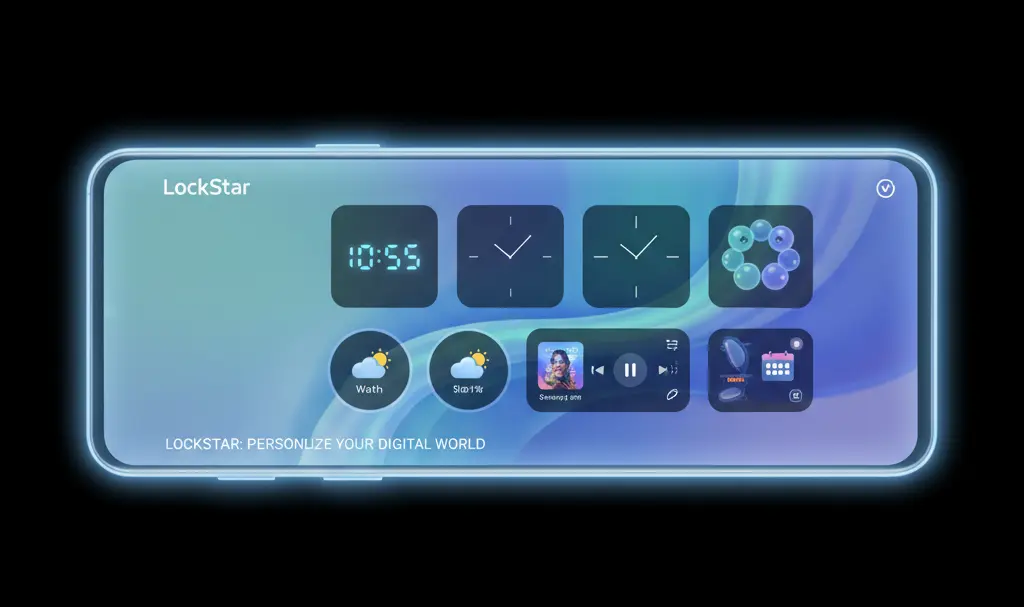
Samsung’s Good Lock suite allows for unparalleled customization of Galaxy devices. Among its most popular modules is LockStar, which empowers users to deeply personalize their lock screen and Always On Display (AoD) experiences. Recently, Samsung rolled out a critical update for LockStar, bringing it to version 8.5.00.17. This update, though seemingly minor, delivers vital bug fixes that significantly enhance stability and user experience, making it a must-install for all Good Lock users.
Why This LockStar Update Matters
While the latest version of LockStar doesn’t introduce flashy new visual features, it focuses on resolving underlying issues that could disrupt daily interactions with your device’s lock screen and AoD. These fixes are crucial for maintaining a seamless and reliable user experience.
Key Bug Fixes in LockStar Version 8.5.00.17:
- Resolved Clock Display Issues: Samsung has eliminated a bug that affected clock settings on both the lock screen and Always On Display. Previously, users might have encountered incorrect time displays or unexpected resets of their carefully configured clock styles. This update ensures your clock always appears as intended.
- Improved Compatibility with Smart Switch and Galaxy To Share (GTS): For users who frequently transfer settings between devices or share Good Lock configurations, previous versions of LockStar could cause errors when utilizing Smart Switch or Galaxy To Share. This update rectifies those compatibility issues, streamlining the setup process for new devices or shared profiles.
- Enhanced Manual AoD Brightness Control: The update addresses an issue with manual brightness adjustment in Always On Display mode. This fix means more predictable and consistent brightness behavior, leading to a more comfortable and reliable AoD experience, especially in varying light conditions.
How to Update LockStar in Good Lock
To ensure you benefit from these crucial stability improvements, updating LockStar to version 8.5.00.17 is straightforward. The update is distributed via the Galaxy Store.
- Open the Galaxy Store: Locate and tap the Galaxy Store icon on your Samsung device.
- Access the Menu: Tap the menu icon (usually three horizontal lines) in the upper-left corner of the screen.
- Navigate to Updates: Select the “Updates” option from the menu list.
- Update All Apps: Tap “Update all” to download and install the latest versions of all your installed applications, including Good Lock and its modules like LockStar.
Once the update is complete, the changes in LockStar will be immediately active. While additional configuration isn’t required, it’s a good practice to quickly check your custom lock screen and AoD profiles to ensure everything is functioning exactly as you expect.
Frequently Asked Questions (FAQ)
What is LockStar?
LockStar is a module within Samsung’s Good Lock suite that allows users to extensively customize their lock screen and Always On Display (AoD). It offers options to change clock styles, notification icons, shortcuts, and more, providing a highly personalized device experience.
Why should I update LockStar?
You should update LockStar to benefit from crucial bug fixes that improve the stability and reliability of your lock screen and Always On Display. This update addresses issues related to clock display, compatibility with data transfer tools, and manual brightness control, ensuring a smoother user experience.
Is Good Lock available on all Samsung Galaxy devices?
Good Lock is primarily designed for Samsung Galaxy devices running a recent version of One UI (typically Android 10 and newer). Availability can vary by region and device model. You can check if it’s available for your device through the Galaxy Store.
What is the Always On Display (AoD)?
Always On Display (AoD) is a feature on many Samsung Galaxy devices that shows limited information (like time, date, battery status, and notifications) on the screen even when the phone is “asleep.” LockStar allows for deeper customization of how this information is presented.
Source: Sammobile, Sammyfans. Opening photo: Gemini
About Post Author
