

Contents
90-Second Ads on YouTube Are… a Bug. The Platform Explains the Blunder
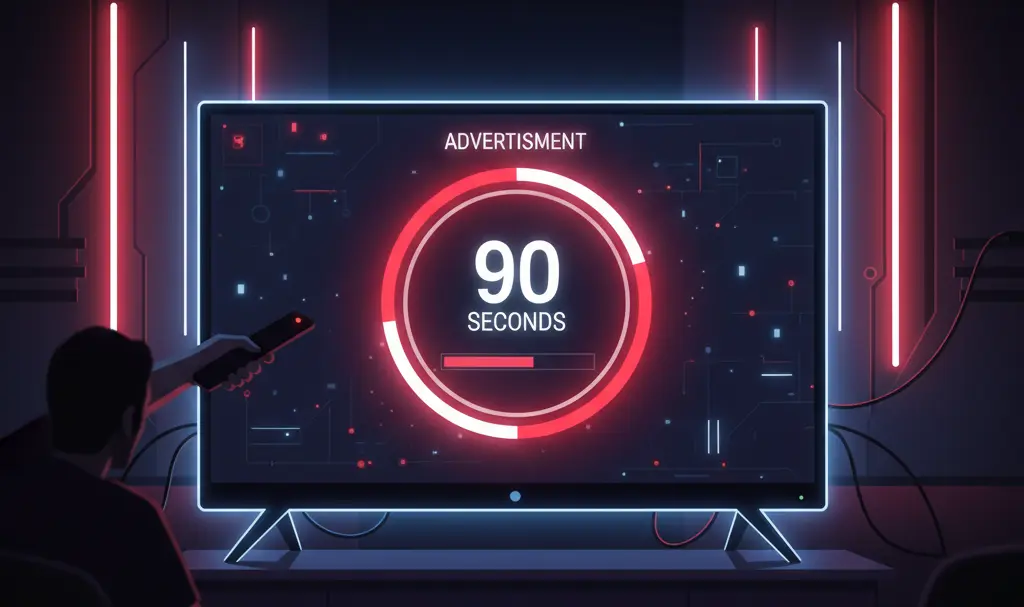
Recently, widespread reports surfaced regarding YouTube users encountering unusually long, unskippable ads lasting up to 90 seconds. While Google now claims this was simply a technical glitch, the situation has left the community with more questions than answers.
The 90-Second Unskippable Ad Controversy
Over the past few days, social media and community forums have been flooded with reports from users who experienced exceptionally long advertising blocks while watching YouTube on their Smart TVs. Instead of the standard ad formats viewers are accustomed to, they were presented with commercial breaks that could not be skipped for up to a minute and a half.
Just as users are adapting to recent interface updates and features like the YouTube AI summaries on the homepage, this unexpected ad anomaly caused major frustration and sparked immediate backlash online.
YouTube’s Official Stance: A Technical Glitch
In response to the growing user dissatisfaction and widespread media coverage, YouTube stepped forward to clarify the situation. The company strongly denied introducing or even testing 90-second unskippable ads.
The official TeamYouTube account released a statement addressing the concerns directly:
“YouTube does not have a 90-second non-skippable ad format. This isn’t something we are testing right now. We’re looking into this further.”
The platform later elaborated that the alarming countdowns were the result of a visual bug. According to YouTube, a software glitch caused the interface to display artificially inflated countdown timers for standard ads, making it appear as though viewers were locked into 90-second unskippable blocks when the actual video creatives were much shorter. The company has already begun rolling out a patch to eliminate the timer error.
A Genuine Bug or a Leaked Experiment?
Despite the official explanation, the incident has left a lingering sense of distrust among the user base. The sheer volume of reports and the fact that the screen explicitly stated the ad could be skipped “in over 90 seconds” has fueled speculation.
Many users wonder if this was truly a coding error or a localized experiment that accidentally went public. Given the platform’s ongoing tweaks across different devices—from optimizing television apps to the YouTube Android Auto limited integration—users remain hyper-vigilant about unannounced ecosystem changes. YouTube has historically pushed the envelope with ad loads to encourage premium subscriptions, making the “experiment” theory plausible to many.
Key Takeaways for Viewers
- No Official 90-Second Ads: Google confirms there is no active 90-second unskippable ad format.
- Visual Bug: The issue was caused by an interface error displaying incorrect countdown times on Smart TVs.
- Fix in Progress: A patch is currently rolling out to smart TV applications to resolve the timer issue.
- Vigilant Community: Users remain skeptical, viewing the glitch as a potential sign of future advertising strategies.
Frequently Asked Questions (FAQ)
Why were YouTube ad timers suddenly displaying 90-second countdowns?
According to Google, the extended countdowns were the result of a visual bug on Smart TV applications. The interface glitch caused the system to display artificially inflated countdown timers for standard ad lengths, creating the illusion of a 90-second unskippable block.
Is YouTube planning to introduce longer unskippable ads in the future?
YouTube has explicitly stated that they do not have a 90-second unskippable ad format and are not currently testing one. However, as the platform continually optimizes its monetization strategies and pushes its Premium tier, ad structures are subject to change.
How can I fix the inflated ad timer issue on my Smart TV?
YouTube is actively deploying a server-side fix and application updates to resolve the bug. To ensure you receive the patch, verify that your Smart TV’s YouTube app is updated to the latest version and try restarting your device.
Source: 9to5Google & Opening photo: Gemini
About Post Author
