

Contents
Applying for a New ID Card: The Digital Dream vs. Bureaucratic Reality
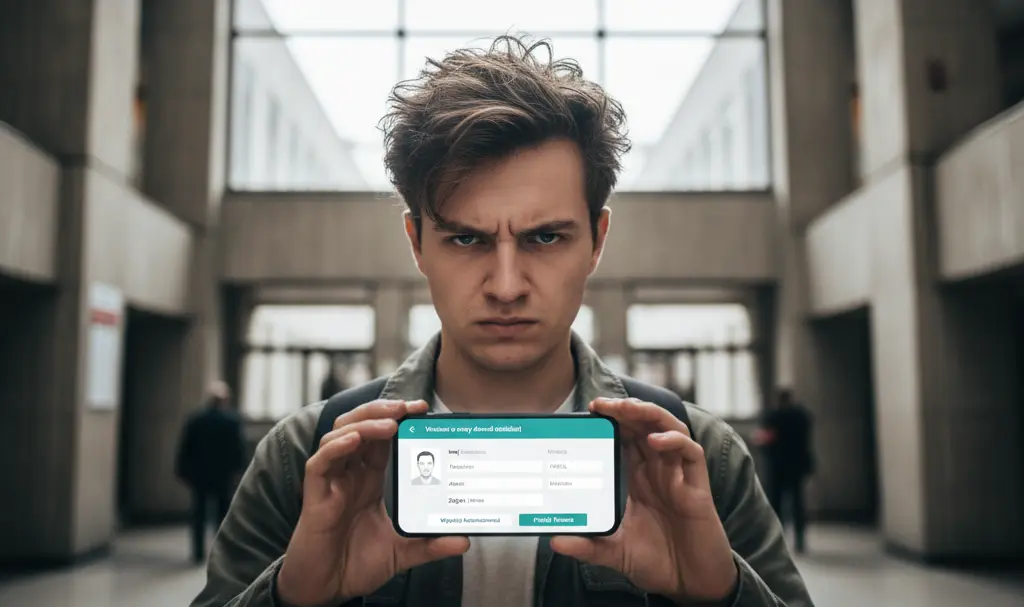
Like many, I’m guilty of putting off administrative tasks, especially those requiring a visit to a government office. My procrastination, fueled by a combination of excuses and sheer laziness, meant I kept delaying getting a new national ID card. My joy was immense when I discovered I could apply through mObywatel, a convenient government mobile application. Filling out the application took less than a minute. However, my excitement was short-lived when I realized that, despite the digital convenience, an in-person visit to the office was still unavoidable.
Procrastination and the Looming Deadline
Initially, I told myself, “there’s plenty of time.” Then, as the first notifications from my bank and mObywatel arrived, warning that my ID card would soon expire, my initial excuse was replaced by others, such as “it’s not convenient to go to the office today.”
In my defense, shift work didn’t help in planning a visit. When I had an afternoon shift, I preferred to use my mornings for errands like grocery shopping to stock the fridge, rather than standing in line at a government counter. Especially since – or so I thought – I still had time.
However, the truth is, I primarily postponed this obligation out of laziness. Everything I told myself was merely to cover up the simple fact that I just didn’t feel like doing it. As a result, the several months until my ID card’s expiration date quickly shrank to mere weeks.
You can imagine my relief when mObywatel sent me a notification stating that I could submit my application directly through the app.
Applying for an ID Card with mObywatel: A Seemingly Simple Process
The application process itself is incredibly efficient. Perhaps the trickiest part is finding where to submit the application within the app. For the record: navigate to the “Services” panel, then select “Handle a case,” and finally, “ID Card.”
From there, mObywatel guides you step-by-step, prompting you on what to do next. It automatically populates your data from its database (names, parents’ names, PESEL – Poland’s national identification number, etc.), so you only need to verify its correctness. The app also asks you to select the appropriate office that will issue the document and your current mailing address.
The entire process takes less than a minute. Crucially, you can even take your ID photo directly within mObywatel. If you’re like me and wonder if you can pose with glasses, for example, the application directs you to a government website where the specific requirements for such photos are detailed. And to clarify: yes, you can.
Honestly, it took me more time to comb my hair for the photo – to manage my “mess” (another charm of remote work) – than it did to complete the application itself.

The Unexpected Twist: An Office Visit Is Still Required
My enthusiasm quickly faded when I received the confirmation message after submitting my application. It turned out that an office visit was still awaiting me.
Why? Officials need to collect my fingerprints and a sample of my signature. I naively thought that since I had applied for a passport only a few months prior, I might be able to bypass this procedure. After all, my fingerprints and signature hadn’t changed in that short time.
Unfortunately, it’s not that simple. And since an office visit is still required, perhaps I can at least take a more flattering photo there? I strongly recommend keeping track of your deadlines so you don’t wake up at the last minute with a problem you’ve been putting off – just like I did.
Source: Own elaboration. Opening photo: daily_creativity / Adobe Stock
Frequently Asked Questions (FAQ)
What is mObywatel?
mObywatel is an official Polish government mobile application that provides citizens with access to various digital documents and public services, including digital ID, driving licenses, and the ability to submit applications for official documents like ID cards.
Can I apply for a new ID card entirely online through mObywatel?
While you can submit your ID card application and even take your photo through the mObywatel app, an in-person visit to a government office is still required for the collection of fingerprints and a signature.
Why are fingerprints and signatures needed for an ID card?
Fingerprints and signatures are crucial biometric data used for identity verification and security purposes, making the ID card more secure and preventing fraud. These are typically collected in person to ensure accuracy and to fulfill legal requirements for official identification documents.
Can I wear glasses in my ID photo taken via mObywatel?
Yes, according to the information provided by the mObywatel app, wearing glasses in your ID photo is generally allowed, provided they meet specific government guidelines regarding reflections and obstruction of the face. The app usually links to detailed official requirements.
About Post Author
