

Contents

Unlocking Advanced Automation with Google Gemini and Android 16
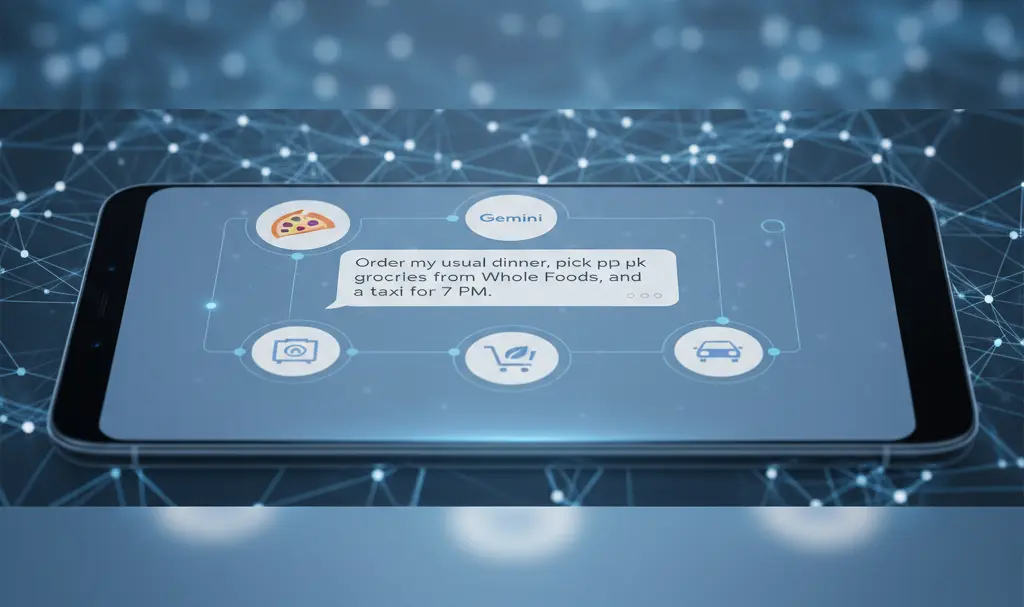
While the recent Galaxy Unpacked conference primarily focused on the Samsung Galaxy S26 smartphone series, Google also made a significant appearance. The Mountain View-based company unveiled exciting changes to Google Gemini, designed to simplify and automate numerous tasks through seamless integration with other applications. Crucially, this extends beyond just native Android apps. Let’s delve into the most frequently highlighted applications and understand how this automation is set to function.

Google Gemini: Your Future Personal Assistant for Everyday Tasks
Google Gemini has previously offered users app integrations, but now a more concrete and practical set of applications is emerging. Upcoming smartphones, including both the Google Pixel 10 and Samsung Galaxy S26 series, will leverage Gemini’s capabilities to interact with popular services such as Uber, DoorDash, and Grubhub. While the latter two are predominantly U.S.-based services, this marks a significant step towards broader app integration.
How Gemini’s App Automation Works
Once you approve a command, Gemini will open a new application window within a secure environment. This design prioritizes user control and transparency:
- Visibility: You can view this app window at any time to monitor Gemini’s progress.
- Control: Should you notice any errors or wish to intervene, you can pause the task and take over control from the AI.
- Final Confirmation: Importantly, Google Gemini will not finalize orders or purchases on your behalf. A notification will appear on your screen, prompting you to complete the action, ensuring you always have the final say in transactions.
Android 16: The Engine Behind Automation
These transformative capabilities are made possible by the introduction of the new AppFunctions module in Android 16. Google confirms that the applications extend far beyond just online shopping. Here are a few examples of what users can expect:
- Setting reminders for specific times or events.
- Creating personalized playlists within music streaming applications.
- Searching for specific content within your emails and seamlessly adding it to another application.
Looking ahead, Google has also announced that Android 17 is slated to further enhance the efficiency and functionality of Google Gemini’s task automation with third-party applications. This initial suite of features is planned to be exclusively available on the Google Pixel 10 and Samsung Galaxy S26 series, with a projected rollout starting in March 2026.
Frequently Asked Questions (FAQ)
What is Google Gemini’s new app automation feature?
Google Gemini is gaining enhanced capabilities to automate tasks directly within other applications, such as ordering food, making purchases, or calling a taxi, without leaving the Gemini interface.
Which apps will Gemini integrate with initially?
Initially, Gemini will integrate with services like Uber, DoorDash, and Grubhub, expanding the range of automated tasks available to users.
How does Gemini ensure user control and security during automation?
Gemini operates within a secure, visible app window, allowing users to monitor progress, pause tasks, and take control at any point. Crucially, Gemini will not finalize any orders or purchases without explicit user confirmation.
Which devices will support this new functionality?
These advanced automation features will be exclusively available on the upcoming Google Pixel 10 and Samsung Galaxy S26 series.
When will these features be available?
The initial rollout of these Google Gemini automation features is expected to begin in March 2026.
Source: 9 to 5 Google. Opening photo: Generated by Gemini.
About Post Author
