

Contents

Identifying Fake Applications in App Stores: Your Guide to Mobile Security
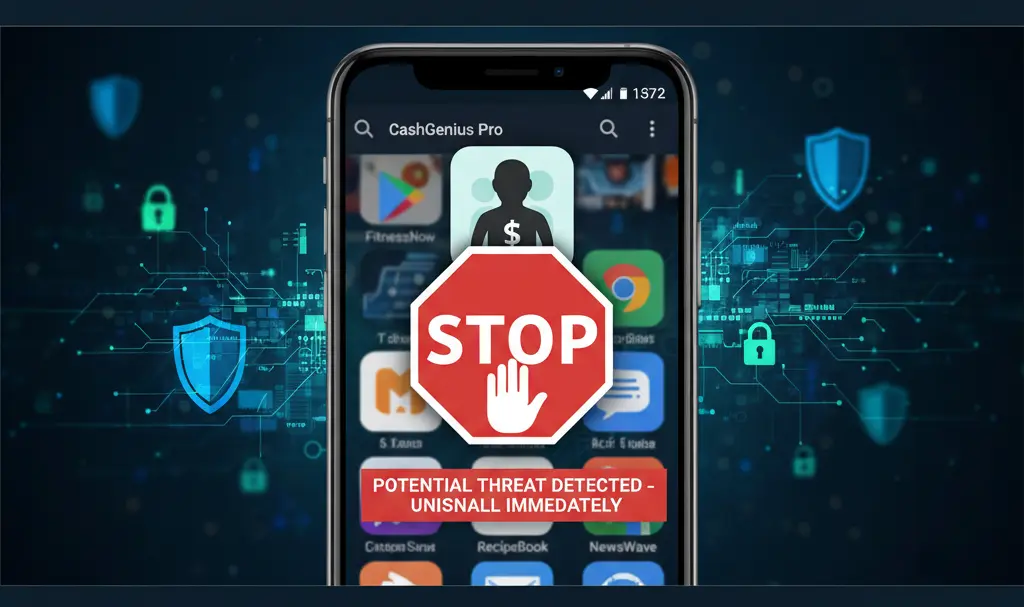
While popular app stores like Google Play strive to verify applications before making them available, harmful software occasionally slips through, disguised as legitimate programs. These fake applications can pose significant risks to your device security and personal data. Knowing how to spot these imposters is crucial for protecting yourself in the digital landscape.

Key Indicators to Spot a Fake Application
Vigilance is your best defense against malicious apps. Here are the critical elements to scrutinize before downloading any application:
App Name and Icon
Fake applications often mimic the names and icons of well-known, trusted programs very closely. They might use subtle misspellings, slightly altered logos, or variations in color schemes that are hard to notice at first glance. Always compare the app’s name and icon directly with the official version you expect to find. Look for any unusual characters, extra words, or minor design discrepancies.
App Description
Genuine applications typically feature detailed, professional descriptions in Google Play. A red flag should be raised if an app description is:
- Missing entirely or extremely short.
- Full of grammatical errors, typos, or awkward phrasing.
- Generic, vague, or contains suspicious promises that seem too good to be true.
- Copied directly from another popular app.
Number of Downloads
Established and popular applications from major services (like social media platforms, messengers, or banking apps) boast millions of downloads. If an app claiming to be from a widely-used service or bank only shows a few hundred or a few thousand downloads, it’s a strong indication that it could be a fake. While new legitimate apps start with low download numbers, exercise extra caution with apps claiming to be popular tools.
App Ratings and Reviews
Examine the user reviews and overall ratings carefully. Be wary of:
- An absolute lack of user ratings.
- Numerous, consistently very low ratings without specific, constructive feedback.
- An abundance of overly positive, generic reviews posted within a very short timeframe. This often suggests that reviews might be fake or purchased to boost the app’s apparent legitimacy.
- Reviews that seem unrelated to the app’s actual function.
App Permissions
One of the most telling signs of a malicious app is its request for overly broad or irrelevant permissions. For example, a simple calculator or QR code scanner app has no legitimate reason to require extensive access to your:
- Contacts.
- Messages (SMS).
- Camera (if not a camera app).
- Microphone.
- Location data.
- Call history.
Always review the requested permissions before installation and question any that seem unnecessary for the app’s stated function.
Developer Information
Google Play provides information about the app developer just below the app’s name. It’s always wise to:
- Click on the developer’s name to see other apps they have published.
- Check if the developer name matches the official company behind the legitimate app (e.g., “Google LLC” for Google apps).
- Look for a legitimate developer website or contact information. Suspiciously generic or non-existent developer profiles are major red flags.
By diligently checking these factors, you can significantly reduce your risk of downloading a fake or malicious application, safeguarding your personal information and device integrity.
Frequently Asked Questions (FAQ)
Why are fake apps dangerous?
Fake apps can be dangerous because they often contain malware, spyware, or adware. They can steal your personal data (passwords, banking information), display intrusive ads, infect your device with viruses, or even take control of your phone, leading to identity theft or financial loss.
What should I do if I find or have installed a fake app?
If you suspect an app is fake, do not install it. If you have already installed one, immediately uninstall it from your device. Then, run a reputable mobile antivirus scan to check for any remaining malware. Change any passwords that might have been compromised, especially for banking or sensitive accounts. You should also report the app to Google Play to help protect other users.
Are all new apps with few downloads fake?
No, not all new apps with few downloads are fake. All legitimate apps start with a low number of downloads. The key is to combine this factor with other indicators. If a new app from an unknown developer requests excessive permissions and has a vague description, it’s more suspicious than a new app from a reputable developer with relevant permissions and a clear purpose.
How can app stores prevent fake apps?
App stores like Google Play use automated scanning, manual reviews, and user reporting to identify and remove fake or malicious applications. They continuously update their security protocols and developer guidelines to make it harder for harmful software to proliferate. However, given the sheer volume of apps, some can still slip through, making user vigilance essential.
Source: Internal Research. Opening photo: Gemini
About Post Author
