

Contents

Google Chrome for Android Gets Major Reading Mode Overhaul for Enhanced Comfort
Big changes are coming to Google Chrome’s reading mode on Android devices. The Mountain View company is introducing extensive visual customization options designed to significantly enhance the comfort of consuming written content within the browser.

What’s New in Chrome’s Reading Mode?
The Google Chrome browser for Android is set to receive substantial updates to its reading mode. The most significant improvement is the long-awaited ability to manually activate the feature, which will now be accessible from the three-dot menu.
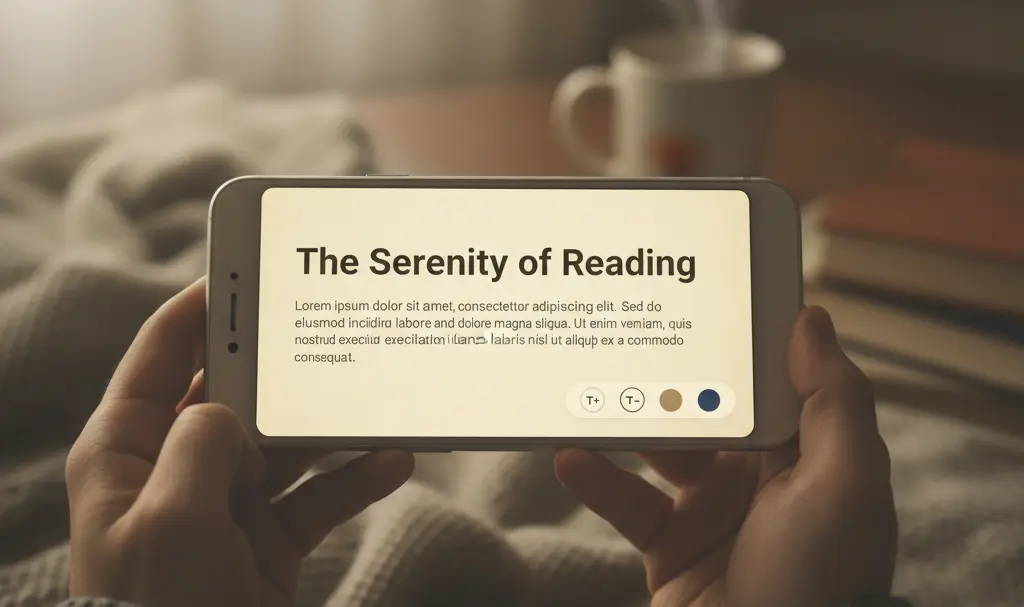
Importantly, once activated, the reading mode interface will not obstruct a large portion of your screen. It currently utilizes a Material 3 Expressive-based settings sheet that slides up from the bottom, offering a streamlined and non-intrusive experience.
Key enhancements focus on personalizing the reading experience. With this update, users will be able to customize several visual elements, including:
- Font Type: Choose from a selection of fonts that are most comfortable for you.
- Font Size: Adjust the text size to your preference, reducing eye strain.
- Background Colors: Select from various background colors, including darker shades, which can be particularly beneficial for sensitive eyes or reading in low-light conditions.
These personalization options are crucial for accessibility and can make a remarkable difference in reducing eye fatigue, especially during extended reading sessions.
Rollout and Availability
The implementation of these new features began in early February and is currently being rolled out server-side. It’s important to note that not all websites may be compatible with the reading mode. In such cases, an appropriate message will be displayed, informing the user of the incompatibility.
How to Enhance Your Chrome Browser on Android
While the new reading mode significantly improves the built-in browser experience, users often look for additional functionalities. One of the most compelling aspects of Google Chrome is its support for extensions, which add features not natively available.
Historically, Chrome extensions were only available on the desktop version of the browser. However, this doesn’t mean smartphone users are entirely out of luck:
- Third-Party Browsers: Browsers like Kiwi Browser officially support extensions from the Chrome Web Store on Android devices. This provides a bridge for users who want desktop-like functionality on their mobile phones.
- Dedicated Mobile Apps: Many popular services that offer Chrome extensions also provide dedicated mobile applications in the Google Play Store. These apps often offer similar functionality optimized for the mobile environment.
These alternatives allow users to expand Chrome’s capabilities and tailor their mobile browsing experience even further, beyond the native features provided by Google.
Frequently Asked Questions (FAQ)
What is the new reading mode in Google Chrome for Android?
The new reading mode in Google Chrome for Android is an updated feature designed to make reading web content more comfortable and accessible. It allows users to manually activate a simplified view of web pages, free from distractions, and offers extensive customization options.
How can I activate the reading mode in Chrome for Android?
With the latest update, you can manually activate the reading mode by tapping the three-dot menu icon in your Chrome browser on Android and selecting the reading mode option.
What customization options are available in the new reading mode?
Users can now personalize various visual elements in reading mode, including changing the font type, adjusting the font size, and selecting different background colors (such as darker shades for better eye comfort).
Can I use Chrome extensions on my Android phone?
While Google Chrome on Android doesn’t natively support extensions, you can use third-party browsers like Kiwi Browser, which officially support extensions from the Chrome Web Store. Additionally, many services offer dedicated mobile apps that provide similar functionality.
Why is a customizable reading mode important?
A customizable reading mode is important for several reasons: it reduces eye strain during long reading sessions, improves accessibility for users with visual impairments, minimizes distractions for better focus, and allows users to tailor the reading environment to their personal preferences, ultimately enhancing the overall browsing experience.
Source: 9to5Google. Opening photo: Gemini
About Post Author
