

Contents
Google Play Store to Alert Users About Power-Hungry Apps
Google is stepping up its efforts to help Android users maintain optimal battery life on their smartphones. The tech giant has announced a significant new feature coming to the Google Play Store: a prominent warning system designed to identify and flag applications that consume excessive battery power through high background activity. This proactive approach aims to empower users with crucial information before they even download an app, ensuring a better and more efficient smartphone experience.
New Battery Drain Warnings in Google Play Store
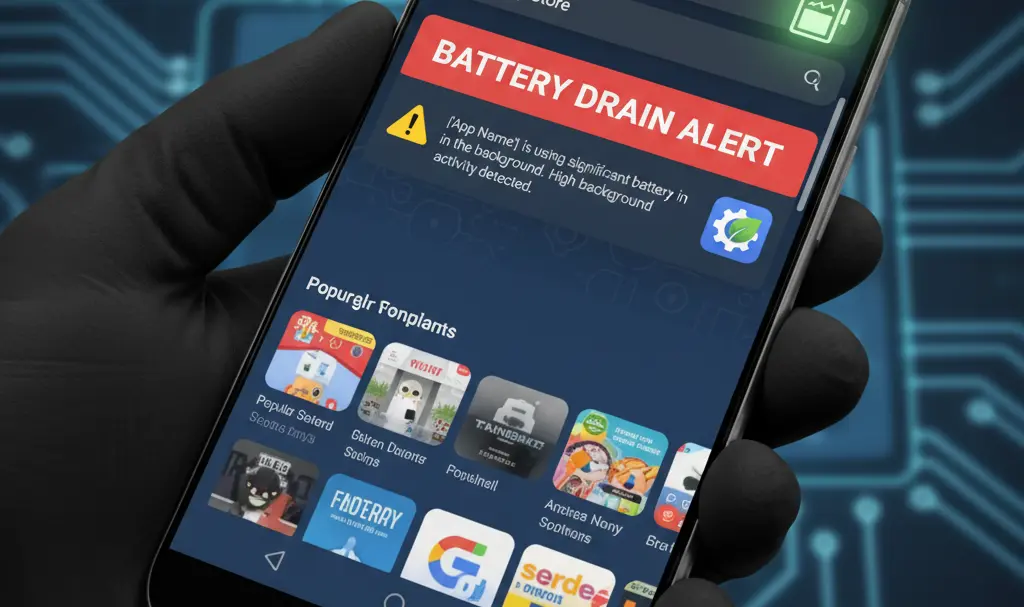
Soon, every Android smartphone user will benefit from a new alert system directly within the Google Play Store. This innovative feature, initially hinted at during recent Pixel updates, will display a clear warning message on the app’s page, positioned just below the user ratings and before the detailed description.
The warning will specifically state that a particular application “may use more power than expected due to high background activity.” This means users will be immediately aware if an app is likely to drain their battery faster, allowing them to make an informed decision prior to installation. This transparency is a game-changer, helping users avoid apps that could negatively impact their device’s endurance.
Google’s Broader Commitment to Battery Optimization
This new Play Store warning is part of Google’s ongoing, comprehensive strategy to enhance battery performance across the Android ecosystem. The Mountain View giant has been steadily expanding its suite of battery-related tools and features.
For instance, many modern Android smartphones, especially Google Pixel devices, already offer advanced battery diagnostics. These tools allow users to check the health and condition of their battery, often displaying a percentage indicating its overall capacity and longevity. While advancements in hardware, such as new silicon-carbon battery cells, are crucial for extending battery life, Google ensures that its software development keeps pace, providing users with robust tools to manage and monitor power consumption.
What This Means for Android Users
The introduction of these new warnings represents a significant step forward for Android users worldwide.
- Informed Decisions: Users can easily identify and avoid apps known for excessive battery drain before installing them.
- Improved Battery Life: By choosing more efficient apps, users can extend their smartphone’s daily operational time.
- Healthier Devices: Reducing the strain from power-hungry applications contributes to better long-term battery health.
- Enhanced Transparency: Google is providing greater transparency into app behavior, fostering a more trustworthy app ecosystem.
This move underscores Google’s commitment to optimizing the Android experience, ensuring that users get the most out of their devices without constantly worrying about their battery life.
Frequently Asked Questions (FAQ)
What is the new Google Play Store battery warning?
The new warning in the Google Play Store will alert users about applications that consume excessive battery power due to high background activity. This message will appear directly on an app’s page before installation.

How will this warning help me manage my smartphone’s battery?
This warning will allow you to make more informed decisions about which apps to install. By identifying and potentially avoiding power-hungry apps, you can prevent unnecessary battery drain and extend your smartphone’s daily usage time.
Is Google doing anything else to improve battery life on Android phones?
Yes, Google has been consistently working on battery optimization. This includes providing tools like battery diagnostics on Pixel phones to check battery health and capacity, as well as ongoing software improvements to manage power consumption more efficiently across the Android ecosystem.
Source: AndroidAuthority, internal research.
Opening photo: Gemini
About Post Author
