

Contents
Google Gemini’s Latest Update: Unlocking Faster AI Access
Google Gemini has rolled out a subtle yet profoundly impactful update designed to supercharge your productivity. By strategically placing a single button within its core interface, accessing a suite of powerful generative AI tools has become remarkably faster and more intuitive. If you’re keen on optimizing your digital workflow, dive deeper to understand how this change from the Mountain View tech giant can benefit you.
What’s New with Google Gemini’s Interface?
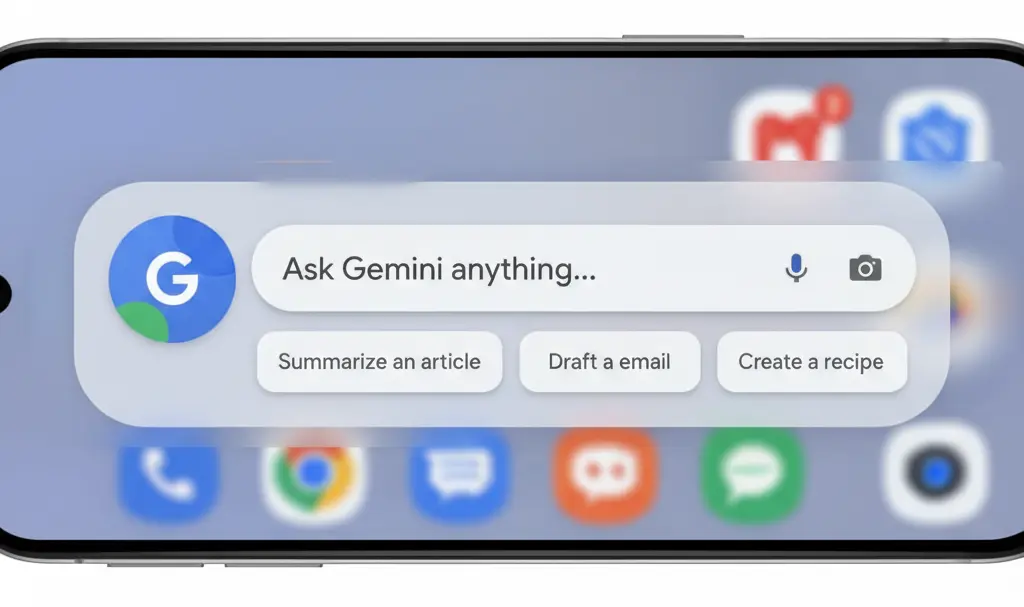
The core of this enhancement lies in Google’s refinement of the interface that appears when you simply say, “Okay, Google.” Previously, interacting with Gemini often required navigating directly into its dedicated application. Now, this constraint has been lifted.
A new, prominent button on the left side of the “Okay, Google” window provides direct access to a comprehensive set of Gemini’s advanced capabilities. This integration means users no longer need to launch the full Gemini app for many common tasks, significantly reducing friction and saving valuable time. This new feature is globally rolling out and has been observed on various Android devices, including those running Android 13.
Instant Access to Powerful AI Tools
This quick-access menu is a gateway to a range of creative and analytical AI functionalities. Users can now:
- Generate Images: Instantly create visuals using tools like Nano Banana 2.
- Compose Music: Leverage advanced generators such as Lyria for musical compositions.
- Explore Vibecoding: Access Canvas for creative vibecoding projects.
- Conduct Deep Research: Utilize a dedicated Deep Research mode, especially beneficial for academics and professionals requiring in-depth analysis.
Streamlined Workflow for Enhanced Productivity
The key benefit of this update is the seamless integration and speed it offers. Previously, accessing these individual tools within Gemini necessitated opening the standalone application. Now, a simple voice command followed by a tap on the new button on your home screen is all it takes. This not only shaves off precious seconds from your interaction but also makes Gemini feel more deeply embedded and responsive within the entire Android operating system experience.
This improved accessibility underscores Google’s commitment to making generative AI a more integral and user-friendly part of our daily digital lives, transforming how we interact with our devices for creation, information retrieval, and productivity.
Frequently Asked Questions (FAQ)
What is the main change in Google Gemini?
Google Gemini has introduced a new button within the “Okay, Google” interface, providing faster, direct access to various AI tools without needing to open the full Gemini application.

Which AI tools are accessible through this new feature?
Users can quickly access tools for image generation (e.g., Nano Banana 2), music composition (e.g., Lyria), vibecoding (Canvas), and a dedicated Deep Research mode.
How does this update improve user experience?
It streamlines the workflow by allowing users to invoke AI tools directly from the home screen using voice commands, making interactions faster and more integrated with the operating system.
Is this feature available globally?
Yes, the update is rolling out globally and has been observed on various Android devices.
Source: 9 to 5 Google. Opening photo: Gemini
About Post Author
