

Contents
Google Enhances Android App with Easier AI Conversation Access
Google is continually refining its mobile experience, and the latest update to its Android application brings a significant quality-of-life improvement for users interacting with its AI assistant. This new feature allows users to quickly revisit previous AI conversations, streamlining the experience and making it more intuitive.
Seamlessly Access AI Conversation History
The Google app on Android is receiving an update that introduces rapid access to conversations conducted within “AI Mode.” This innovative solution empowers users to instantly return to earlier interactions with Google’s artificial intelligence system without the need to re-enter queries or search for old chats.
This enhancement is particularly useful for users who frequently leverage AI for information, creative tasks, or general assistance, allowing for continuity in their digital interactions.
New Home for AI History in the Discover Feed
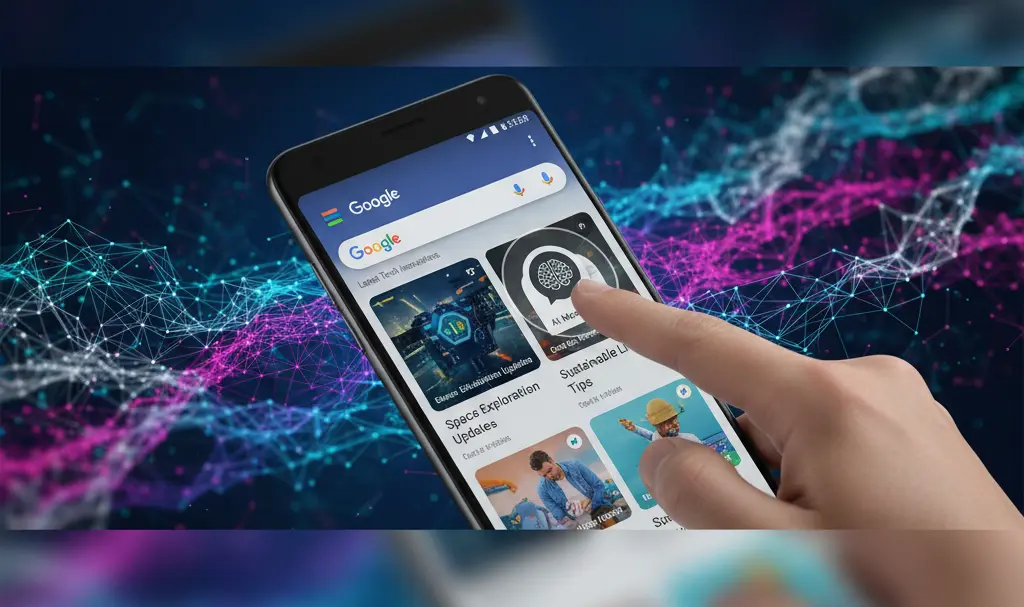
The most noticeable change appears in the app’s main section, specifically within the Discover feed. The spot previously occupied by the Search Labs icon, characterized by a distinctive laboratory flask, now features a dedicated button leading directly to the AI Mode conversation history. Tapping this button will reveal a panel sliding up from the screen’s bottom, displaying a list of recent conversations that can be immediately re-engaged.
Interface Adjustments and Relocated Search Labs
Beyond the quick access button, the update also brings several other refinements to the visual design of AI Mode itself. To maintain consistency across the application, the history icon on the AI Mode homepage has been strategically placed on the left side. Additionally, the traditional back button has been replaced with a downward-facing arrow, further simplifying navigation.
Where to Find Search Labs Now
For those accustomed to finding experimental features, the location of Search Labs has also shifted. This feature has been moved to the user account menu, now residing just below the settings option. This new location is where users can explore available Google experiments, sign up to test new functionalities, or opt-out of previews.
Rollout and Availability
This new functionality is progressively rolling out to users testing the beta version of the Google app (version 17.9) on Android. This suggests a broader release to the stable version of the application can be expected soon, making these conveniences available to a wider audience.
Frequently Asked Questions (FAQ)
What is AI Mode in the Google app?
AI Mode refers to the integrated artificial intelligence capabilities within the Google app, such as Google Bard or Gemini, which allow users to interact with an AI assistant for various tasks, from answering questions to generating creative content.

How do I access my AI conversation history after this update?
After the update, you can access your AI conversation history directly from the Google app’s Discover feed. Look for a new button that replaces the old Search Labs icon. Tapping it will open a panel with your recent AI chats.
What are Google Search Labs, and where can I find them now?
Google Search Labs is a platform where Google tests new, experimental features before a wider release. With this update, Search Labs has been relocated to your user account menu within the Google app, accessible just below the main settings.
Source: 9to5Google, original research. Opening photo: Gemini
About Post Author
