

Contents
Understanding Scareware: Don’t Fall for Fake Security Alerts
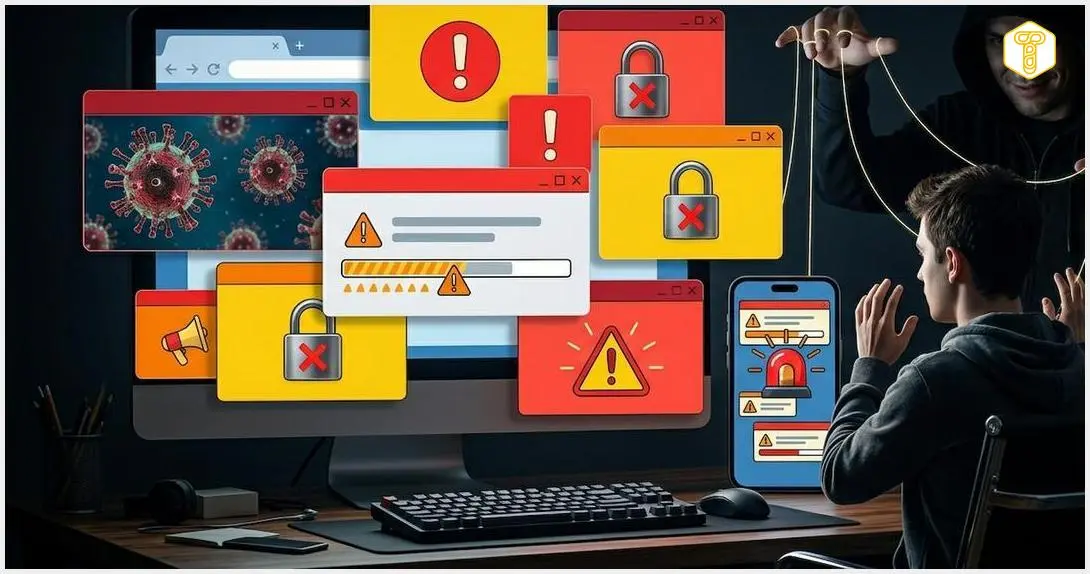
“Your computer is in danger!”, “5 threats detected – secure now!”. Such messages, suddenly popping up in your browser, have one goal: to provoke fear and override your common sense. Although they look alarming, there’s usually nothing wrong with your device. You’ve simply encountered scareware – an effective manipulation technique used not only by cybercriminals.
The Blurry Line Between Security and Marketing
Scareware refers to malicious software or practices that frighten users with fabricated threats. It’s not just fraudsters who employ it; many antivirus software producers also use these tactics. The aim of scareware is to induce unwarranted fear, compelling users to take a specific action, such as making a purchase, clicking a link, or placing a phone call.
Classic scareware methods include:
- Pop-up windows that suggest a virus infection, registry problems, or a critically low battery state. These alerts are designed to look urgent and official, often mimicking system notifications.
- Special effects like flashing colors, alarm sounds, or countdown timers, which are intended to force an impulsive reaction, giving you little time to think rationally.
- Impersonating authorities through messages about “illegal content” and threats of fines if the user doesn’t immediately pay a “penalty.” This tactic often plays on the fear of legal repercussions.
- Fake technical support, where users are coerced into contacting a phone number, leading to attempts to extort money or gain remote access to their computer. This can sometimes escalate to installing other forms of malware.
When Security Software Overuses Fear
Some antivirus programs, often installed as bloatware (e.g., AVG, McAfee, or Avast), tend to exploit fear. This isn’t about simulating actual threats. Instead, it’s about crafting message content in a way that warns of potential issues that could arise if you don’t install the paid version or renew your subscription.
If you’re using a trial version, these programs might display intrusive messages about “potential threats” or simulate scans with “potential infections” to convince you to purchase the full, paid version. While this practice shares characteristics with scareware, it’s more accurately described as a form of adware employed by some antivirus software developers. The biggest threats, however, often lie elsewhere.
Browser Scareware: Fake Alerts in Your Web Browser
Scammers leveraging scareware often target popular web browsers, so you might encounter these deceptive alerts while browsing the internet. This doesn’t only happen on suspicious websites that typically host malware and scripts triggering fake alerts.
Even the most cautious users can encounter what’s known as browser scareware – alerts designed to mimic legitimate system messages or antivirus notifications. These pop-up windows frequently simulate a computer scanning process or warn about inadequate protection. The primary goal is to trick users into clicking a link, which typically leads to websites demanding payment for fake services.
Sometimes, this can involve attempts to force a phone call. Cybersecurity firms have documented cases where Chrome or Edge browsers are blocked by windows containing messages that direct users to call centers. These centers then demand fees or manipulate victims into installing spyware or remote access software, which could lead to further compromise like the BeatBanker malware.
How to React to Browser Scareware:
First and foremost, do not click on anything, do not enter any data, and do not call any numbers provided in the alerts. The best immediate action is to close the browser tab. Afterward, it’s advisable to clear your browser’s cache and cookies. Simply seeing such an alert doesn’t necessarily mean negative consequences, but for peace of mind, you can scan your computer with legitimate antivirus software or activate Windows Defender.

It’s worse if you actually click on such an alert. In a classic scareware scenario, the goal is merely payment. However, fraudsters have sometimes adopted more “hybrid” approaches. Clicking an alert has been known to install malware loaders that deploy botnets, cryptojacking tools, or, in some cases, even ransomware.
It’s also important to note that scammers often make it difficult to dismiss these messages. The button to close the window might be intentionally hidden, or closing one fake alert could trigger several more.
If the malicious application makes it difficult or blocks you from closing the window (or the entire browser), the best course of action is to end the responsible process in the task manager. On Windows, this is typically done using the shortcut Ctrl + Alt + Delete, and on macOS, it’s Command + Option + Escape. It’s also wise to disable notifications in your browser and use an ad blocker, which can significantly reduce this type of spam. Furthermore, ensure your browser is up-to-date. The latest versions of Chrome, Safari, Edge, and Opera include numerous built-in tools that, often with the help of AI, detect various threats, including scareware.
Dealing with Scareware on Smartphones
The situation is equally relevant for mobile browser users. Scareware advertisements are designed to appear like official system warnings. Their goal is typically to trick the victim into downloading “cleaning” applications, which themselves are often malicious software.
These types of messages can also direct users to websites that encourage installing fake apps. These apps are ultimately designed to extort money, for example, by tricking you into agreeing to a weekly subscription.
What to Do if You See a Scareware Message on Your Phone:
First and foremost, do not panic; your phone has almost certainly not “caught” a virus.
Here’s what to do if you encounter scareware on your smartphone:
- Force close the browser: Do not close the window using “OK”, “Cancel”, or “X” buttons on the ad itself, as these can sometimes trigger file downloads. Instead, close the entire application from your recently opened apps list.
- Clear cookies and cached data: Get rid of any cookies and scripts that might have been saved in your browser’s cache. In other words, clear your browsing history and site data to prevent the message from recurring.
- Verify your installed applications: Observe if these ads started appearing after downloading a new program (e.g., system optimizer, battery saver, QR code reader, or file manager). These can often be the source of the problem. Go into your phone’s settings, find the applications section, and look for any apps you don’t recognize or that look suspicious. Uninstall them immediately.
Summary
Scareware is primarily a psychological game, preying on your emotions. While the messages look threatening, in most cases, they are merely a “shell” designed to trick you into making a mistake. Remember, no legitimate antivirus software or operating system will display virus reports within a webpage. You can certainly recognize manipulation; simply don’t let yourself be intimidated, especially if the message instructs you to act “immediately,” includes a countdown, or flashes with bright colors. It’s always best to take proactive steps to prevent such situations. Ad blockers and regular phone maintenance are effective. Good practices also include avoiding installing apps from untrustworthy sources and steering clear of suspicious websites.
Frequently Asked Questions (FAQ)
How can I differentiate between a real security alert and scareware?
Genuine security alerts from your operating system or installed antivirus software typically appear as system notifications, not as pop-ups within your web browser. They will also usually direct you to the official application interface rather than asking you to call a number, click a suspicious link, or make an immediate payment. Scareware often uses aggressive language, countdown timers, flashing lights, or demands immediate action, playing on fear and urgency.
Is my device actually infected if I see a scareware pop-up?
Not necessarily. The appearance of a scareware pop-up itself does not automatically mean your device is infected. Often, it’s just a malicious script on a website attempting to trick you. However, if you clicked on the pop-up, downloaded a file, or entered personal information, there is a higher risk of actual infection or compromise. It’s always best to follow the steps to close the alert, clear browser data, and run a scan with trusted security software if you suspect any interaction.
Can scareware steal my personal information or money?
Yes, absolutely. While some scareware merely aims to scare you into buying a fake service, others are designed to lead you down a path where you might reveal personal information (like credit card details for a “subscription”) or be tricked into granting remote access to your computer, allowing scammers to install actual malware, steal data, or demand money directly. Always be cautious and never share sensitive information or grant remote access based on unsolicited pop-ups.
Source: PCrisk, Norton, Bitdefender, Facebook, Malwarebytes, AVLab, Reddit, Facebook. Opening photo: Image generated by Nano Banana 2
About Post Author
