

Contents

Samsung Smart TV Update: A New One UI Tizen Experience for Older Models
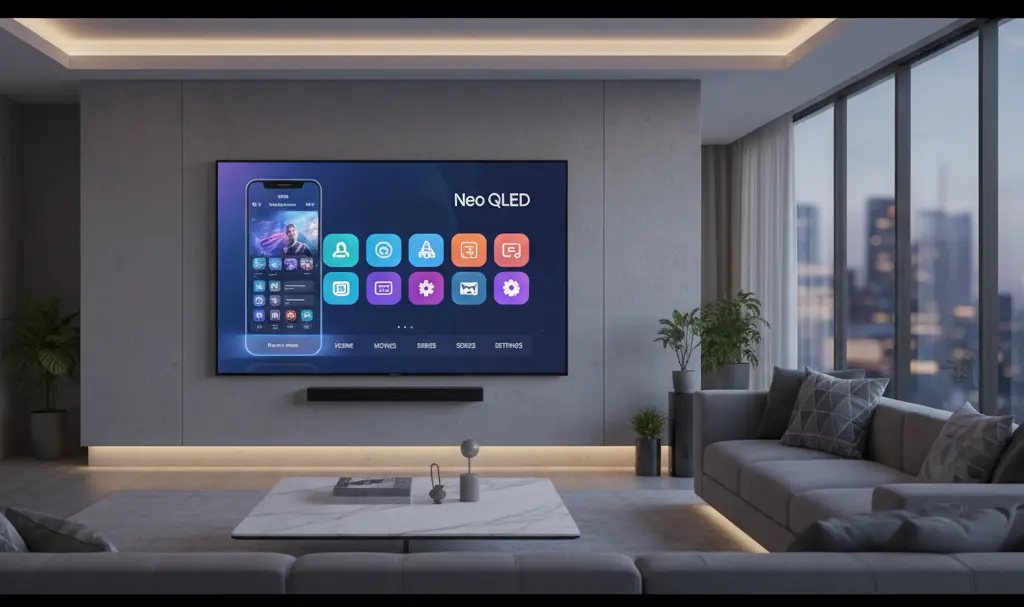
Samsung has officially started rolling out the Tizen 9 OS update to select 2023 Smart TV models. Initially spotted rolling out globally in regions like Europe, this software upgrade brings a heavily refreshed interface to premium displays, including the popular Neo QLED series. The update marks a significant shift in Samsung’s television ecosystem, aligning the big-screen experience closer to its mobile devices.

A Galaxy-Inspired Redesign
The most notable change in the Tizen 9 update is the completely overhauled interface. Stylistically, the new operating system heavily borrows from the One UI environment familiar to Samsung Galaxy smartphone users. This unification effort is designed to create a seamless, modern ecosystem across all Samsung devices.
Key aesthetic changes include:
- Modernized Typography: Sleeker, cleaner fonts that match the Galaxy mobile lineup.
- Refreshed Icons: Redesigned application and system icons for a contemporary look.
- Updated Pop-up Menus: Smoother animations and more intuitive floating windows.
- Streamlined Settings: A reorganized settings menu that builds upon the Samsung One UI 9 design overhaul.
Overall, the new interface is exceptionally neat and modern. For users already integrated into the Samsung ecosystem, navigating the TV will now feel incredibly intuitive and familiar.
The Readability Issue: Smaller UI Elements
While the redesign is visually appealing, it has introduced a practical challenge for some users. To achieve that minimalist smartphone aesthetic, nearly all interface elements have been scaled down. As a result, text and icons can be difficult to read—especially when viewing the television from a standard living room distance.
This decreased readability does not affect everyone equally. The impact largely depends on the size of the TV and the viewing distance. While owners of massive home theater displays might not notice a significant difference, those with smaller models are finding the new, compact UI straining on the eyes.
How to Fix Text Readability on Samsung TVs
Fortunately, Samsung anticipated this potential accessibility hurdle and included a built-in solution. If you find the new Tizen 9 interface too small, you can easily adjust it:
- Navigate to the TV’s Settings menu.
- Select the Accessibility tab.
- Toggle on the option to Enlarge Menu and Text.
Enabling this feature instantly scales up the majority of the interface elements, making the system much easier to read and navigate from across the room.
Rollout Details and the Future of Tizen OS
It is important to note that the Tizen 9 update is rolling out in phases. If your 2023 model has not received it yet, do not worry. The deployment process varies depending on the specific model and global region. Users can manually check for the update in their system settings or wait for the automatic over-the-air (OTA) notification.
Looking ahead, Samsung is continuously evolving its software. Upcoming 2026 Smart TV models are slated to feature the next generation of One UI Tizen, which will focus heavily on artificial intelligence integrations, similar to what is new in One UI 9 multi-window AI cross-device capabilities.
Frequently Asked Questions (FAQ)
Which Samsung TV models are currently receiving the One UI Tizen 9 update?
The update is primarily rolling out to select 2023 Samsung Smart TV models, including the premium Neo QLED series. Availability is rolling out gradually and depends on your specific region and television model.
Why is the text on my Samsung TV smaller after the recent update?
The new Tizen 9 update redesigned the interface to match the sleek, modern aesthetic of Samsung Galaxy smartphones. This redesign involved scaling down fonts and icons, which can make them harder to read from a distance, particularly on smaller TV screens.
How can I make the text and menus larger on my updated Samsung TV?
You can easily improve readability by navigating to your TV’s Settings, selecting Accessibility, and enabling the option to enlarge the menu and text. This will increase the size of interface elements for better visibility.
Source: SamMobile & Opening photo: Gemini
About Post Author
