

Contents
Major Google Drive Update: What Photographers Need to Know About Backup Changes
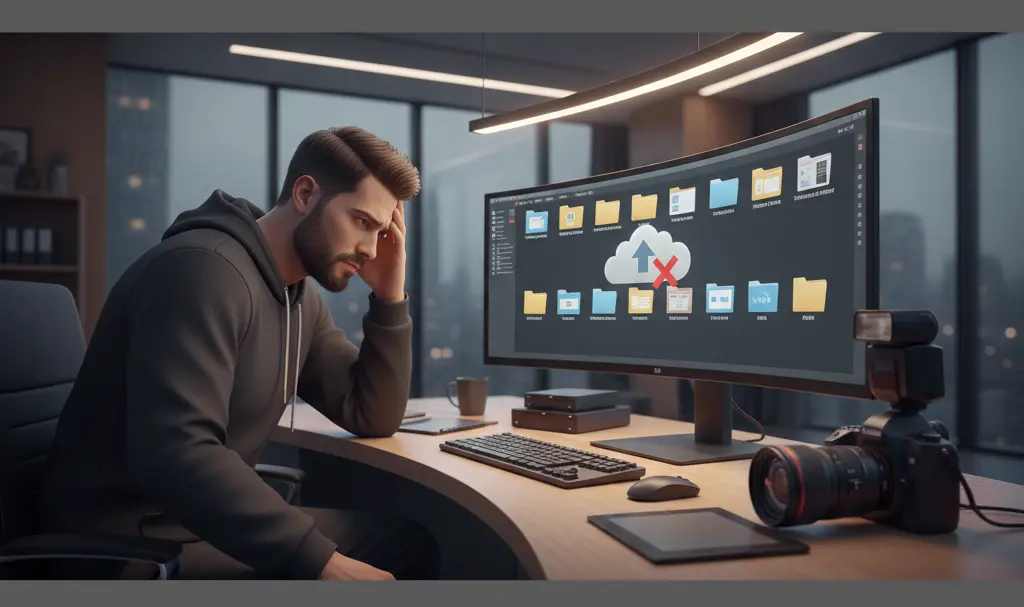
In the near future, Google Drive will remove the ability to add new folders to your Google Photos backup via the desktop application. While this change might sound drastic at first glance, the reality is that the average user will likely not even notice. However, the situation is quite different for professional photographers, who rely heavily on these streamlined desktop workflows.
The Two-Phase Backup Phase-Out
Significant adjustments are coming to the Google Drive application for PC. The Mountain View tech giant has decided to withdraw the functionality that allows users to create new folders specifically for Google Photos backup directly from the desktop app.
To ensure a smooth transition, Google is dividing this process into two key stages:
- June 15: The option to add new folders for Google Photos backup will be officially removed from the desktop application.
- August 10: The desktop app will completely cease backing up the previously designated folders to Google Photos.
While standard users won’t be heavily impacted, it is always crucial to stay informed about how your cloud data is handled, much like keeping up with the recent Google Drive AI ransomware protection update.
Why Professional Photographers Will Feel the Impact
For most everyday smartphone users, photos are backed up automatically via mobile apps, making desktop folder syncs largely irrelevant. Professional photographers, however, face an entirely different reality.
Professionals frequently use high-end digital DSLR and mirrorless cameras. The desktop Google Drive sync feature was a massive time-saver, allowing them to instantly create express backups of massive photo batches simply by dropping files into a local computer folder. The app would then quietly work in the background, securing their high-resolution RAW and JPEG images to the cloud without manual intervention.
Alternative Solutions for High-Volume Uploads
Fortunately, Google is not leaving professional creators entirely without options. The company recommends that users manually back up their folders using the Google Photos web interface.
While this web-based workaround gets the job done securely, it does introduce some friction. It removes the convenience of automatic background syncing, requiring users to keep a browser tab open and actively manage their uploads instead of relying on a dedicated background application.
Coming Soon: Your New AI Virtual Stylist
Shifting focus back to Google Photos, there is an exciting new feature arriving this summer. Alongside integrating smart AI tools like the Google Gemini quick access update across its ecosystem, Google is bringing advanced AI directly to your digital wardrobe.

The upcoming “Wardrobe” feature will automatically catalog clothing items found in your photographs. Even more impressively, it will allow users to virtually “try on” these clothes. This virtual stylist functionality will debut during the summer months, rolling out first to Android smartphone users before eventually making its way to iPhone owners.
Frequently Asked Questions (FAQ)
How do I back up my DSLR photos to Google Photos after August 10?
After the desktop app stops backing up dedicated folders on August 10, Google recommends using the Google Photos web interface. You can manually drag and drop your photo folders directly into your web browser to upload them, though this process will not happen automatically in the background.
Will the folders I previously backed up be deleted from Google Photos?
No. The upcoming changes only affect the ability to add new folders and continue background syncing via the desktop app. Any photos that have already been backed up to your Google Photos cloud account will remain safe and accessible.
When will the new Virtual Wardrobe feature be available?
The Virtual Wardrobe feature is scheduled to launch this summer. It will initially roll out to Android users, with support for iOS devices following shortly afterward.
Source: Android Police & Opening photo: Gemini
About Post Author
