

Contents
Samsung Galaxy S23 Users Outraged Over Missing AirDrop Feature in One UI 8.5 Update
Recent updates often bring excitement, but for many Samsung Galaxy S23 owners, the One UI 8.5 system update has led to significant frustration. A key point of contention is the absence of a highly anticipated feature: compatibility with Apple’s AirDrop.
The Galaxy S23 Community Feels Excluded
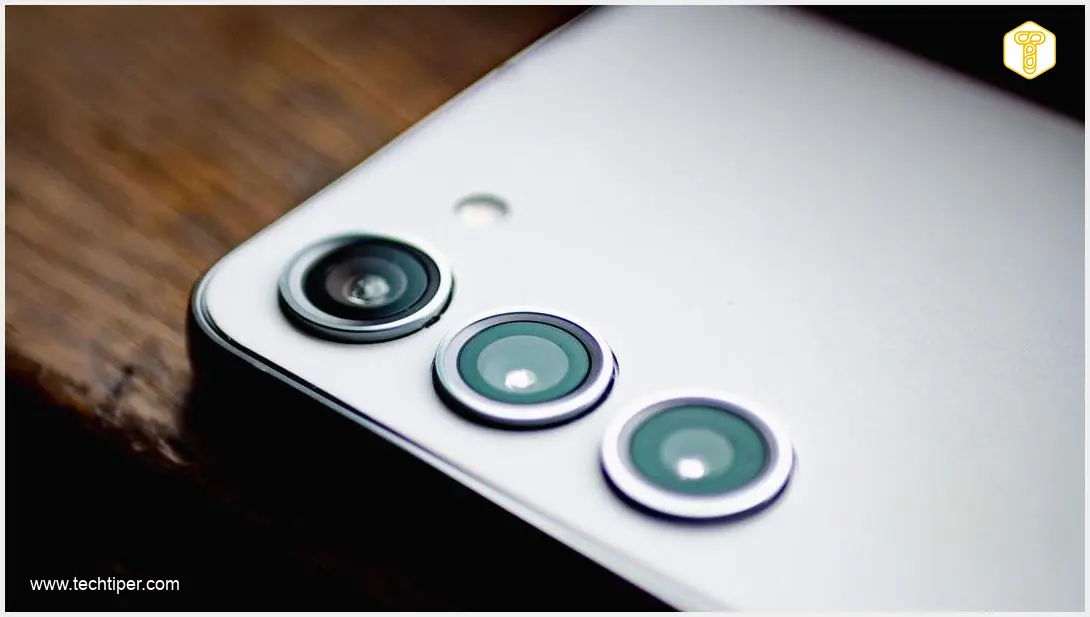
The Samsung Galaxy S23, a flagship smartphone launched just over three years ago, recently received its long-awaited One UI 8.5 update. However, what was expected to be an improvement has, for many users, turned into a major letdown.
The primary reason for this widespread disappointment centers on the update’s failure to introduce AirDrop compatibility. AirDrop is Apple’s seamless file-sharing feature, allowing quick transfers between Apple devices. A substantial segment of the Samsung community had specifically hoped for this cross-platform functionality.
Frustrated users have voiced their grievances on various online forums, including Reddit. Many speculate that Samsung deliberately omitted features like AirDrop compatibility for the Galaxy S23, aiming to encourage users to upgrade to newer generation devices. This sentiment is amplified by the fact that the Galaxy S23’s technical specifications should theoretically support such an implementation without issue, making the exclusion all the more puzzling.
Alternatives for Galaxy S23 File Sharing
While the lack of direct AirDrop support is disheartening, Galaxy S23 users are not without options for transferring files, both within the Android ecosystem and potentially to other devices.
- Quick Share: Samsung’s own Quick Share feature allows for fast file transfers. Users can generate a QR code for recipients to scan, facilitating a quick and secure exchange. For more on Samsung’s approach to sharing, you might find this relevant: AirDrop Galaxy Samsung Quick Share Integration.
- Third-Party Applications: Several third-party apps offer similar functionality. Tools like NearDrop provide a workaround for sharing files between Android and other operating systems.
For those looking for a comprehensive guide on file sharing across devices, exploring options like AirDrop for Samsung Galaxy: Leaked List of Supported Smartphones might offer further insights into potential future compatibility or existing solutions.
Additional Complaints Surface About One UI 8.5
The AirDrop issue isn’t the only concern raised by Samsung users regarding the One UI 8.5 update. Shortly after the rollout, some users reported problems with the dark mode display, noting that it often appears more “gray” than true black, detracting from the intended visual experience.
This particular issue seems to affect Google applications, with users on Reddit once again being among the first to highlight the problem. Fortunately, a workaround exists for this as well: selecting one of the dominant colors through Material 3 Expressive settings should help resolve the muted dark mode display.
Frequently Asked Questions (FAQ)
Why was AirDrop compatibility not included in the One UI 8.5 update for Galaxy S23?

Samsung has not officially stated a reason for the omission. However, many users speculate it might be a strategic decision to encourage upgrades to newer models or due to proprietary technology limitations, despite the Galaxy S23’s hardware capabilities.
What are the best alternatives for file sharing between a Samsung Galaxy S23 and Apple devices?
For sharing with other Android devices, Samsung’s Quick Share is a robust option. For sharing with Apple devices, third-party applications like NearDrop, or cloud-based services (e.g., Google Drive, Dropbox) are effective alternatives.
Are there other known issues with the One UI 8.5 update besides AirDrop and dark mode?
While the article primarily focuses on the lack of AirDrop compatibility and the “gray” dark mode bug in Google apps, user communities often report various minor glitches after major updates. It’s always recommended to check community forums like Reddit for the latest user-reported issues and potential workarounds.
Source: Android Authority. Opening photo: Wirestock / Adobe Stock
About Post Author
