

Contents
Google’s New Android Security App: What You Need to Know About the Developer Verifier
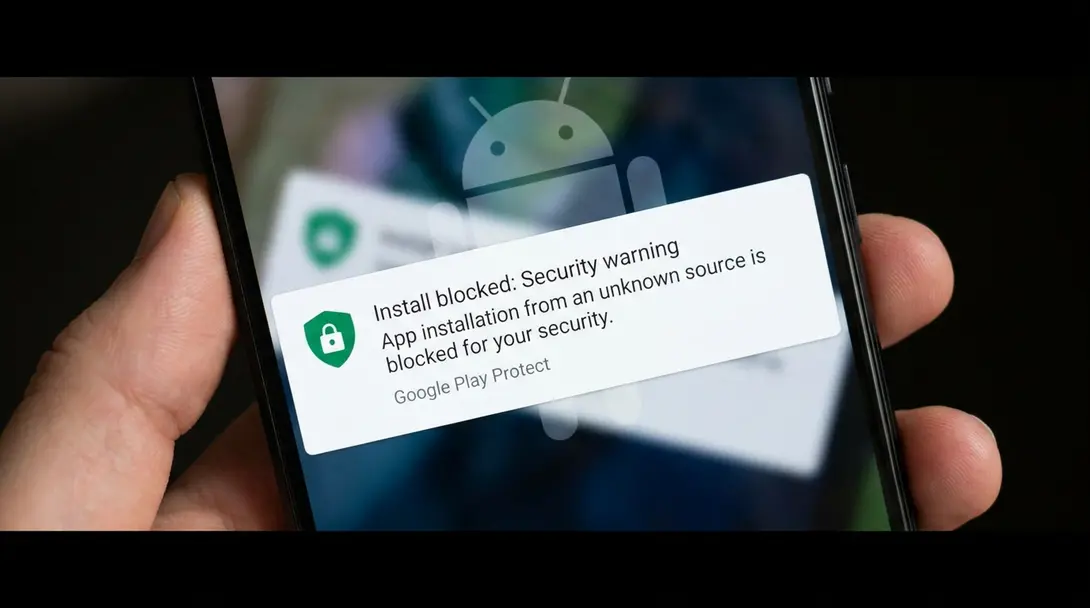
First reports indicate that a new Google application is quietly appearing on Android smartphones, and it’s bringing significant changes to how users can install apps outside the official Google Play Store. This development signals Google’s rollout of new control mechanisms aimed at enhancing user security, but which will inevitably make sideloading applications a more deliberate and complex process.
Android Developer Verifier: A New Layer of Security
In the near future, you may notice a new application, Android Developer Verifier, on your Android device. This program is designed to make installing applications from APK files considerably more challenging, potentially directing even advanced users back to the Google Play platform for their software needs.
The primary goal behind the Android Developer Verifier is to protect users who aren’t power-users from potential security threats and unwanted software, a measure that is largely understandable given the risks associated with unverified app sources.
New Restrictions for Sideloading Apps
While smartphone owners will still be able to install programs from outside Google Play, these installations will now be subject to several new restrictions. Effective September 30, 2026, users must follow a specific procedure:
- Enable Developer Mode: Activate developer options in your device settings.
- Confirm Intent: Affirm, through a dedicated procedure, that you are not being forced to install the APK.
- Reboot and Unlock: Restart your phone and then unlock it.
- 24-Hour Waiting Period: Wait 24 hours before the installation can complete. This delay is intended to mitigate scams that rely on rapid, impulsive installations. Learn more about the 24-hour sideloading limit.
These steps add significant friction to the sideloading process, requiring more conscious effort and time from the user. For a deeper dive into the security rationale behind this, read about the Android sideloading 24-hour wait security update.
Can You Remove the Android Developer Verifier?
Currently, the Android Developer Verifier can be uninstalled from your smartphone like any other application. However, it’s uncertain whether it might automatically reinstall itself in the future, potentially requiring users to repeat these procedures to access previously sideloaded APK files.
Sideloading via ADB Remains Unaffected (For Now)
It’s important to note that installing APK files using a computer connection and the Android Debug Bridge (ADB) service will bypass these new restrictions. However, this method presents its own barrier: it requires basic knowledge of command-line operations, which can be a significant hurdle for the average smartphone user, even if it doesn’t demand extensive programming expertise.
Frequently Asked Questions (FAQ)
The Android Developer Verifier is a new Google application designed to introduce stricter controls and additional steps for installing applications from sources outside the official Google Play Store (sideloading APKs) to enhance user security.
Google states that the new restrictions are intended to protect average users, who may not be “power-users,” from potential security risks, malware, and unwanted software that can be introduced through unverified APK files.

Users will need to enable developer mode, confirm their intent to install, reboot and unlock their device, and then wait a mandatory 24 hours before the sideloaded application can be fully installed.
The 24-hour waiting period is a new security measure implemented for certain sideloaded APK installations to prevent quick, deceptive installations often associated with scams.
Yes, installing APKs via ADB (Android Debug Bridge) from a computer will bypass these new restrictions. However, this method requires some technical familiarity with command-line interfaces.
Source: Android Authority. Opening photo: Krzysztof Wilamowski / Android.com.pl
About Post Author
