

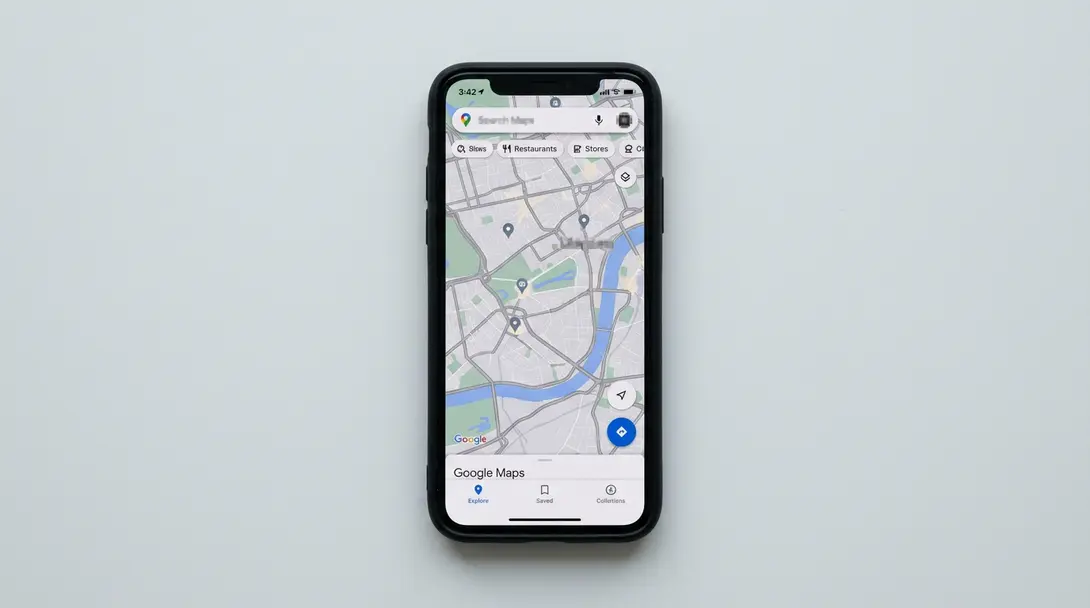
In recent days, countless users worldwide have noticed a significant change in Google Maps: the colorful traffic density lines have suddenly disappeared. This issue affects users across Android, iOS, and the web versions of the application. While the underlying traffic data still influences route calculations and estimated arrival times, the absence of these visual indicators has sparked a wave of questions regarding the cause of the problem and when Google intends to resolve it.
Contents
A Key Feature Has Vanished from Google Maps: Is This a Global Bug?
The Disappearing Traffic Lines
For several days now, users from various countries have reported that Google Maps no longer displays the familiar green, yellow, orange, and red lines that indicate traffic flow on roads. The interface now appears as if the traffic layer is simply turned off, even though, in reality, traffic congestion data is still being utilized to calculate journey times and suggest alternative routes.
In one instance, a road closure sign was visible, but the crucial traffic lines were absent, indicating the issue described in the article. (Credit: Aamir Siddiqui / Android Authority / screenshot)
The colorful lines in Google Maps are more than just an aesthetic addition; they are a fundamental interface element that drivers and urban services have relied on for years to quickly identify congested road segments. This visual cue allows users to grasp the traffic situation at a glance across a wide area.
The Google Maps interface has long demonstrated the typical appearance of traffic lines before their disappearance, serving as an essential tool for drivers to quickly assess road conditions. (Credit: Krzysztof Wilamowski / Android.com.pl)
Even with this issue, some elements remain visible on the map, such as icons for closed sections or roadwork information. However, the absence of the colored traffic indicators makes it challenging to assess the overall traffic situation efficiently. Interestingly, when navigation is initiated for a specific route, some colors return for that particular path, but other roads on the map preview continue to lack traffic visualization.
User Reports and Google’s Silence
This problem is particularly frustrating because it impacts a core interface element crucial for daily commutes and travel planning. Standard troubleshooting methods often effective for other app glitches—such as toggling the traffic layer, clearing the app’s cache and data, reinstalling the app, switching accounts, using incognito mode, or changing regions—have proven ineffective in restoring the colorful traffic lines.
Initial reports of the bug surfaced on platforms like Reddit, where users noted the sudden disappearance of traffic colors without any changes to their settings. The widespread nature of the problem, affecting applications on both Android and iOS, as well as desktop browser versions, strongly suggests a server-side error or a UI rendering bug originating from Google’s end rather than an individual user issue.
As of now, there has been no official communication from Google addressing or explaining why the visual traffic layer has disappeared, especially since the underlying data is still being used in the background for route calculations and suggestions. This lack of response has left many users seeking answers.

Impact on Navigation and Planning
The disappearance of traffic lines significantly impacts how users interact with Google Maps. Without visual cues, assessing the fluidity of traffic requires more effort, potentially leading to less efficient route choices. This affects not only daily commuters but also professionals who rely on real-time traffic information for their operations.
For those interested in how Google continues to innovate its navigation tools, you might find our articles on Google Maps’ AI-powered Immersive View update and Android Auto’s EV route planning with Google Maps insightful, showcasing other advancements even as this current bug persists.
Frequently Asked Questions (FAQ)
Users worldwide have reported that the real-time traffic visualization lines have vanished from Google Maps across all platforms (Android, iOS, and web). While Google has not yet provided an official explanation, the widespread nature of the issue suggests a server-side problem or a UI rendering bug from Google’s end. The underlying traffic data is still being used for route calculations, but the visual display is absent.
Unfortunately, standard troubleshooting steps such as toggling the traffic layer, clearing app cache, reinstalling the app, or switching accounts have not proven effective for most users. Since the issue appears to be a global bug on Google’s side, users will likely need to wait for an official fix or update from Google.
Source: Android Authority, Reddit.
Opening photo: Alex Photo Stock / Shutterstock
About Post Author
