

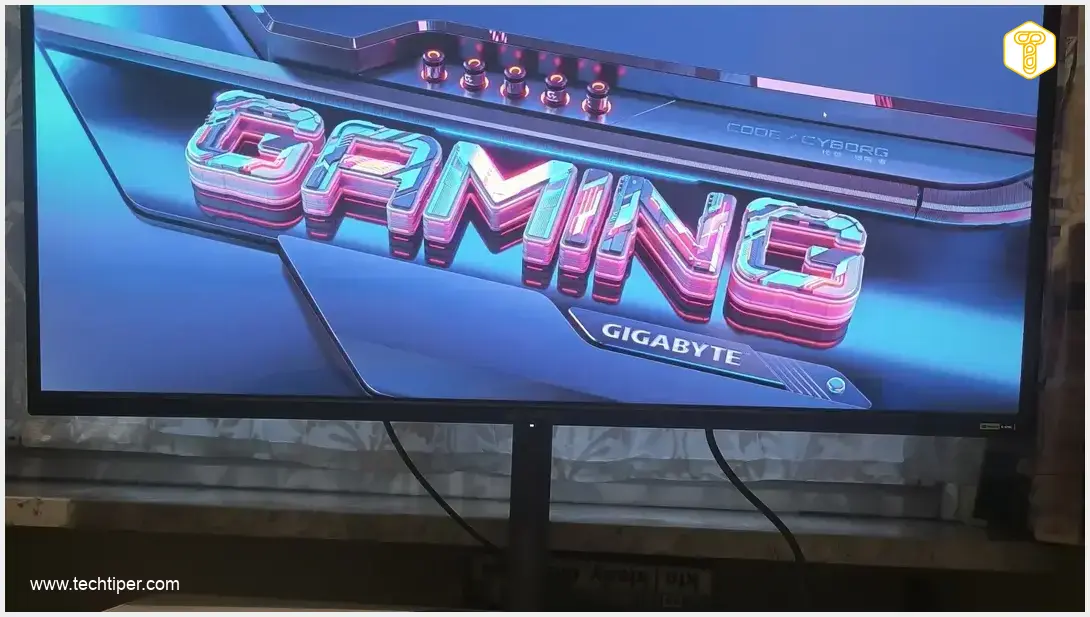
GIGABYTE MO34WQC36 OLED Monitor Review
-
Visuals & Display Quality
-
Performance & Speed
-
Immersive Experience
-
Gaming Features & Software
-
Ergonomics & Connectivity
-
Eye Care
GIGABYTE MO34WQC36 OLED: The Ultimate Immersive Gaming Monitor
The GIGABYTE MO34WQC36 OLED monitor is a powerhouse designed for serious gamers. It delivers an unparalleled immersive experience with its curved UWQHD QD-OLED display, stunning visuals, and blazing-fast 360Hz refresh rate. Packed with gaming-centric features and robust connectivity, it’s a top-tier choice for competitive and casual gamers alike.
Advantages
- Unrivaled QD-OLED visuals with 99% DCI-P3 and HDR True Black 500.
- Exceptional performance with 360 Hz refresh rate and 0.03 ms response time.
- Highly immersive 34-inch curved UWQHD (21:9) display.
- Comprehensive gaming features (G-SYNC, FreeSync Premium Pro, Game Assist, etc.).
- Robust connectivity including HDMI 2.1, DP 2.1, and USB-C.
- User-friendly ergonomics with KVM switch and adjustable stand.
- Eye care technologies for comfortable extended use.
Disadvantages
- Basic integrated audio system (2x3W speakers).
Contents
GIGABYTE MO34WQC36 OLED Monitor: Curved UWQHD Screen Ushers Gamers into a New Dimension
Every serious gamer knows that dedicated equipment is crucial for an optimal experience. Among these essential gaming components, the monitor stands out. It serves as your window into virtual worlds, helping you react instantly to on-screen events. GIGABYTE steps up with a compelling offering for gamers: the powerful MO34WQC36 OLED monitor.
GIGABYTE: A Legacy of Innovation
GIGABYTE Technology is a respected Taiwanese giant in the electronics industry. The company has been manufacturing and supplying computer hardware since 1986. In recent years, GIGABYTE has significantly expanded its gaming portfolio, exemplified by popular AORUS and AERO laptops. Their product range also includes high-performance monitors, and today, we’ll take a closer look at one of their latest innovations.
Introducing the GIGABYTE MO34WQC36 OLED: Designed for Immersion
The MO34WQC36 OLED is a relatively new monitor model tailored for gamers. GIGABYTE describes it as a device that delivers abundant visual impressions and an immersive experience. This immersion stems from combining realistic, detailed visuals with dynamic, fluid gameplay in video games. What features underpin these claims?
The GIGABYTE MO34WQC36 monitor, with its advanced OLED screen, boasts three primary strengths that set it apart.
Unrivaled Visuals: QD-OLED Technology and Vivid Colors
The first key advantage is its matte display, developed with QD-OLED Penta Tandem technology. This monitor offers an impressive 99% DCI-P3 color space coverage. With over a billion colors reproduced, users can revel in truly deep and saturated hues, bringing every game scene to life with vibrant realism.
Beyond vibrant colors, the monitor excels in contrast, thanks to HDR True Black 500 support. Many modern games build atmosphere through intense shading and intricate night scenes. With a static contrast ratio of 1,500,000:1, the monitor ensures that crucial details in dark environments are never lost, a vital advantage for competitive gamers.
Precision and Speed: UWQHD Resolution and High Refresh Rate
Another crucial asset of the GIGABYTE MO34WQC36 OLED display lies in its core parameters. The screen renders images at a resolution of 3440 x 1440, categorizing it as an Ultra-Wide Quad High Definition (UWQHD) standard. This ultrawide resolution maintains the same vertical pixel count as standard WQHD (1440) but significantly increases the horizontal pixels (from 2560 to 3440), resulting in an expansive 21:9 aspect ratio.

An ultrawide monitor like this elevates your gaming experience, drawing you deeper into immersive worlds. The spacious 34-inch curved screen further enhances this immersion, making players feel truly inside the action. This enlarged field of view offers a distinct advantage, especially in popular shooter and racing games.
The third compelling feature of this curved screen, which also offers wide viewing angles of 178 degrees, is its exceptional 360 Hz refresh rate. The importance of smooth, lag-free, and real-time gameplay in passionate gaming cannot be overstated. Often, a fraction of a second can determine victory or defeat. This model delivers extreme image fluidity, and its rapid 0.03 ms response time virtually eliminates motion blur in fast-paced scenes. For comparison with other portable OLED options, you might find interest in our review of the ASUS ZenScreen OLED MQ16FC Portable Monitor.
Gaming-Centric and Everyday Features
The display panel’s design, size, and shape are just part of the story. GIGABYTE’s gaming monitor also includes numerous practical features designed to support gamers. These include synchronization technologies such as NVIDIA G-SYNC and FreeSync Premium Pro, which boost in-game performance by synchronizing the graphics card’s frame generation with the monitor’s refresh rate.
Intelligent Game Assist Tools
The Game Assist feature, accessible through the menu, allows users to toggle the display of essential parameters like game time and screen refresh rate. With Game Assist, you can also:
- Create a custom crosshair.
- Magnify a specific area of the image with Eagle Eye.
- Activate Night Vision mode.
- Dim sudden and intense flashes of light with Flash Dimming.
Given that some dedicated enthusiasts spend several hours gaming, the monitor incorporates eye care technologies like flicker reduction and blue light filters to protect their vision. User comfort is further enhanced by predefined picture modes tailored for various genres (FPS, MOBA, RPG, Racing) and classic scenarios (Standard, Movie, Reader, sRGB, Custom, ECO).
Advanced Gaming Settings
Within the ‘Gaming’ settings, players can fine-tune their experience:
- Ultra Clear: Reduces motion blur in fast-paced games.
- AI Black Equalizer: Adjusts the visibility of dark areas in the image.
- Super Resolution: Sharpens the image.
- Display Mode: Allows selection of the screen’s aspect ratio.
There’s also an option to enable or disable Variable Refresh Rate (VRR) signal reception, ensuring smoother visuals across different frame rates.
Connectivity and Ergonomics for Seamless Use
The monitor includes its own audio system, featuring two 3W speakers with volume control and mute options. This allows users to give their desktop’s sound system or laptop speakers a break and switch audio output conveniently. When considering connectivity and productivity, monitors like the Lenovo ThinkVision P40w-20 40-inch Ultrawide Professional Monitor also offer a comprehensive suite of ports for various needs.
Effortless Setup and Operation
This sleek black monitor, measuring 81 cm (approximately 32 inches) wide and 55 cm (approximately 21.6 inches) high with its stand, can be swiftly prepared for work and play. The stand’s neck attaches to the base by hand, without requiring a screwdriver, and the entire base snaps into place on the monitor. It offers a height adjustment range of up to 130 mm, a tilt angle of -5 to 21 degrees (forward/down and backward/up), and a swivel range of 15 degrees.
Control is managed via a central button located at the bottom rear of the casing, flanked by two switches: KVM and a tactical switch. Navigating the menu is straightforward: move through options by shifting the control button and confirm selections by pressing it. The KVM switch allows two computers to connect to the monitor, enabling control with a single keyboard and mouse set. The tactical switch can be assigned a specific gaming function, such as resolution selection.
Comprehensive Connectivity
Gamers investing in this monitor will find a wide array of connection options. The port selection includes:
- 2 HDMI 2.1 ports
- 1 DisplayPort 2.1 input
- 1 USB Type-C port
- 1 USB 3.2 Gen. 1 Type-B port for data transfer
- 2 USB 3.2 Gen. 1 ports
- 1 headphone jack
Furthermore, there’s no need to purchase additional accessories, as all necessary cables—power, HDMI, DisplayPort, and USB—are included in the box. A cable management holder is also provided. For assistance, a quick start guide and a color calibration report are readily available.
Conclusion
The GIGABYTE MO34WQC36 OLED monitor, with its curved UWQHD screen, is poised to capture the attention of gamers. It seamlessly blends advanced technology for generating expansive and fluid visuals with user-friendly operation and a host of practical features. This monitor can serve as an excellent gateway into the world of exciting games that increasingly target wide monitor formats and support ultrawide resolutions, offering a truly next-level gaming experience.
Frequently Asked Questions (FAQ)
The curved UWQHD (3440×1440) screen with a 21:9 aspect ratio significantly enhances immersion, making you feel more “inside” the game. The ultrawide field of view offers a competitive edge in many game genres, like shooters and racing games, by allowing you to see more of the environment.
A 360 Hz refresh rate ensures exceptionally smooth motion, reducing stutter and visual tearing, which is crucial for fast-paced gaming. The ultra-low 0.03 ms response time virtually eliminates motion blur, ensuring crisp and clear visuals even during the most dynamic action sequences, giving you a reaction time advantage.
Yes, the monitor includes several eye care features. These include flicker reduction technology to minimize eye strain from screen flickering and integrated blue light filters, which reduce potentially harmful blue light emissions, making extended gaming sessions more comfortable.
The KVM (Keyboard, Video, Mouse) switch feature allows you to connect two different computers to the monitor and control both using a single set of keyboard and mouse. This is particularly useful for users who switch between a personal gaming PC and a work laptop, streamlining their setup and reducing desk clutter.
Source: Own elaboration, GIGABYTE.
Opening photo: Android com pl
About Post Author
