

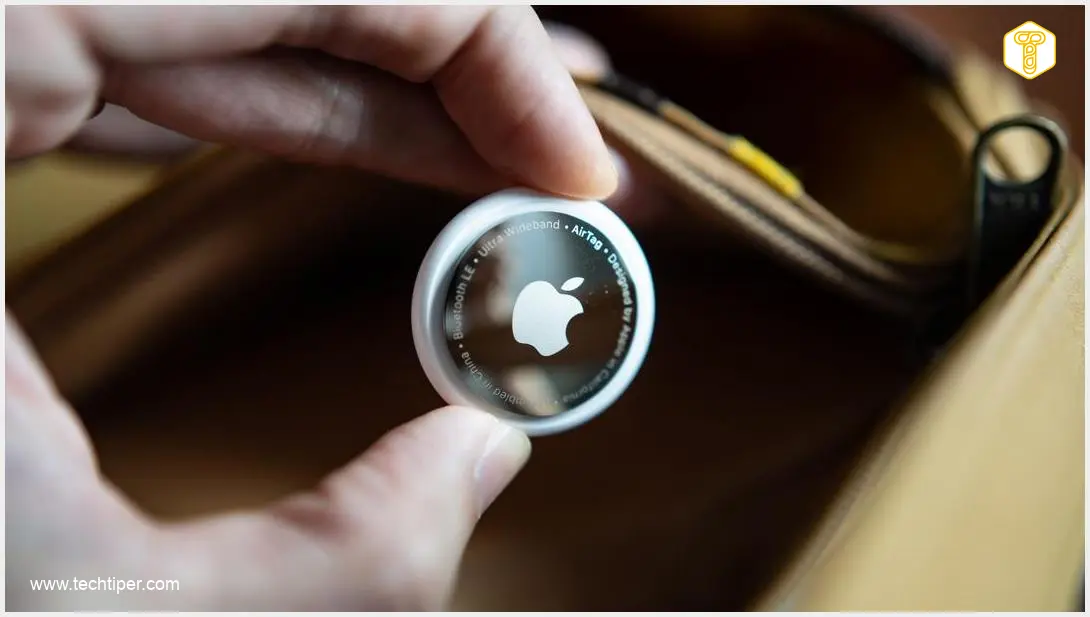
The Android Bluetooth tracker ecosystem was envisioned as Google’s answer to the dominance of Apple’s AirTag. However, the current network of devices and the user experience offered by its location services often leave much to be desired. Google’s development of its tracking network emphasizes user privacy, a commendable goal that, ironically, currently limits certain functionalities and user convenience.
Contents
The Android Bluetooth Tracker Ecosystem: Falling Short of Expectations
For Android users looking to keep tabs on their belongings, the landscape of Bluetooth trackers can be frustrating. While the promise of easily locating lost items is compelling, several fundamental challenges prevent Android alternatives from offering the seamless and reliable experience found within Apple’s ecosystem. These issues primarily revolve around connectivity, notification systems, and the ability to track moving objects.
Google’s Vision vs. Reality: A Privacy-Focused Approach with Limitations
Google has been developing its location network with a strong focus on user privacy, aiming to ensure that location data is secure and anonymized. While this commitment is crucial for safeguarding user information, it has inadvertently placed constraints on certain features that rival systems offer. This delicate balance between privacy and utility creates a unique set of challenges for Android users and tracker manufacturers alike.
Challenge 1: The Persistent Problem of Bluetooth Connectivity
Bluetooth technology, particularly Low Energy (BLE), forms the backbone of most item trackers, including the Apple AirTag. In theory, a tracker should be locatable locally even without an internet connection. However, in practice, this isn’t always the case for many Android solutions, leading to significant user frustration.
Unreliable Local Tracking
A fundamental issue is the inconsistent ability to locate items nearby. Often, even if an item with a tracker is physically close, the application might fail to pinpoint its location if it lacks internet access. This means users cannot find an item literally under their nose without an active network connection, defeating part of the purpose of a local tracker.
Delayed Location Updates
Another significant hurdle is the irregular and often delayed updating of a tracker’s location on Android. This inconsistency means the displayed position of a tracker can be outdated, even when it is within range of other Android smartphones contributing to the network. Such delays make real-time recovery difficult and diminish trust in the system’s accuracy.
Limited Ultra-Wideband (UWB) Adoption
The problem is further compounded by the lack of widespread support for Ultra-Wideband (UWB) technology. UWB allows for highly precise direction and distance determination, making “precision finding” features incredibly accurate. Unfortunately, products compatible with UWB are still relatively scarce in the Android ecosystem. This limitation significantly restricts functionality in scenarios where precise, room-level location is critical.
Challenge 2: The Absence of Native “Left Behind” Notifications
One of the most praised features of integrated tracker systems is the automatic notification when an item is left behind. This proactive alert is seamlessly built into the software within ecosystems like Apple’s. Google, however, has not implemented such a mechanism natively within Android, forcing tracker manufacturers to develop their own workarounds.
This fragmentation means users often have to install additional, often proprietary, applications for their trackers. These apps frequently require extensive permissions and must be kept active in the background. What should be a passive security measure then transforms into a tool requiring active management, impacting convenience and user experience.

Android’s Aggressive Battery Optimization
The issue is exacerbated by Android’s approach to battery management. The system aggressively optimizes battery usage by restricting background application activity. As a result, the processes responsible for monitoring a tracker and sending “left behind” notifications can be suspended, leading to missed alerts. This can be particularly problematic when trying to locate a lost phone or other essential items.
Challenge 3: Ineffective Tracking of Moving Objects
Significant difficulties arise when attempting to track an object that is in motion. Google’s current implementation primarily relies on static location points. Maps will show the last known position, but they do not dynamically update as the object moves. This means there’s no real-time information about the direction or speed of the object’s travel.
For instance, if a pet with a tracker wanders off, or if an item is being transported, users only see where it was last detected, not its current path or anticipated location. This limitation makes real-time recovery or tracking of dynamic situations incredibly challenging. While Google Messages offers real-time location sharing for contacts, this functionality doesn’t extend seamlessly to item trackers.
The User’s Dilemma: Compromises for Android Enthusiasts
Since Apple’s AirTag is exclusively reserved for users within the Cupertino giant’s ecosystem, Android users are left to seek alternatives from various third-party manufacturers. Despite advancements, Android still struggles to offer a unified, refined system for item trackers.
The ongoing problems with Bluetooth connectivity, the absence of native “left behind” notifications, and limited dynamic tracking capabilities mean that Android users often have to make significant compromises. While the ecosystem is evolving, achieving parity with the integrated experience of competitors remains a substantial challenge for Google and its partners.
Frequently Asked Questions (FAQ)
Why aren’t Android’s Bluetooth trackers as good as AirTags?
Android’s Bluetooth trackers face several challenges compared to AirTags, including inconsistent Bluetooth connectivity leading to unreliable local tracking and delayed updates. Additionally, Android lacks native “left behind” notifications, forcing reliance on third-party apps, which can be affected by aggressive battery optimization. The ecosystem also struggles with effectively tracking objects in motion, offering only static location updates rather than real-time movement.
What is Ultra-Wideband (UWB), and why is it important for item trackers?
Ultra-Wideband (UWB) is a radio technology that enables highly precise spatial awareness. For item trackers, UWB is crucial because it allows for exact direction and distance determination, facilitating “precision finding” features. This means you can be guided directly to your lost item, even if it’s hidden under a couch or in another room, unlike standard Bluetooth which provides only approximate location data.
How can I improve the reliability of “left behind” notifications on Android?
To improve reliability, first ensure the dedicated app for your tracker has all necessary permissions, especially for background activity and location access, and that these permissions are set to “always allow” if available. You should also check your phone’s battery optimization settings; find the tracker app and disable any aggressive battery saving features for it. Keeping the app updated and checking its specific settings for notification preferences can also help.
Can I track a moving object in real-time with an Android tracker?
Generally, real-time tracking of moving objects is a challenge for current Android tracker implementations. Most solutions provide the last known static location rather than dynamic, continuous updates of an object’s path, direction, or speed. This means you might see where an item was detected last, but not where it is going or where it is currently. Some specialized GPS trackers might offer more dynamic tracking, but these are distinct from the Bluetooth item trackers discussed.
What should I consider when choosing an AirTag alternative for Android?
When selecting an Android-compatible item tracker, consider factors like the reliability of its Bluetooth connectivity and update frequency. Look for trackers with dedicated apps that offer robust “left behind” notifications and allow for customization of battery optimization settings. If precision is crucial, check for UWB support in both the tracker and your smartphone. Also, evaluate the overall user experience of the companion app, its ease of use, and the strength of the community network for finding lost items.
Source: AndroidAuthority, original report. & Opening photo: wachiwit / Adobe Stock
About Post Author
