
Contents
Android Auto Users Report Disappearing Cellular Signal Icon: A Visual Glitch Under Investigation
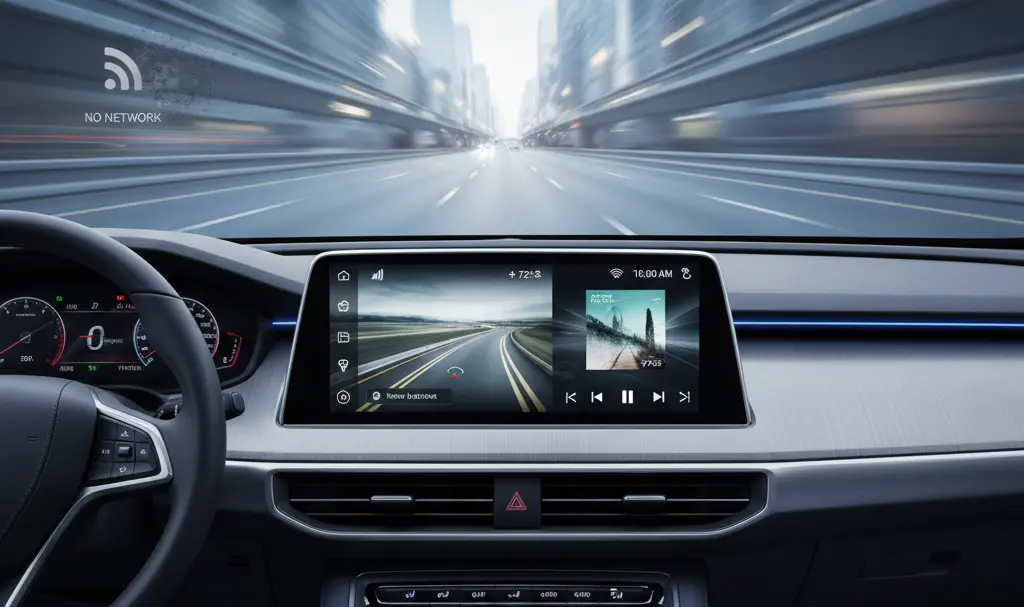
In recent days, reports have surfaced across various online platforms detailing an unexpected issue encountered by some Android Auto users. The problem revolves around the mysterious disappearance of the cellular signal icon from their car’s infotainment displays. While initially a cause for concern among drivers, it appears this incident is primarily a visual bug, with most evidence pointing towards ongoing tests by Google as the potential cause.
A Peculiar Visual Anomaly
Over the past few days, numerous users, particularly on communities like Reddit, have posted about an annoying yet perplexing error within the Android Auto system. The core of the issue is the cellular network signal strength icon, which has, for reasons yet to be officially confirmed, begun to vanish from multimedia screens. This left many drivers not only surprised but also concerned about their connectivity.
Fortunately, investigations and user feedback quickly clarified that the anomaly is purely visual. The absence of the icon does not indicate a loss of cellular coverage or functionality. All features relying on mobile data, such as navigation, streaming, and messaging, continue to operate correctly without interruption.
Discussions quickly ignited across the internet, aiming to uncover the root cause of this peculiar bug. One of the most frequently proposed hypotheses suggests that Google might be conducting internal tests related to new icon designs within Android Auto. These potential changes are believed to include the cellular network signal icon, with the goal of displaying connectivity information in a more user-friendly manner. The current disappearance could merely be an unintended side effect of this development process. As of now, Google has not released an official statement regarding the matter, leaving users to rely on community insights and speculation.
Understanding Android Auto’s Evolution
Google’s in-car system, Android Auto, is continuously updated with new features and improvements designed to enhance the seamless integration between a smartphone and a vehicle. These updates aim to make the driving experience more functional and intuitive.
A recent example of such developments includes the introduction of YouTube within Android Auto. However, this implementation was not in the comprehensive form many users anticipated. Google opted for a more basic application, primarily enabling straightforward actions like pausing, resuming playback, and skipping to the next video, rather than a full-fledged video streaming experience while driving. This cautious approach prioritizes driver safety by limiting potential distractions. For more details on how Google addresses persistent connectivity issues, you can read about how Android Auto finally fixed a persistent connectivity issue.
Frequently Asked Questions (FAQ)
Why is my cellular signal icon disappearing in Android Auto?
The most common hypothesis is that Google is currently testing new icon designs for Android Auto. The disappearing icon is believed to be a visual glitch resulting from these ongoing development efforts, which might aim to present signal strength in a more accessible way.
Does the disappearing icon mean I’ve lost cellular signal?
No, fortunately, this issue appears to be purely visual. Users have confirmed that despite the icon being absent, their cellular connectivity and all data-dependent functions (like navigation, calls, and streaming) continue to work normally.
When will this visual bug be fixed?
Google has not yet issued an official statement or timeline for a fix. Since it’s likely related to internal testing, an update addressing the visual glitch is expected to be rolled out once the testing phase is complete or if enough users report the issue to prompt a quicker resolution. Keeping your Android Auto and phone apps updated is always recommended.
Source: Android Authority. Opening photo: Krzysztof Wilamowski
About Post Author
