

Contents
Google Gemini Set for a Major Visual Overhaul on Android
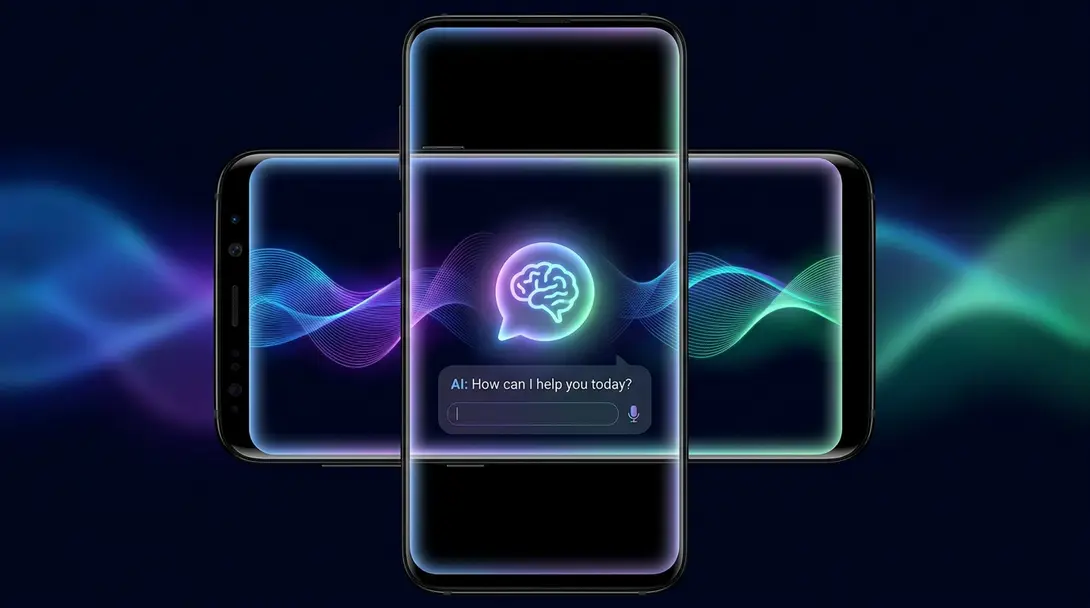
Google is reportedly working on a significant visual redesign for its Gemini AI assistant on Android smartphones. This potential update aims to transform the user interface, moving away from rigid lines to embrace a more fluid, dynamic, and visually engaging experience. The changes, currently in the testing phase, suggest a sophisticated new look with blurred edges, colorful glows, and smoother animations.
A Glimpse into Gemini’s Future Look
The upcoming interface, as discovered in internal testing, signals a shift towards a softer, more immersive design language. Rather than simple, defined shapes, users can expect elements to feature subtly blurred edges, vibrant background lighting effects, and more organic, flowing animations. This evolution builds upon earlier design updates that introduced depth effects and spatial animations to Gemini’s interface.
The Redesigned Floating Assistant Panel
One of the most prominent changes targets the floating panel that appears when Gemini is launched over the home screen or another application. The new version is expected to be sleeker and slightly narrower, offering a less intrusive presence.
- The panel’s edges will feature a soft, blurred effect, contributing to a modern aesthetic.
- Expect to see dynamic elements in the background, such as colorful points, subtle reflections, and an animated glow.
- The assistant’s launch animation is also being refined. It will reportedly become slower and more deliberate, creating an impression that the panel gradually emerges from the screen, enhancing the overall user experience.
This design philosophy aligns with broader trends in mobile UI, focusing on natural interactions and visual harmony. For insights into how Google integrates AI, explore our article on Google Privacy Tools and Gemini AI Integration.
Enhanced Interaction with Gemini Live
The ongoing tests also reveal improvements to Gemini Live, the conversational mode designed for more interactive communication. A new “Talk Live” button within the floating panel will provide a quick and seamless transition from standard conversations to the real-time interaction of Gemini Live.
Even the Gemini Live screen itself is slated for visual enhancements. The central button, often used for mic input, is expected to become smaller and less distinctly separated from the background. Instead of a solid, static shape, it may feature a blurred, changing glow, further integrating it into the dynamic interface.
Unifying the Gemini Experience Across Android
These tested changes indicate Google’s intention to standardize and unify the appearance of various Gemini elements across the Android ecosystem. Previously, the newer design elements—such as depth effects and dynamic animations—were primarily visible on the assistant’s main homepage and within standard chat interactions. With this update, similar sophisticated visual effects are expected to extend to the floating panel and the Gemini Live interface, ensuring a consistent and polished user experience regardless of how users interact with Gemini.
Stay updated on the latest Android developments, including potential changes to the OS itself, by checking out our Android 17 Beta Release Date and Testers Guide.
What’s Next for the Gemini Redesign?
It’s important to note that these redesigned interface elements are currently undergoing internal testing and are not yet available to the general public. Discovered within version 17.43.11 of the Google application by Android Authority, these changes are still in development. As such, Google may choose to further modify them, or even opt to discontinue them entirely, before any public rollout. The timeline for when, or if, this refreshed interface will be made available to users remains unknown.

Frequently Asked Questions (FAQ)
Google Gemini’s potential redesign on Android includes a shift to blurred edges, colorful background glows, and smoother, more fluid animations, moving away from simple, rigid shapes for a more immersive feel. The floating assistant panel will be sleeker, and Gemini Live will also receive visual updates.
No, the new interface is currently in an internal testing phase. It was discovered in an unreleased version of the Google app and is not yet accessible to the public. Google may still modify or even cancel these changes.
Gemini Live is a conversational mode designed for more real-time and interactive communication with the AI assistant. The redesign includes a new “Talk Live” button for quick access and a smaller, less distinct central button on the Gemini Live screen, which may feature a blurred, changing glow for a more dynamic appearance.
Google appears to be aiming for a more unified, modern, and engaging user experience across all aspects of Gemini on Android. The redesign builds on previous updates that introduced depth effects and dynamic elements, ensuring a consistent and visually appealing interface whether users are interacting with the floating panel or Gemini Live.
Source: Android Authority. Opening photo: Gemini
About Post Author
