
Contents
Declutter Your Inbox: Google Messages Introduces the New Trash Feature
In an era where most of our meaningful conversations happen on internet-based messaging platforms, standard SMS apps have increasingly become a dumping ground. For many, Google Messages is now primarily filled with two-factor authentication (2FA) codes, delivery updates, and promotional spam. Recognizing this shift, Google is stepping up to help users clean up their digital space with a brand-new, highly anticipated functionality.
How the New Trash Feature Works
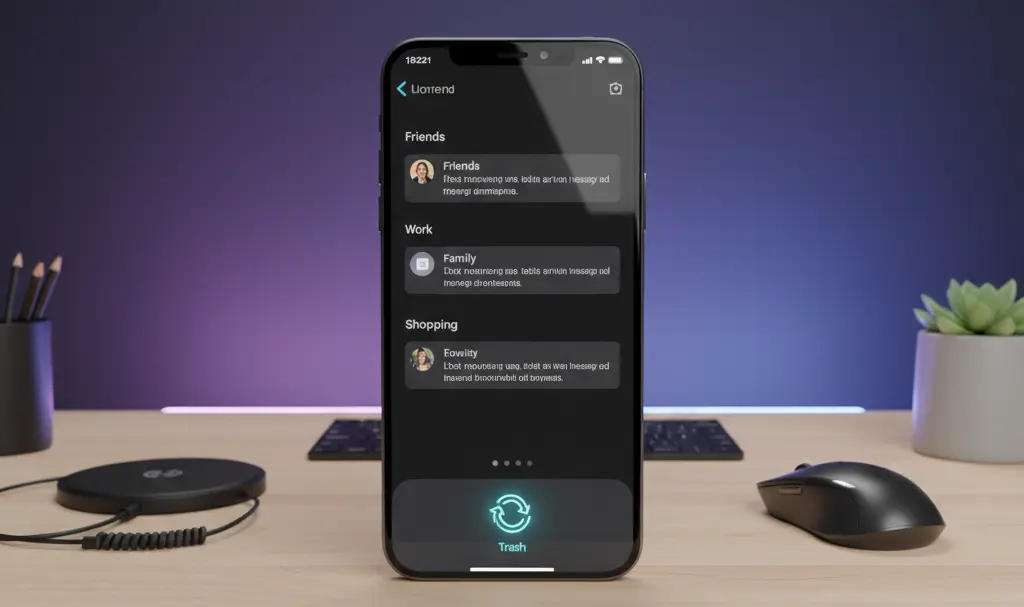
The latest addition to Google Messages is a dedicated “Trash” folder, which operates similarly to the Recycle Bin found on desktop operating systems like Windows 11. Instead of permanently deleting a thread by accident or letting unwanted texts pile up in your main view, you can now seamlessly move entire chats into the trash.
Once moved, these conversations will sit safely in the Trash folder for 30 days before being automatically and permanently deleted. This provides a generous grace period in case you accidentally remove an important thread.
Step-by-Step: Moving Messages to Trash
Taking advantage of this new organization tool is incredibly straightforward. If you want to clear out your inbox, just follow these simple steps:
- Open the specific conversation or long-press to highlight multiple chats you wish to remove.
- Tap the three vertical dots located in the top right corner of the screen.
- Select the Move to trash option from the dropdown menu.
- Confirm your action in the pop-up dialog box.
Accessing and Restoring Deleted Chats
If you need to recover a deleted message or simply want to empty the bin early, accessing the Trash folder is just as easy:
- Open the Google Messages app.
- Tap your Profile icon in the top right corner.
- Select Trash from the account menu.
Here, you will see all your discarded messages quietly waiting for their 30-day expiration timer to run out. You can choose to restore them to your main inbox or delete them permanently right away.
Continuous Upgrades to Google Messages
Google has been working relentlessly to make its default messaging app a true competitor to modern chat services. Beyond basic organization, the company has heavily invested in Advanced Messaging (RCS). For instance, users can now enjoy rich media upgrades like the Ultra HDR support and voice transcription copy feature, which drastically improves accessibility and media sharing.
Additionally, keeping track of loved ones has never been easier thanks to the seamless integration of the real-time location sharing feature natively within the chat interface. These additions prove that Google Messages is evolving far beyond traditional SMS capabilities.
Should You Join the Beta Program?
If you are eager to test out these functionalities before the general public, consider opting into the beta version of Google Messages. You can do this directly through the Google Play Store. Beta testers often receive new tools—like the Trash folder—weeks or even months ahead of the stable release. While some interface elements might occasionally display in mixed languages during early testing phases, early access to cutting-edge features is well worth it for technology enthusiasts.
Frequently Asked Questions (FAQ)
Does the new Trash feature apply to both standard SMS and RCS chats?
Yes, the Trash functionality is universal within the Google Messages app. Whether you are deleting a standard SMS text, an MMS, or an Advanced Messaging (RCS) chat, you can move the thread to the Trash folder, where it will be retained for 30 days before permanent deletion.
Can I manually empty the Trash folder before the 30-day auto-deletion period ends?
Absolutely. If you want to free up storage space or ensure that sensitive authentication codes are permanently destroyed immediately, you can navigate to the Trash folder via your profile icon and select the option to empty it manually.
What happens if my phone does not have the Trash feature yet?
Google frequently uses phased server-side rollouts for new updates. Ensure your app is updated to the latest version via the Google Play Store. If you still do not see it, you can either wait for the wider stable rollout to reach your device or join the Google Messages Beta program for early access.
Source: 9to5Google & Opening photo: Gemini
About Post Author
