
Contents
Google Delivers Key Android Updates Through System Services
Google has just announced the latest wave of enhancements to its Google System Services package, bringing crucial updates to Android devices without requiring a full operating system upgrade. The April release is packed with essential security patches alongside exciting new features designed for both end-users and developers.
Google System Services: A Flood of Improvements Across Android Devices
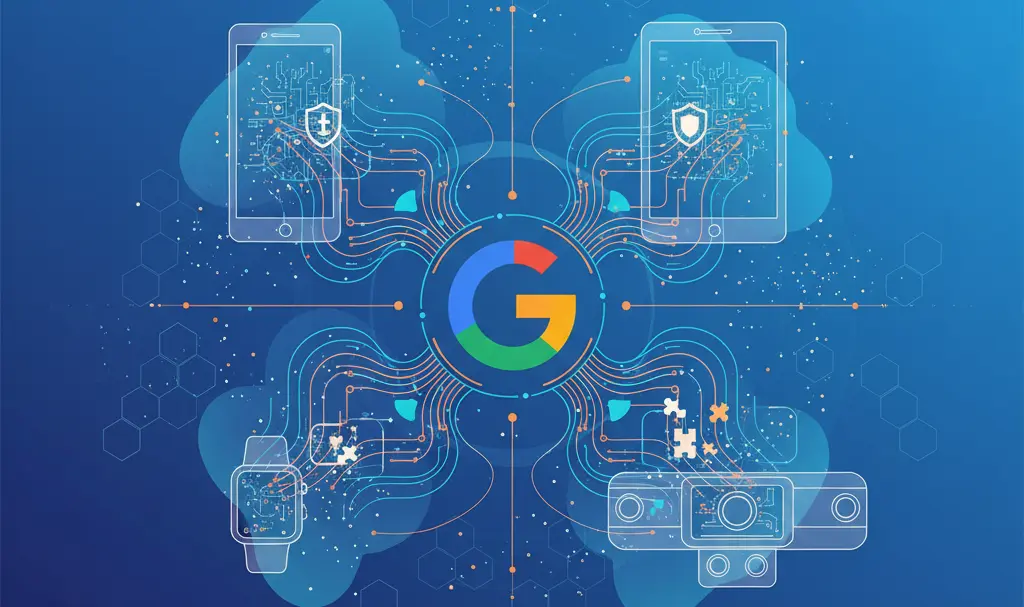
These significant updates from Google extend beyond just smartphones, reaching a wide array of Android-powered devices. This includes not only phones but also tablets, televisions, smartwatches, and even vehicles equipped with Android Automotive. The core components receiving these upgrades are Google Play services and the Google Play Store.
What’s New in Google Play Services (v26.13)?
The latest iteration of Google Play services (version 26.13) introduces several key improvements aimed at enhancing the overall Android experience:
- Enhanced Device Connectivity: Improvements to how your Android devices connect and communicate with each other, ensuring a more seamless multi-device experience.
- Location Sharing Optimizations: Refinements to location sharing functionalities, making them more reliable and efficient. Learn more about Google Messages’ real-time location sharing.
- System Stability: General enhancements to system stability, leading to a smoother and more dependable user experience.
- Improved Location History: Better mechanisms for managing and utilizing location history data, offering more precise and useful insights.
- Developer Tool Refinements: Google has fine-tuned solutions and APIs used by developers, enabling them to create more robust and integrated applications.
- Payment Service Bug Fixes: Critical bugs affecting payment services have been resolved, bolstering security and reliability for financial transactions on Android devices.
Updates for Android Automotive
Car owners using Android Automotive will notice a small but important update. When logging into a Google account via a QR code, users will now see the name of the device attempting to gain access, adding an extra layer of security and transparency to the login process. This enhances the overall security posture for in-car entertainment and navigation systems. Discover how Google is resolving persistent connectivity issues with Android Auto.
Google Play Store Enhancements: Discover More, Play Better
The Google Play Store has also received notable updates, focusing on improving app discovery and gaming experiences:
- Download Counts on Advertisements: To help users gauge the popularity of apps and games, the number of downloads now appears alongside some advertisements within the Play Store. This allows for a quick assessment of a title’s reach and community engagement.
- Expanded Play Games Features: Google has broadened the capabilities of its Play Games service. Users can now directly join leagues and compete against others from within the application, fostering a more interactive and competitive gaming environment.
Automatic and Essential: How Google Delivers These Updates
One of the most convenient aspects of Google System Services updates is their automatic installation. Users generally don’t need to manually download or install anything, as these updates are seamlessly delivered in the background. Google emphasizes that even if a user attempts to disable these updates, the company reserves the right to deploy critical patches related to security or legal compliance, ensuring the safety and regulatory adherence of Android devices.
Frequently Asked Questions (FAQ)
What are Google System Services updates?
Google System Services updates are critical improvements and new features delivered to Android devices without requiring a full operating system upgrade. They enhance core functionalities like Google Play services and the Google Play Store, ensuring your device remains secure and up-to-date with the latest features.
Do I need to manually install these updates?
No, Google System Services updates are designed to install automatically in the background. While you might occasionally receive a notification, manual intervention is generally not required, ensuring a seamless and effortless update process for users.
Which devices receive these Google System Services updates?
These updates are rolled out across a broad spectrum of Android-powered devices. This includes not only smartphones and tablets but also Android TVs, smartwatches, and vehicles running Android Automotive, ensuring a consistent and enhanced experience across your entire Android ecosystem.
Why does Google emphasize that it can still push security updates even if I try to disable them?
Google’s emphasis on delivering security and legal compliance updates regardless of user settings highlights its commitment to user safety and adherence to regulatory standards. This policy ensures that all Android devices remain protected against emerging threats and comply with necessary legal requirements, maintaining the integrity and trustworthiness of the Android ecosystem.
Source: Google / Press Materials
Opening photo: Gemini
About Post Author
