

Contents
Motorola Rolls Out Critical August 2026 Security Update for Android 16 Devices
Motorola is ensuring its users stay secure with the release of a vital August 2026 security update for Android 16 smartphones. This essential package, typically around 136 MB in size, is now appearing globally, and prompt installation is highly recommended. These updates are paramount for safeguarding your device and personal data against evolving digital threats.Understanding the Importance of Security Updates
Smartphone security updates are not merely routine software patches; they are crucial defenses against newly discovered vulnerabilities that could be exploited by malicious actors. Each update often includes fixes for critical bugs, preventing unauthorized access, data breaches, and other security compromises. Delaying installation leaves your device exposed, potentially compromising your privacy and the integrity of your data.Details of the August 2026 Security Patch
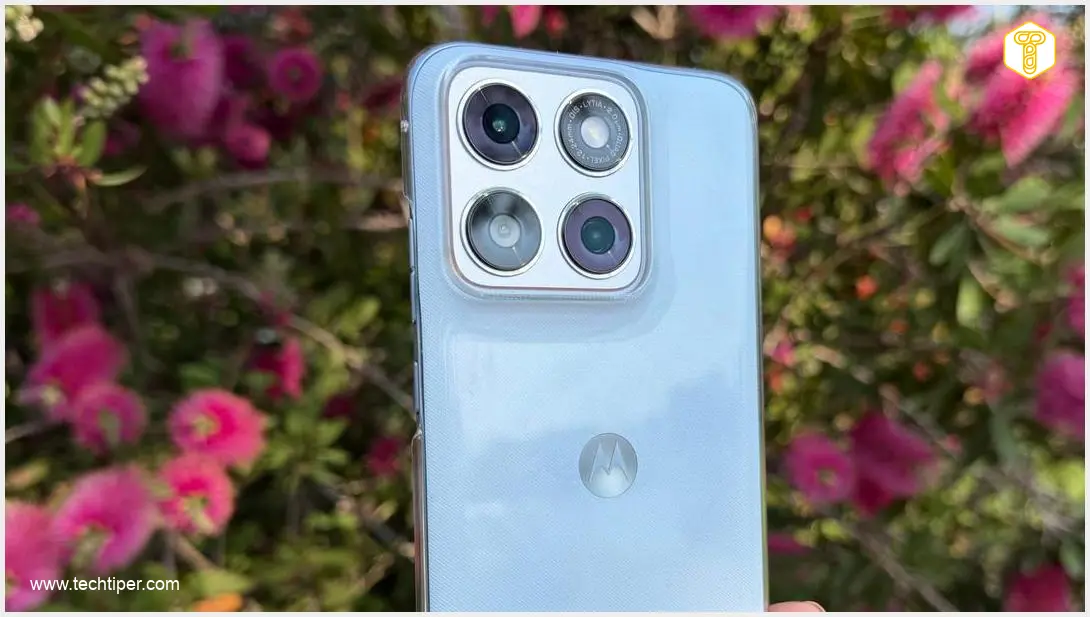
Many Motorola smartphone models, including devices similar to the Motorola Signature mentioned in early reports, have begun receiving the August 2026 security update. This update, weighing approximately 136 MB, focuses exclusively on incorporating the latest security patches dated August 1, 2026. These patches address a range of potential weaknesses, bolstering your phone’s resilience against malware and other exploits. It’s worth noting that in some instances, devices might skip a previous month’s update (e.g., a July patch) and directly jump to the latest available. While this can happen, ensuring you install the *most recent* security update is always the priority.How to Install the Motorola Security Update
Installing the update is a straightforward process designed to keep your device protected with minimal effort. **Step-by-step installation guide:** 1. **Access Settings:** Open your smartphone’s “Settings” application. 2. **Navigate to System Updates:** Scroll down and tap on “System” or “About Phone,” then select “System updates.” 3. **Check for Updates:** Your device will typically check for available updates automatically. If not, tap “Check for updates.” 4. **Download and Install:** Once the August 2026 update is detected, follow the on-screen prompts to download and install it. 5. **Restart Your Device:** A device restart is mandatory after the installation is complete to finalize the update process and apply all security patches effectively.Beyond System Updates: Ensuring Comprehensive Security
While keeping your Android operating system updated is crucial, it’s equally important to ensure other critical components are current. We recommend taking an extra step: * **Check Google Play Services:** Navigate to “Settings” > “Security & privacy” > “System & updates.” Here, verify that your Google Play system updates and Google Play Services are also up-to-date. These services are fundamental to Android’s security framework and app functionality. * For more insights into potential security concerns, especially concerning privacy settings, you might find our article on Android 16 VPN bugs and privacy warnings insightful.Anticipating Future Updates and Broader Rollouts
Motorola is committed to providing timely security patches across its device portfolio. All Motorola smartphones that are slated to receive the upcoming Android 17 update should also receive this August security update in the coming days or weeks, ensuring users across various regions benefit from enhanced protection. This continuous commitment to updates highlights the importance of staying current with the latest software. * Stay informed about the latest developments and new features in the Android ecosystem by exploring our coverage on new Android features and security updates.Frequently Asked Questions (FAQ)
Update rollouts can be staggered by region or device model. If you haven’t received the notification, manually check for updates via “Settings” > “System” > “System updates.” Ensure your device is connected to a stable Wi-Fi network and has sufficient battery life. If it still doesn’t appear after a few days, it’s possible your device may receive a bundled update later, or you can contact Motorola support for specific information regarding your model.
Security updates address vulnerabilities that might not be immediately apparent but could be exploited by hackers to gain unauthorized access to your personal data, install malware, or compromise your device’s functionality. Even if your phone appears to be working normally, delaying an update leaves it exposed to potential threats. Installing updates promptly is a critical step in maintaining your digital security and privacy.
About Post Author
