
Contents
Samsung Browser Arrives on Windows: Seamless Connectivity and AI Power
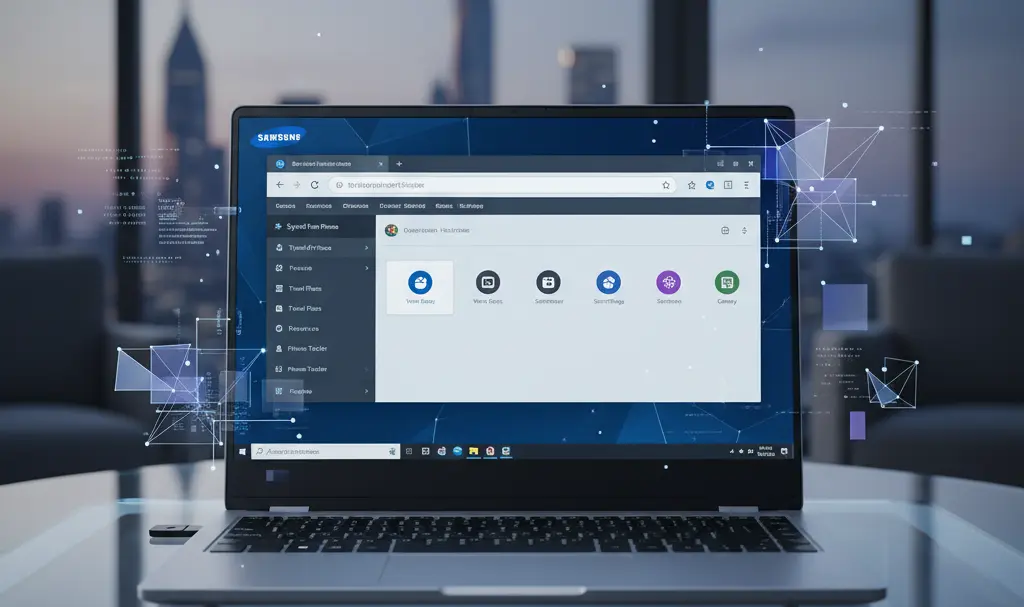
Samsung has officially introduced its popular Samsung Browser to Windows 10 and 11, marking a significant step towards a more integrated ecosystem experience. This new browser aims to provide seamless connectivity between Samsung Galaxy devices and Windows PCs, while also leveraging advanced AI agent capabilities to enhance the user experience. Until now, achieving such fluidity between platforms often required reliance on third-party solutions.
Integrating the Galaxy Ecosystem with Windows
A key strength of the new Samsung Browser for Windows lies in its deep integration with your Samsung Account. This integration facilitates instant synchronization of bookmarks, browsing history, and open tabs between your smartphone and computer. Users who previously had to manually transfer links or use external tools for synchronization can now enjoy a native solution that significantly simplifies their daily workflow.
The application also allows for easy data import from other popular browsers like Google Chrome and Microsoft Edge. This ensures a smooth and intuitive migration process for any user with a modern PC, making the switch effortless.
Built on the Chromium engine, Samsung Browser guarantees full compatibility with most websites and provides access to a rich library of browser extensions. Samsung has also incorporated unique features that differentiate its browser from competitors.
The interface has been meticulously adapted for mouse and keyboard control, while retaining the distinctive One UI aesthetic familiar from Samsung smartphones. This design choice ensures a consistent visual experience for users, whether they are browsing on a tablet on the go or using a powerful workstation in the office.
Artificial Intelligence Enhances User Experience
The latest version of Samsung Internet for Windows features full integration with Perplexity AI, an advanced artificial intelligence-powered answer engine. This innovative solution positions Samsung’s product at the forefront of browser technology, surpassing many standard features found in rival browsers.
Beyond intelligent search options, the browser offers robust privacy protection mechanisms. It also includes built-in tools for blocking intrusive advertisements, which noticeably speeds up website loading times and provides a cleaner browsing experience.
The browser’s performance has been optimized for lower RAM consumption. This is particularly beneficial for laptop users, where resource efficiency directly translates into longer battery life, enabling extended productivity and entertainment on the go.
Availability of Samsung Browser for Windows Users
The Samsung Browser for Windows is compatible with devices running Windows 10 (version 1809 and newer) and Windows 11. It can be downloaded directly from Samsung’s official website.
Samsung notes that the advanced Agentic AI features are currently available in select regions such as South Korea and the United States, with plans for a broader rollout to other markets over time.
Frequently Asked Questions (FAQ)
What are the key benefits of using Samsung Browser on Windows?
Samsung Browser on Windows offers seamless cross-device synchronization of bookmarks, browsing history, and open tabs with your Samsung Galaxy devices. It also integrates advanced AI features, provides robust privacy protection with built-in ad blocking, and boasts optimized performance for lower RAM usage and longer battery life.
Can I easily transfer my data from other browsers to Samsung Browser?
Yes, Samsung Browser allows for easy and intuitive importing of data, including bookmarks and browsing history, from popular browsers like Google Chrome and Microsoft Edge, making the migration process straightforward.
What are the system requirements for Samsung Browser on Windows?
Samsung Browser for Windows is compatible with PCs running Windows 10 (version 1809 or newer) and Windows 11.
Are the AI features available globally?
Initially, the advanced Agentic AI features are available in select regions such as South Korea and the United States. Samsung has plans to expand these features to additional markets in the future.
How does Samsung Browser ensure a consistent user experience?
The browser’s interface is designed with the familiar One UI aesthetic found on Samsung smartphones. This ensures a consistent visual and functional experience across your Samsung devices, whether you’re using a phone, tablet, or Windows PC.
Source: Samsung, Windows Central, SammyFans, PCmag. Opening photo: Jolanta Szczepaniak
About Post Author
