

Contents

Breaking the Ecosystem Wall: Samsung Connectivity Expands to All Windows PCs
While Samsung smartphones dominate the global tech market, the broader Galaxy accessory ecosystem hasn’t traditionally commanded the same “lock-in” effect as Apple’s tightly controlled walled garden. However, the South Korean tech giant is recognizing this shifting landscape and has made a highly anticipated move: unlocking one of its best exclusive productivity features for a much wider audience.

Moving Beyond the Galaxy Book Limitation
Historically, Samsung’s dedicated PC ecosystem application worked on Windows 11, but it came with frustrating artificial limitations. To access the complete suite of cross-device functionality, users were forced to own both a Galaxy smartphone and a Samsung Galaxy Book laptop.
That restriction is officially a thing of the past. With the rollout of application version 2.1.6.0, Samsung is significantly expanding its pool of compatible devices, untethering its software from proprietary hardware.
Key Features Now Available on More Windows Laptops
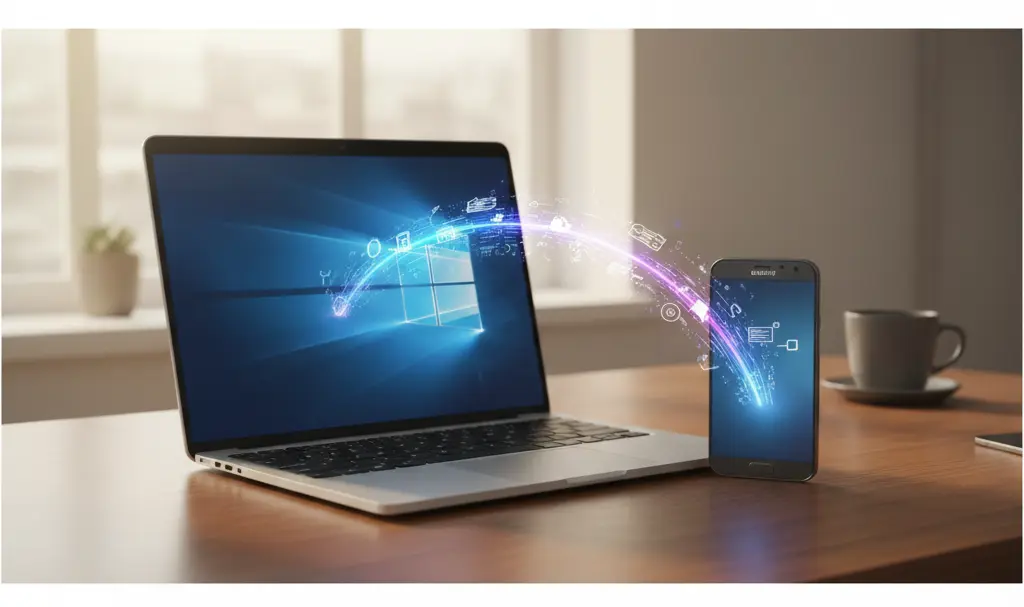
The expanded compatibility means that any modern Windows laptop running on Intel or AMD processors with standard x64 architecture can now fully utilize the application. This update transforms how users interact with their devices, bringing several premium features to the masses.
- Universal Clipboard and Transfer: Seamlessly copy and paste text, or drag and drop files directly between your Windows laptop and your Galaxy smartphone.
- Wi-Fi Synchronization: Automatically transfer saved Wi-Fi network credentials from your phone to your PC, eliminating the need to type in complex passwords.
- Smart Document Scanning: Scan physical documents using your smartphone’s high-resolution camera and instantly push the digitized files to your desktop for editing.
This integration is part of a much larger push to create a unified experience for users, complementing other recent cross-device improvements like the advanced Samsung browser Windows AI connectivity tools. By opening up these features, Samsung is directly challenging competitors with an open-arms approach to productivity.
Current Compatibility Limitations
While this is a massive win for standard Intel and AMD PC users, early adopters of ARM-based Windows laptops (such as devices powered by the new Snapdragon X processors) are currently out of luck. The updated application architecture does not yet support ARM-based Windows machines.
How to Get Started
If you own a Galaxy smartphone and a compatible Windows machine, you no longer need to feel left out of the premium ecosystem experience. The application is officially available for download directly from the Microsoft Store. This enhanced flexibility offers an experience that rivals native solutions, mirroring the convenience of tools like the AirDrop and Galaxy Quick Share integration.
Frequently Asked Questions (FAQ)
Do I still need a Samsung Galaxy smartphone to use this Windows app?
Yes, while you no longer need a Samsung-branded laptop (Galaxy Book), the core functionality relies on syncing a Samsung Galaxy smartphone with your Intel or AMD Windows PC.
Will this update work on new ARM-based Windows laptops?
Currently, the application version 2.1.6.0 only supports x64 architecture. Laptops running on ARM processors, including the latest Snapdragon chips, are not supported at this time.
Where can I download the connectivity app for my non-Samsung laptop?
The application can be downloaded directly and safely from the official Microsoft Store on your Windows 11 machine. Ensure your Windows operating system and smartphone software are up to date before syncing.
Source: Android Authority & Opening photo: Gemini
About Post Author
