

Contents

Samsung Rolls Out Crucial Camera App Update, Surprisingly for Galaxy S23 Series First
Samsung has begun distributing a significant update for its camera application, targeting a frustrating bug that has bothered users recently. However, this rollout isn’t global yet. What’s particularly unexpected is that this patch is initially available for a specific smartphone series – one we wouldn’t typically expect to receive such a focused update first.

Samsung Prioritizes Three-Year-Old Flagships for Camera Fix
The latest camera application update, version 16.5.03.2, resolves a critical issue: a green line artifact that could appear on the screen when generating thumbnails for high-resolution photos. This update ensures that this visual glitch is eliminated from the camera experience.
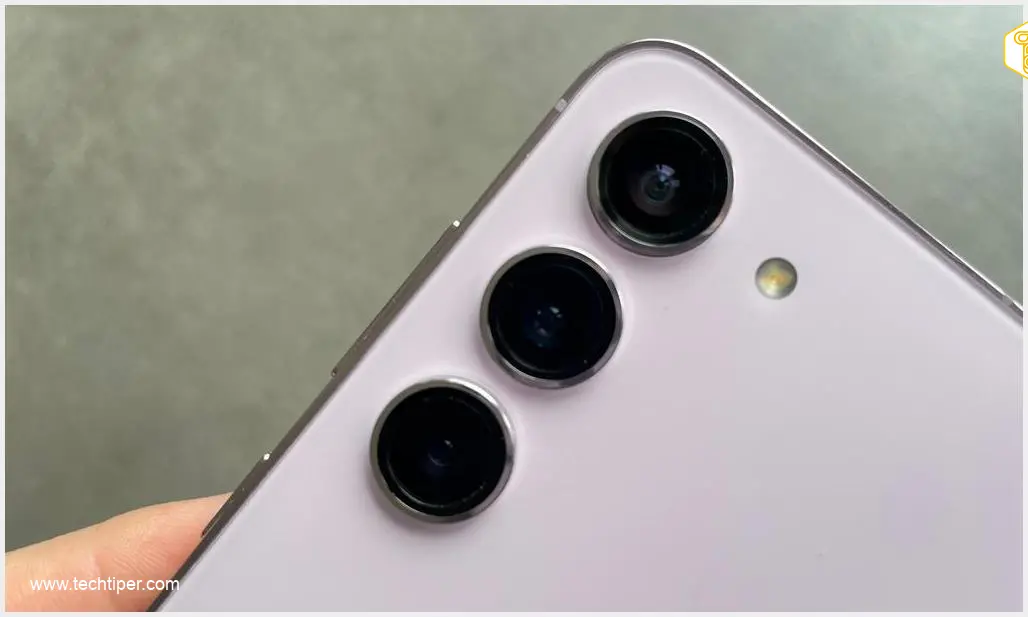
The surprising element lies in Samsung’s distribution strategy. Currently, this update is exclusively available for the three-year-old Samsung Galaxy S23 series, which includes the Galaxy S23, Galaxy S23+, and Galaxy S23 Ultra models. This decision is noteworthy because the South Korean manufacturer typically prioritizes its newest models for important fixes and feature enhancements. For instance, the Samsung Galaxy S23 March 2024 security update earlier this year also brought significant improvements, but a camera app-specific fix initially for an older model is unusual.
A user, Kailash (@Kailash0729) on X (formerly Twitter), highlighted the update on August 7, 2026, confirming its availability and the fix:
‼️Galaxy S23 Series Users check update
📸Camera Update available
On Galaxy store
Version-16.5.03.2
✨️What’s new✨️
Fixed green line artifact in high-resolution photo thumbnail generation
→️Check update Galaxy Other Users 👇
pic.twitter.com/yf7O5XJAJK
Why the Galaxy S23 Series First?
One possible explanation for Samsung’s approach could be a strategic decision to test the patch on a relatively smaller and well-established user base. By deploying the update to the Galaxy S23 series first, Samsung can closely monitor its performance and ensure stability before rolling it out to more recent flagship devices. This cautious approach could prevent widespread issues, similar to how unexpected bugs can sometimes arise with broader system updates, like the Samsung Galaxy March update causing custom fonts issues.
If the update proves stable and problem-free on the Galaxy S23 series, it’s highly probable that newer Samsung Galaxy models will subsequently receive this much-needed camera application update.
How to Check for the Update
To determine if the update is available for your device, follow these simple steps:
- Open the Galaxy Store application on your Samsung smartphone.
- Navigate to the “Updates” or “My apps” section.
- Look for the camera application (often listed as “Samsung Camera” or part of system apps).
- Check if version 16.5.03.2 is available for download and installation.
Frequently Asked Questions (FAQ)
The update (version 16.5.03.2) specifically fixes an annoying green line artifact that could appear on the screen when the camera app was generating thumbnails for high-resolution photographs.
The update is currently exclusive to the Galaxy S23 series (S23, S23+, S23 Ultra). This staggered rollout is likely a strategic decision by Samsung to test the patch on a smaller user group first. If the update proves stable on the S23 series, it is expected to be rolled out to newer Galaxy models subsequently. There is no confirmed timeline for other models yet.
If you own a Galaxy S23 series device and don’t see the update, first ensure your device has a stable internet connection. Then, open the Galaxy Store app, go to the “Updates” or “My apps” section, and manually check for updates for your camera application. The rollout might be phased, so it could take a short while to reach all devices within the S23 series.
Source: SamMobile. Opening photo: Jolanta Szczepaniak
About Post Author
