
Contents
Samsung Galaxy S25 Series Receives Major March Security Update
Samsung has commenced the global rollout of its significant March security update for the entire Galaxy S25 series. This essential update, which is substantial in size, brings a host of critical fixes to enhance the security and stability of your device. While users eagerly await the stable release of One UI 8.5, this immediate security patch underscores Samsung’s commitment to user protection, addressing numerous vulnerabilities across the Android operating system and Samsung’s own software.
What’s New in the March Security Update for Galaxy S25?
This latest security update is a vital download for all Galaxy S25 owners. Here’s a breakdown of what to expect:
- Significant Download Size: The update package is approximately 500 MB, indicating a comprehensive set of changes and improvements.
- Patch Version: Users will receive a patch identified by the version number S93xNKSS8BZC1.
- Affected Devices: The update targets the entire flagship series, including the Samsung Galaxy S25, Galaxy S25+, and Galaxy S25 Ultra.
- Comprehensive Security Enhancements: The primary focus of this update is to fortify the device’s defenses against potential threats.
Critical Security Fixes Addressed
The March security update is not just another routine patch; it’s a crucial package designed to protect your smartphone from potential exploits. It includes a remarkable number of fixes:
- Total Vulnerabilities Patched: A total of 65 security vulnerabilities have been addressed in this update.
- Severity Breakdown:
- 8 vulnerabilities were categorized as critical, meaning they could potentially allow for remote code execution or significant data breaches.
- 52 vulnerabilities were marked as high threat, indicating serious risks if left unpatched.
- The remaining vulnerabilities were of moderate or low concern.
- Scope of Fixes:
- 60 vulnerabilities are related to the core Android 16 operating system, ensuring a safer Android experience.
- 5 vulnerabilities specifically target software components distributed by Samsung, reinforcing the security of their proprietary features and applications.
These patches are essential for safeguarding your personal data, maintaining device integrity, and ensuring a smooth, secure user experience.
Global Rollout and How to Update Your Device
The rollout of the March security update commenced in regions such as South Korea. Typically, this signifies a phased global release, meaning users in other countries can expect to receive the update on their Galaxy S25 devices within the coming days or weeks.
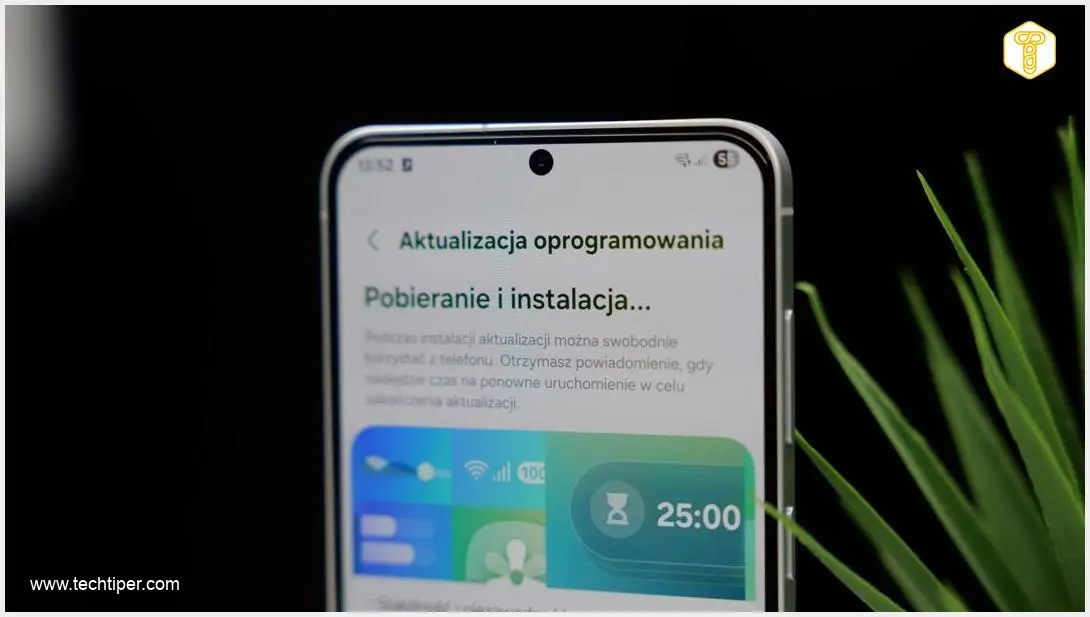
To check for and install the update on your Samsung Galaxy device, follow these simple steps:
- Open the Settings application on your smartphone.
- Scroll down and tap on Software Update.
- Tap Download and Install.
- If an update is available, follow the on-screen prompts to download and install it. Ensure your device has sufficient battery charge or is connected to a power source during the installation process.
The Importance of Keeping Your Device Updated
Regular software updates, especially security patches, are paramount for the health and security of your smartphone. They do more than just introduce new features; they provide vital protection against:
- Malware and Viruses: Patches close loopholes that malicious software can exploit.
- Data Breaches: By fixing vulnerabilities, updates help prevent unauthorized access to your personal information.
- Performance Issues: Sometimes, security updates can also include optimizations that improve overall device stability and performance.
- Maintaining Device Longevity: Keeping software up-to-date helps ensure your phone remains compatible with new apps and services.
What This Means for One UI 8.5
The release of this security update confirms that the highly anticipated stable version of One UI 8.5 is still in development. Security updates are generally separate from major operating system or user interface upgrades. While this March patch enhances the current software, users will still need to await a future announcement from Samsung regarding the availability of One UI 8.5, which is expected to bring significant new features and design refinements.
Frequently Asked Questions (FAQ)
Why are security updates sometimes so large in size?
Security updates can be substantial (like 500 MB) because they often include fixes for a wide array of vulnerabilities across the entire operating system and sometimes even firmware. Instead of just patching individual lines of code, they might replace larger components or bundles of system files to ensure comprehensive protection against newly discovered threats. This approach guarantees that all related security gaps are closed effectively.
What is the difference between a security update and a One UI update?
A security update primarily focuses on patching vulnerabilities and improving the device’s defense against malware and cyber threats, often released monthly or quarterly. A One UI update, on the other hand, is a major operating system and user interface upgrade (like Android 16 with One UI 8.5) that introduces new features, design changes, performance enhancements, and significant system-level improvements. While major OS updates also include security patches, dedicated security updates are more frequent and focused solely on protection.
How can I verify the authenticity and security of an update before installing it?
Updates delivered directly through your phone’s “Software Update” settings are official and verified by Samsung. These updates are digitally signed, ensuring their authenticity. Avoid installing updates from unofficial sources or third-party websites, as they could be malicious. Always ensure your phone is connected to a secure Wi-Fi network and has sufficient battery before proceeding with any official update.
What steps should I take if my device experiences issues or unexpected behavior after a major security update?
If you encounter problems after an update, first, restart your phone. Often, a simple reboot can resolve minor glitches. If issues persist, consider clearing the cache partition (this can be done via recovery mode, specific steps vary by model) or checking Samsung’s official support forums for known issues and solutions. As a last resort, backing up your data and performing a factory reset might be necessary, but this should only be done after exploring other troubleshooting options.
Source: SamMobile. Opening photo: Krzysztof Wilamowski
About Post Author
