

Contents
Samsung Music’s Latest Update: A Fresh Look with New Restrictions
Samsung Music, the popular audio player cherished by many for its traditional local file playback, has recently undergone a significant overhaul. This update introduces a series of visual and functional modifications, primarily focusing on its home screen widgets. As Samsung continues to refine its One UI overlay and core system applications, users can expect a more polished and intuitive experience, albeit with some notable changes.
Redesigned Widgets and Enhanced User Experience
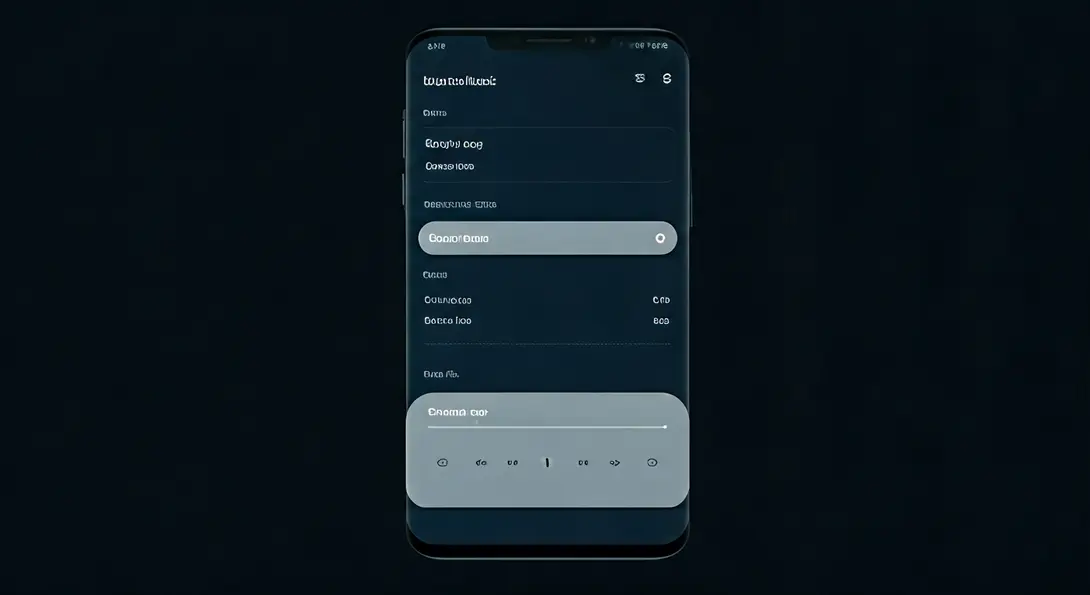
The core of this new software release centers on a partial redesign of the Samsung Music home screen widgets. Developers have focused on improving the visibility of interactive controls, making them easier to identify and use at a glance. Key enhancements include:
- Larger Buttons: Control buttons have been enlarged for better tap accuracy.
- Increased White Space: More empty space has been added around elements, contributing to a cleaner and less cluttered appearance.
- Improved Readability: The overall design aims for enhanced clarity, making it simpler for users to navigate their music playback directly from the home screen.
These visual improvements are designed to streamline the user experience, allowing for quick and efficient management of your music without needing to fully open the application. For more insights into Samsung’s ongoing UI developments, check out recent features in One UI.
Significant Changes to Widget Availability and Customization
While the aesthetic updates are generally well-received, the changes aren’t limited to design. Samsung has also made some impactful decisions regarding widget availability and customization options:
- Removal of 3×1 Widget: The widely used 3×1 dimension widget has been completely removed. This might disappoint users who preferred its compact layout for quick controls.
- Remaining Options: Users now only have access to widgets in 2×2 and 4×1 variations.
Perhaps the most significant disappointment for many users will be the loss of resize functionality. Post-update, the available Samsung Music widgets (2×2 and 4×1) now have fixed dimensions. This means you can no longer freely adjust their size when organizing your main menu or home screen, offering less flexibility than before.
Beyond these specific widget alterations, the update also includes “other bug fixes.” This suggests that the application should now operate with improved stability and overall performance, addressing any previous glitches or issues. These continuous improvements are part of Samsung’s broader strategy to enhance system applications, similar to how they refine features like multi-window and AI cross-device capabilities in One UI.
How to Update Your Samsung Music App
The described changes are implemented starting with application version 16.2.45. To ensure you have the latest features and improvements, follow these simple steps to update your Samsung Music app:
- Open the Galaxy Store application on your Samsung device.
- Tap the three horizontal lines icon (menu icon) usually located in the top-left or top-right corner to open the side menu.
- Navigate to the “Updates” section.
- Find “Samsung Music” in the list of available updates.
- Tap the update button or confirm the download to install the latest files.
Once updated, you can explore the redesigned widgets and experience the enhanced stability of the Samsung Music player.
Frequently Asked Questions (FAQ)
The latest Samsung Music update primarily introduces visual and functional modifications to its home screen widgets. This includes redesigned layouts with larger buttons and more white space for improved visibility and ease of use. However, it also removes the 3×1 widget and makes the remaining 2×2 and 4×1 widgets fixed in size, meaning they can no longer be freely resized. The update also includes general bug fixes for better stability.

With the latest update (version 16.2.45 and above), Samsung has opted to give the remaining 2×2 and 4×1 widgets fixed dimensions. This means users can no longer freely adjust their size on the home screen, a change from previous versions.
You can update your Samsung Music app through the Galaxy Store. Open the Galaxy Store, access the side menu (three horizontal lines), go to the “Updates” section, find “Samsung Music,” and then approve the download and installation of the latest version (16.2.45 or newer).
Source: Sammobile, original compilation.
Opening photo: Krzysztof Wilamowski
About Post Author
