

Contents
Massive Updates Coming to Windows 11: Taskbar AI Agents and a Revamped Start Menu
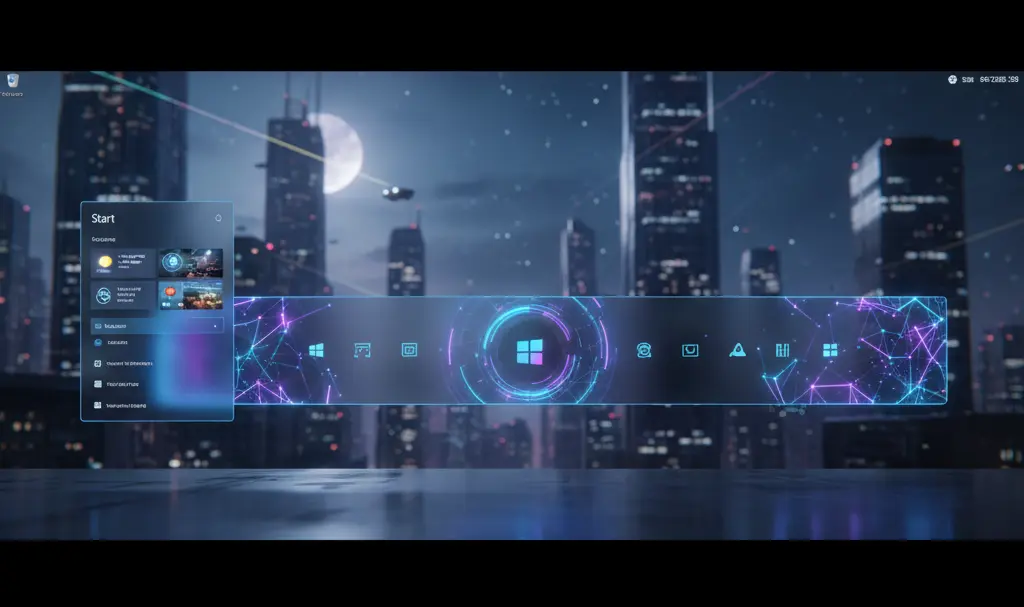
The latest changes revealed in Windows 11 test builds clearly indicate that Microsoft is shifting its focus toward a smarter, more responsive, and highly customizable user interface. The tech giant has confirmed the introduction of autonomous AI agents directly into the Windows 11 taskbar—fortunately, as an optional feature. Simultaneously, a major overhaul of the Start Menu is underway, promising extensive personalization and improved system performance.
Optional Yet Highly Anticipated Windows 11 Features
Microsoft is preparing one of the most significant visual and functional overhauls to Windows 11 in years. This time, the focus is split between integrating advanced artificial intelligence into the taskbar and giving users the Start Menu they have been requesting since the operating system’s initial launch.
In recent weeks, the company confirmed two groundbreaking development paths:
- Taskbar AI Agents: Seamless integration of intelligent, task-oriented assistants directly into your daily workflow.
- Start Menu Modernization: A fully resizable interface with the ability to toggle entire sections on or off based on user preference.
Both updates are targeted for a broad public release in 2026. The scope of these changes suggests that Microsoft is finally responding to user feedback regarding the previously aggressive push of Copilot and the rigidness of the default user interface. Whether you use a high-end desktop workstation or a compact pocket PC with Windows 11, these UI improvements are designed to scale beautifully and enhance your daily experience.
Autonomous AI Agents on the Taskbar
Recent Windows 11 builds released to the Release Preview and Canary Channels have unveiled a strategically crucial change: the taskbar will now support autonomous AI agents, including those developed by third parties. This move opens up the Windows ecosystem not just to Microsoft’s Copilot, but potentially to advanced AI models from Anthropic, OpenAI, and other leading tech providers.
These agents are designed to be entirely autonomous. They can independently plan, research, reason, and execute complex tasks without requiring constant user input. Once activated, you will be able to summon assistants—like the Microsoft 365 Researcher—directly from the taskbar. Simply hovering over the respective icon will allow you to monitor their progress or steer their workflow seamlessly, keeping you in full control without cluttering your screen.
A Smarter, Less Intrusive Approach to Copilot
This shift in AI integration is a clear signal that Microsoft is actively listening to its user base rather than forcing a singular, top-down vision. The company is strategically scaling back artificial intelligence in areas where users found it unnecessary or intrusive.
Recent adjustments include:
- Removing the forced Copilot integration from the Snipping Tool.
- Rebranding AI features in Windows Notepad to a much simpler “Writing Tools” menu.
- Minimizing AI interventions in native applications like Photos and Widgets.
By eliminating redundant AI sidebars and unsolicited suggestions, Microsoft aims to significantly reduce system resource consumption, ensuring a smoother overall experience for all users.

A Much-Needed Start Menu Redesign
Alongside AI improvements, Microsoft is delivering a feature users have demanded since the 2021 debut of Windows 11: absolute freedom to personalize the Start Menu. While it will retain its familiar modern aesthetic, the new iteration will introduce heavily requested customization options that have been missing for years.
The standout feature is the ability to easily resize the Start Menu. Users will be able to drag the edges to adjust both the height and width to perfectly match their desktop setup and personal workflow. Additionally, you will have the power to disable entire app or recommendation sections directly from the system settings—giving you the same level of granular control you might expect when managing Google Chrome autostart in Windows 11.
Under the hood, this redesign replaces the older, web-based React framework with the native WinUI 3. This underlying architectural change is expected to drastically improve the menu’s responsiveness, eliminating lag and reducing launch speeds.
When Will These Features Reach General Users?
As with all major Microsoft updates, these features are rolling out to Windows Insiders in phases. The official public release is expected to follow a gradual deployment model via Windows Update throughout 2026. Users who do not participate in the Insider program will need to wait until these tools pass through the rigorous Release Preview stage and are eventually bundled into stable monthly updates.
Frequently Asked Questions (FAQ)
Can I completely disable the new AI agents on the Windows 11 taskbar?
Yes. Microsoft has explicitly stated that the integration of autonomous AI agents on the taskbar will be entirely optional. Users who prefer a traditional, AI-free workspace can choose not to enable or pin these agents to their taskbar, keeping their system clean and resource-light.
Will the new resizable Start Menu slow down my computer?
Actually, it should be faster. Microsoft is rebuilding the Start Menu using native WinUI 3 technology, replacing the older web-based React framework. This under-the-hood change is specifically designed to improve loading speeds, reduce memory usage, and boost overall system responsiveness.
Do I have to wait until 2026 to try these new Windows 11 features?
While the general public release is slated for 2026, you can test these features early by joining the Windows Insider Program. The updates are currently being pushed in phases to the Canary and Release Preview channels for early adopters and developers to test.
Source: Windows News, Windows Central, Windows Latest
Opening photo: Gemini
About Post Author
