

Contents
Samsung Rolls Out Crucial Security Update for Galaxy Watch8 Series
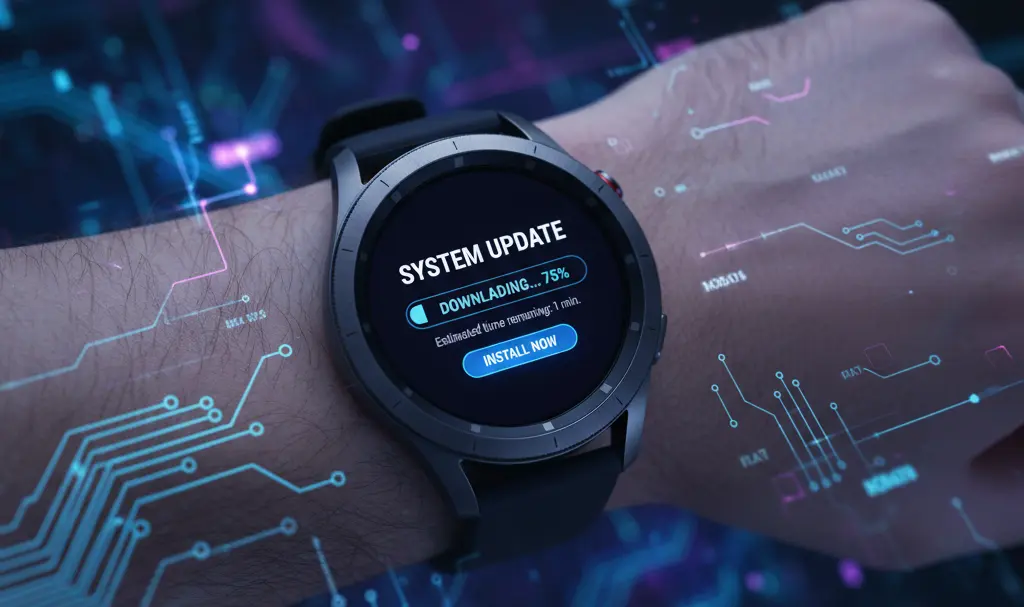
Samsung has commenced the distribution of a vital new software update for its Galaxy Watch8 and Galaxy Watch8 Classic smartwatches. This essential package brings significant security enhancements, making its installation highly recommended for all users.
Why This Update is Important
While Samsung recently released a major update for its Galaxy smartphone series, patching 65 vulnerabilities, this new smartwatch update specifically targets the wearable ecosystem. According to reports, the update addresses a total of 37 security vulnerabilities within the system. These patches are critical for protecting user data and ensuring the smooth operation of your device against potential threats.
Key Details of the AZB1 Update
- Software Version: The update package is identified by a version number ending in AZB1.
- Security Focus: The primary purpose of this update is to integrate the latest February security patches.
- Vulnerability Fixes: It resolves 37 distinct security flaws, bolstering the overall security posture of your Galaxy Watch.
- No New Features: Users should note that this particular update does not introduce any new user interface elements or functionalities. Its sole focus is on security and stability.
This update is being rolled out to both Wi-Fi and cellular variants of the Galaxy Watch8 and Watch8 Classic, ensuring comprehensive coverage across the series.
Availability for Other Galaxy Watch Models
It’s worth noting that the latest software version, including these important security fixes, has already reached previous generation smartwatches, such as the Galaxy Watch7 series. However, users of the flagship Galaxy Watch Ultra are reportedly still awaiting the introduction of these crucial patches.
How to Install the Update on Your Galaxy Watch8
Keeping your smartwatch updated is simple. While your Galaxy Watch should eventually detect and prompt you for the new software version automatically, you can also manually check for and initiate the update process. This ensures you receive the latest security improvements without delay.
Step-by-Step Guide:
- Access Settings: On your Galaxy Watch8, navigate to the “Settings” menu.
- Find Software Update: Scroll down and select the “Watch software update” option.
- Check for Updates: From this screen, you can manually trigger a check for available updates.
- Initiate Installation: If the new AZB1 software version is available, you will be prompted to download and install it. Follow the on-screen instructions to complete the process.
It is always recommended to install security updates promptly to maintain the integrity and security of your device and personal data.
Frequently Asked Questions (FAQ)
This update primarily focuses on enhancing the security of your Galaxy Watch8 and Watch8 Classic. It includes the latest February security patches, which fix 37 different vulnerabilities in the system.

The update is currently rolling out to the Samsung Galaxy Watch8 and Galaxy Watch8 Classic series, including both Wi-Fi and cellular variants. Previous generations like the Galaxy Watch7 have also received it.
No, this particular software update (version ending in AZB1) does not introduce any new user interface elements or functionalities. Its sole purpose is to improve security and system stability by patching vulnerabilities.
You can manually check for the update by going to “Settings” on your watch, then selecting “Watch software update.” From there, you can force a check and initiate the installation if the update is available.
Yes, it is highly recommended to install all security updates promptly. These updates protect your device from potential security threats and vulnerabilities, ensuring your data remains secure and your smartwatch operates reliably.
Source: Sammobile
Opening photo: Gemini
About Post Author
