

Contents
Windows 11 March 2026 Update: Practical Innovations and Performance Boosts
The upcoming Windows 11 update, slated for March 2026, marks a significant step in Microsoft’s ongoing software evolution. While it doesn’t fundamentally change the system’s core, it introduces a suite of highly practical new features and enhancements. Users can look forward to a range of improvements designed to refresh the interface and, more importantly, provide practical tools to simplify daily tasks and streamline computer resource management.
A “Minor” Update with Major Impact
Instead of rushing a new major Windows version, Microsoft continues to refine Windows 11 through frequent cumulative updates and feature enhancements. The March 2026 patch, scheduled for March 10, 2026, as part of Patch Tuesday, is one such cumulative update. While not on the scale of major releases like 24H2 or 25H2, it delivers an above-average number of functional changes that address numerous small details impacting the daily Windows 11 user experience.
From a typical user’s perspective, the March 2026 package offers a collection of conveniences that collectively lead to a noticeably more comfortable system experience:
- Easier network speed testing.
- Improved desktop wallpapers.
- More convenient archive extraction directly within the system.
- A generally refined user interface.
For IT administrators and security teams, this update is particularly significant due to the inclusion of native Sysmon, Quick Machine Recovery features, and crucial enhancements in the Secure Boot area.
Taskbar Enhancements and Start Menu Details
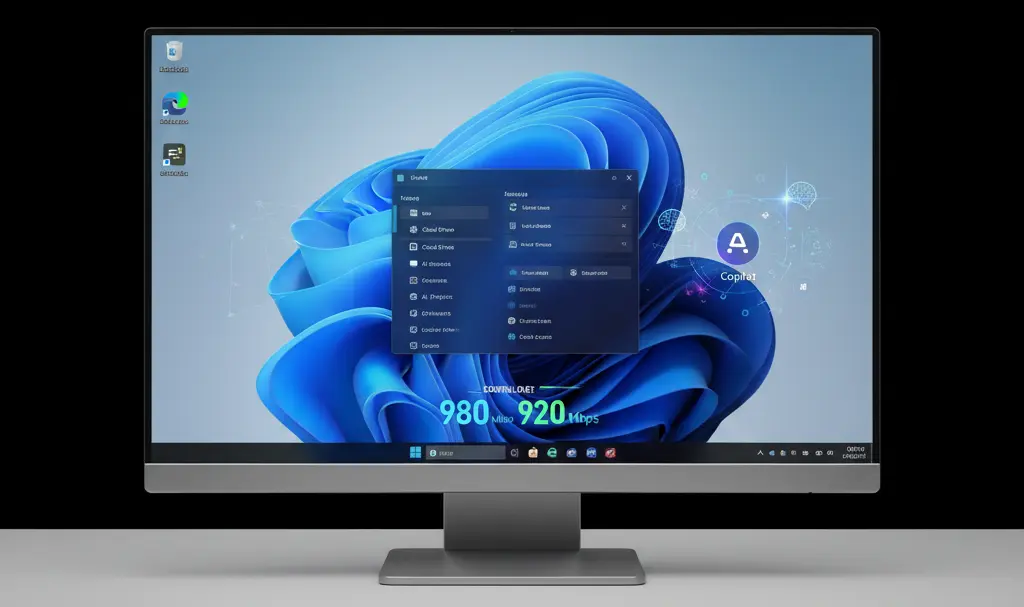
One of the most anticipated new features is the direct integration of an internet connection speed test into the taskbar. This intuitive function, accessible by right-clicking the network icon or through quick settings, will allow users to verify their connection parameters without the need to open a web browser and search for external speed test websites. This solution leverages underlying Bing technology and the robust Ookla engine for accurate results.
Additionally, the Widgets module has been upgraded with a dedicated settings page, offering more comprehensive configuration options compared to the previous simple dialog box. The Start Menu also receives a refresh in its user account management area, promising better handling of a large number of open windows and improved overall responsiveness.
Among other notable enhancements, users will gain access to the latest Emoji 16 version, which introduces a variety of new emoticons, including a face with dark circles under the eyes, a fingerprint, a harp, a shovel, and many more, enriching digital communication.
Enhanced Video Hardware Control and Deeper Smartphone Integration
The March 2026 update significantly expands control over video hardware, bringing these options directly into the system settings. Within the “Bluetooth & Devices” section, new management options have appeared for parameters like pan and tilt, specifically for supported camera models. This means users will no longer be reliant on third-party software to precisely set up their camera frame before a video conference, offering greater convenience and control.
A crucial aspect of these changes is the introduction of a dedicated page for mobile devices within the settings panel. This new section is designed to serve as a central hub for managing smartphones connected to the computer, offering a deeper and more integrated experience than the current Phone Link application. This will facilitate easier file transfers between devices, seamless notification synchronization, and consolidated permission management, all from a single, accessible location.

Improved File Explorer Experience
File Explorer is also slated for a significant transformation, with a strong focus on visual consistency and improved performance. A fully refined dark mode has been meticulously implemented, now extending its cohesive design to encompass all dialog windows for a uniform visual experience. The taskbar search function gains new capabilities with interactive result previews that appear when hovering the cursor over search results, allowing for faster document discovery without the need to open each file individually.
Furthermore, File Explorer will receive expanded archive support. The popular “Extract All” option will no longer be exclusive to ZIP files and will now work seamlessly with other common archive formats. This enhancement reduces the need for users to rely on external archiving software, streamlining file management directly within Windows.
Performance Optimizations and the Future of AI
Beyond the user-facing features, the update also includes important under-the-hood improvements related to system operation and power management. Mechanisms for scanning temporary files are expected to run more efficiently, leading to faster clean-up processes. Additionally, the process of waking up laptops connected to docking stations with the lid closed will be accelerated, offering a smoother and more responsive experience for docked devices.
The continuous development of artificial intelligence remains a key focus, with the March 2026 version of Windows making AI even more helpful. Tools such as “Click to Do” on Copilot+ PCs will gain enhanced capabilities for recognizing on-screen context, making tasks like on-the-fly photo editing or text translation more intuitive and efficient directly within applications.
Frequently Asked Questions (FAQ)
What is the main focus of the March 2026 Windows 11 update?
The update focuses on introducing practical new features and performance enhancements to improve daily user experience and system management, rather than a complete system overhaul.
What are some key new features for general users?
Key features include integrated internet speed testing in the taskbar, improved File Explorer with broader archive support, a refined dark mode, and enhanced smartphone integration.
How does the update improve AI capabilities?
AI tools like “Click to Do” on Copilot+ PCs will gain new context recognition abilities, facilitating tasks like photo editing and text translation directly on screen.
Are there any security enhancements in this update?
Yes, for administrators and security teams, the update brings native Sysmon, Quick Machine Recovery, and improvements in the Secure Boot area.
Source: Windows Central, Windows Forum, Microsoft
Opening photo: Gemini
About Post Author
