

Contents
Google Play Embraces the TikTok Format: A New Era for App Discovery
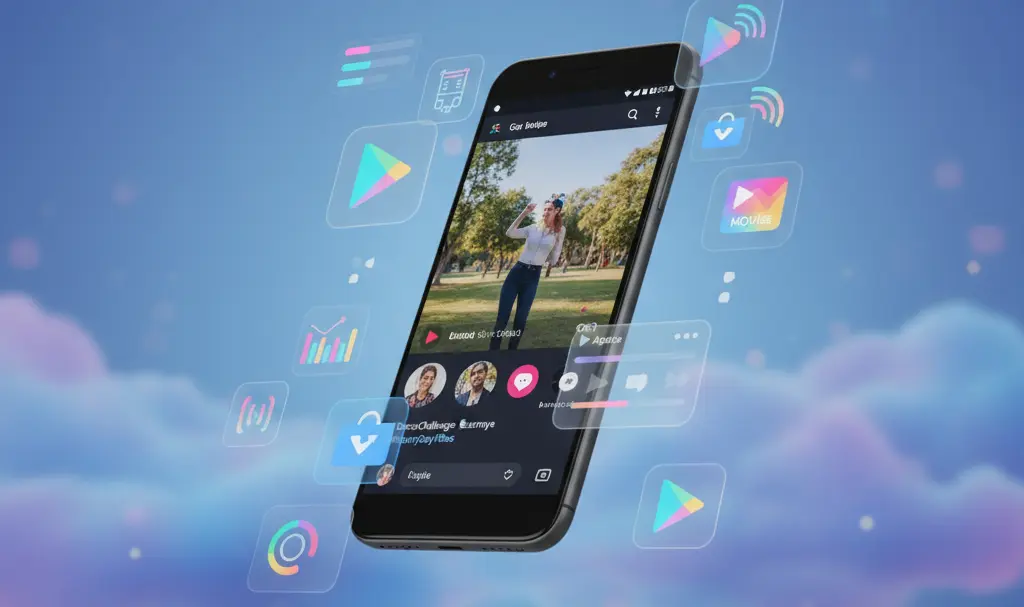
Google is actively testing a dynamic new way to present applications to its users. A fresh feature called Play Shorts has appeared in the Google Play Store, replacing the traditional, static list of programs with an engaging feed of short, vertical videos.
This interface heavily mirrors the highly popular format pioneered by TikTok. As we frequently see the Google ecosystem under construction, this pivot highlights a broader industry trend where major platforms are shifting from text and images toward immersive, algorithm-driven video feeds to maintain user attention.
What Exactly Are Google Play Shorts?
Play Shorts introduces a full-screen video feed located directly within the apps tab of the Google Play Store. Instead of reading through lengthy descriptions or swiping through static screenshots, users can now visually experience an application before deciding to download it.
The video content is uploaded directly by app developers and content creators. These short clips typically showcase:
- Raw gameplay footage and mechanics for mobile games.
- Walkthroughs of an application’s user interface.
- Demonstrations of specific tools, premium features, and real-world use cases.
Users can seamlessly scroll through consecutive videos just like on major social media apps. To ensure relevancy, a personalized discovery algorithm curates the video content based on a user’s previous download history and search queries within the store.
Convenience Meets Functionality
One of the most significant advantages of Play Shorts is the reduction of friction in the user journey. Every video features a prominent “Install” button overlaid on the screen.
This simple addition allows users to download and install an application instantly, without ever needing to click through to the app’s dedicated store page. Currently, this solution is exclusively in the testing phase in the United States, rolling out to devices running Android 9 and newer.
While mobile tech enthusiasts are eagerly searching for the Android 17 beta release date and testers guide, millions of everyday users on older operating systems are providing the vital initial telemetry for this Play Shorts experiment.
Why Users Might Dislike the Video Feed
Despite the modern appeal, this new approach to app discovery is not without its flaws. The global rollout of this feature will depend entirely on how users react during this testing phase, and there are several valid concerns regarding the transition to video-first discovery.

Misleading Promotional Material
Short, highly edited video clips often struggle to convey the actual, day-to-day functionality or limitations of an application. As a result, users might find themselves frequently downloading programs that fail to deliver on the flashy promises made in their promotional videos, leading to app fatigue and higher uninstall rates.
Performance and Resource Drain
Introducing a continuous, high-quality video feed directly impacts device performance. There are several hardware and networking drawbacks to keep in mind:
- Battery Consumption: Auto-playing high-definition videos requires significantly more processing power than scrolling through text, leading to faster battery drain.
- Data Usage: For users not connected to Wi-Fi, loading a continuous stream of videos can quickly deplete monthly mobile data allowances.
- Slower Navigation: Owners of budget smartphones or older devices may experience noticeable lag and slower load times when navigating the store.
Looking Ahead: Will Play Shorts Go Global?
For now, Play Shorts remains strictly an experimental feature. Google is closely monitoring engagement metrics, install rates, and overall user feedback. Its future development and potential worldwide deployment hinge entirely on whether the benefits of increased app discovery outweigh user frustrations regarding performance and resource consumption.
Frequently Asked Questions (FAQ)
Does the Play Shorts feature consume mobile data automatically?
Yes, because Play Shorts relies on auto-playing vertical videos, it consumes significantly more data than traditional image-based browsing. If you have a limited cellular data plan, browsing the Play Store using this new feed could deplete your data much faster unless you are connected to a Wi-Fi network.
Can I turn off the Play Shorts video feed in the Google Play Store?
Because the feature is currently in its initial testing phase, Google has not officially confirmed whether users will have a persistent toggle switch to permanently disable the video tab. However, Google historically provides options within the app settings to disable auto-playing videos to help users conserve battery and data.
Why is Google changing the Play Store interface to look like TikTok?
Short-form vertical video is currently the most engaging content format on mobile devices. By integrating this format into the Play Store, Google aims to modernize app discovery, increase user retention, provide developers with stronger marketing tools, and ultimately drive higher application download rates.
Source: digitaltrends & Opening photo: Gemini
About Post Author
