

Contents

Google Pixel Battery Drain: What Is Causing the Rapid Discharge?
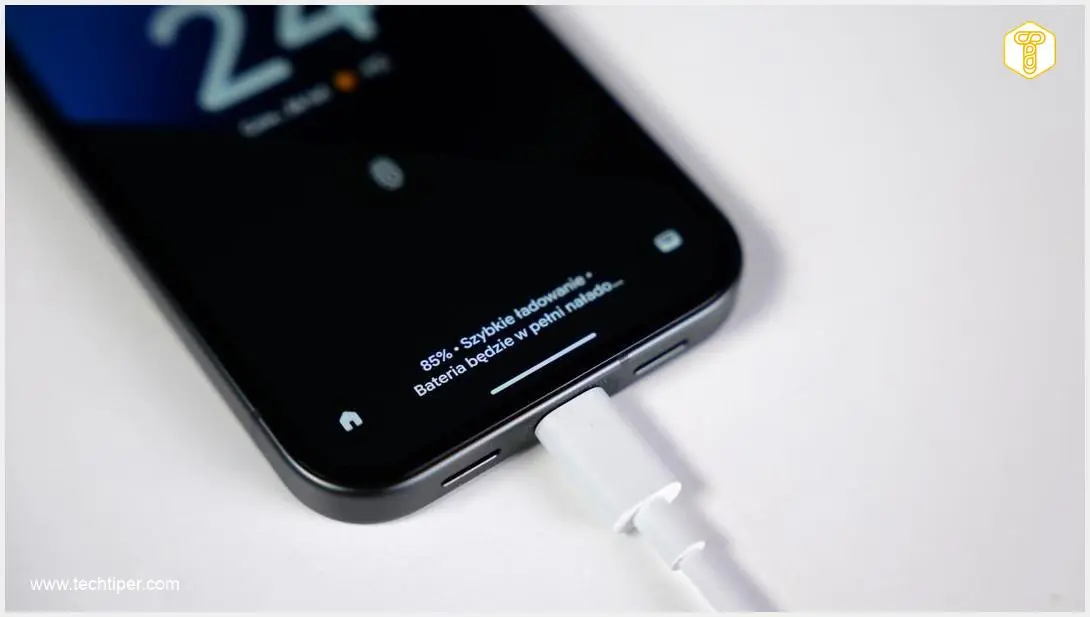
Google Pixel smartphone users are raising concerns over severe battery drain problems following recent system updates. According to numerous reports, devices are losing power at an alarming rate, even when left completely in idle mode.

If you find yourself reaching for the charger multiple times a day, you are not alone. Let us dive into what is causing this frustrating issue and explore potential workarounds.
Which Google Pixel Models Are Affected?
Complaints have been flooding various tech forums and social media platforms. Users indicate that the battery bug is widespread, affecting both older and newer generations of the Google Pixel lineup.
Some of the commonly affected models include:
- Older Generations: Google Pixel 7 and Pixel 8 series.
- Newer Flagships: Google Pixel 9 Pro.
- Upcoming Devices: Speculation even surrounds upcoming releases, causing worry among fans eagerly looking up Google Pixel 11 leaks, specifications, and release dates.
Currently, it is difficult to estimate the exact scale of the problem. The severity varies significantly from user to user. In extreme cases, Pixel owners are forced to charge their smartphones several times within a single 24-hour period.
The Prime Suspect: The March “Pixel Drop” Update
The primary suspect behind this rapid battery discharge is the March “Pixel Drop” update. This software patch was designed to introduce new features and security fixes. However, a significant portion of the user base strongly links their device’s sudden battery deterioration to this specific release.
Unfortunately, the subsequent April security update—which many hoped would patch these software bugs—did not resolve the battery drain. Additionally, users have reported other complications tied to recent patches, including Google Pixel March update display issues.
The GPS Module and Android “Doze” Mode Bug
While Google has not yet provided an official statement, developers and tech experts have been independently investigating the root cause. One leading technical hypothesis points to a persistent software bug related to the smartphone’s GPS module.
Here is a breakdown of how this bug impacts your phone:
- Android Doze Mode: Under normal circumstances, when your phone sits unused, it enters a deep sleep state called “Doze” mode. This limits background activity and conserves battery life.
- The GPS Glitch: The current bug seemingly causes the GPS module to constantly request location data.
- High CPU Usage: Because the GPS remains active, it prevents the processor from going to sleep. The constant background processing drains the battery rapidly, even with the screen turned off.
Please note that these are currently unofficial findings, though they align with the symptoms experienced by most users.
Waiting on Google: What Can You Do?
As of now, Google has not officially addressed the battery drain crisis, and it remains unclear when a definitive hotfix will be rolled out to the public. Until a permanent solution is deployed, Pixel users will have to endure shorter battery lifespans or rely on temporary workarounds.
If you are severely impacted, you might try disabling background location permissions for non-essential applications or turning off location services altogether when not actively using navigation tools.
Frequently Asked Questions (FAQ)
Does the April security update fix the Google Pixel battery drain issue?
No, based on user reports, the April update did not resolve the rapid battery discharge introduced by the March “Pixel Drop” update. Users are still waiting for a dedicated software patch from Google.
How can I temporarily reduce battery drain on my Pixel device?
While there is no permanent fix yet, you can try temporarily disabling your phone’s GPS and location services, turning on Battery Saver mode, and restricting background data for battery-heavy apps. These steps can help mitigate the suspected Android Doze mode glitch.
What is Android Doze mode and how is it related to this bug?
Doze mode is an energy-saving feature built into the Android operating system that puts your phone into a deep sleep when not in use. The current bug is believed to keep the GPS module active, which prevents the phone from entering Doze mode, forcing the processor to run constantly and drain the battery.
Source: Android Authority & Opening photo: Krzysztof Wilamowski
About Post Author
