

Contents
Microsoft is Replacing the Decades-Old Properties Menu in Windows 11
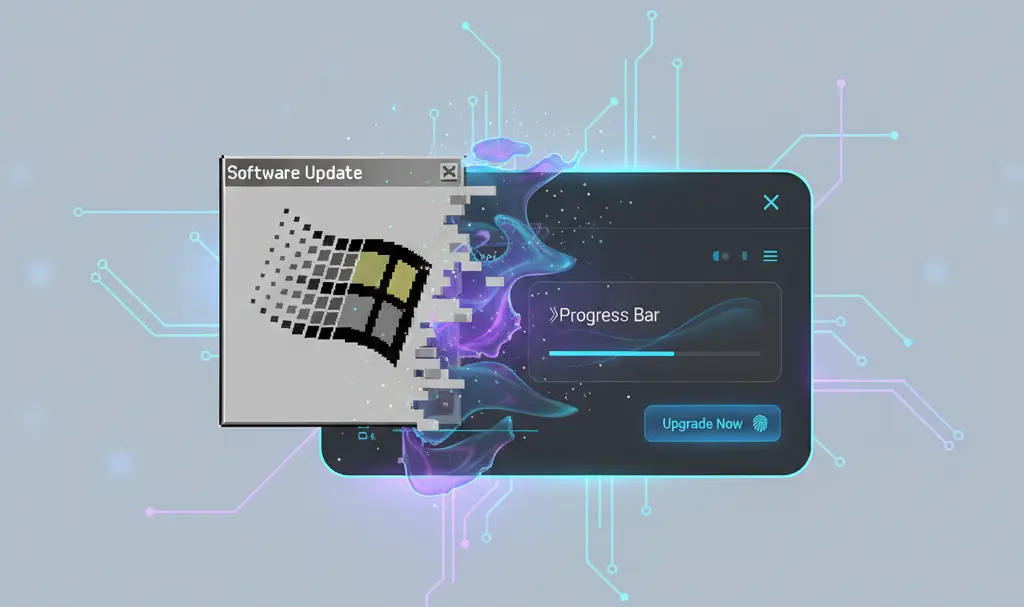
Long-time users of Microsoft’s operating system are well aware that underneath the sleek exterior of Windows 11, there are still legacy interface elements dating back to the Windows 95 era. However, no software component lasts forever. It appears that the Redmond giant is finally preparing a major overhaul for one of the oldest areas of the operating system.
The End of the Classic “Properties” Dialog Box
Although it has been nearly three decades since the launch of Windows 95, the latest versions of Windows 11 still feature several system menus that have remained almost untouched since the 1990s. One of the most prominent examples is the classic “Properties” dialog box. This is the small window that appears when you right-click on a shortcut, application, or folder to view its details, size, and system attributes.
While functional, the old solution has a glaring flaw in modern computing environments:
- No Dark Mode Support: The legacy dialog boxes do not recognize modern system themes. If you are working in a dimly lit room with Windows 11 set to dark mode, opening the Properties window results in an unexpected and jarring flash of a bright white interface.
- Visual Inconsistency: The sharp, blocky edges and outdated tabs clash significantly with the rounded corners and frosted glass aesthetics of modern Windows.
Upgrading to WinUI3 for a Seamless Experience
To resolve these visual inconsistencies, Microsoft is currently preparing a refreshed “Properties” window. For those unfamiliar with Windows development frameworks, Microsoft is moving away from the ancient “Win32” architecture and rebuilding these menus using “WinUI3”. This modern framework allows native integration of Fluent Design, meaning the new menus will seamlessly adapt to both light and dark system themes.
At this stage, it remains to be seen whether the Properties window will simply be rewritten to match the current visual style, or if it will receive a larger, more comprehensive feature redesign.
Part of a Broader Windows 11 Modernization Effort
This is not the first time Microsoft has attempted to clean up its legacy code. The Windows File Explorer is currently a hybrid of older elements mixed with newer design languages. Additionally, the classic “Run” panel (accessed via Win + R) is also receiving a significant modernization.
According to recent updates from Windows Insider testers, the newly rewritten Run dialog box is built with performance in mind. Microsoft developers focused heavily on speed, achieving an incredibly fast 94-millisecond median time-to-show, proving that modernized apps can outpace their legacy counterparts.
As Microsoft rolls out major changes to native apps and search improvements, the operating system is slowly becoming much more cohesive.
Balancing Compatibility and Modern Aesthetics
The core question is how long-time power users will react to these changes. There is always a debate within the PC community: should old features retain maximum compatibility with legacy applications and games, or should Microsoft push for full, uncompromised modernization?

While Microsoft promises improved performance and aesthetics, it can sometimes be difficult for users to let go of old, proven systems. However, as we look forward to the next Windows 11 update release date, the shift toward a unified, dark-mode-friendly interface seems inevitable.
Frequently Asked Questions (FAQ)
Why is Microsoft changing the Properties menu in Windows 11?
Microsoft is updating the Properties menu to support modern design standards, particularly system-wide dark mode. By transitioning from legacy Win32 code to the newer WinUI3 framework, the menu will look more cohesive with the rest of the Windows 11 interface and eliminate the jarring bright white screens users experience while using dark mode.
Will the new Properties window affect compatibility with older applications?
While the visual interface is being upgraded, the core system functionalities for managing file attributes and shortcuts are expected to remain intact. Microsoft is focusing on rebuilding the user interface rather than altering how the underlying file system interacts with legacy applications.
Will the modernized menus be slower than the classic Windows 95-style menus?
According to Microsoft’s developer updates, performance is a top priority for these redesigns. For example, the newly modernized Run dialog boasts a median load time of just 94 milliseconds, suggesting that the new WinUI3 interfaces can be just as fast, if not faster, than the legacy components.
Source: Windows Latest | Opening photo: Gemini
About Post Author
