

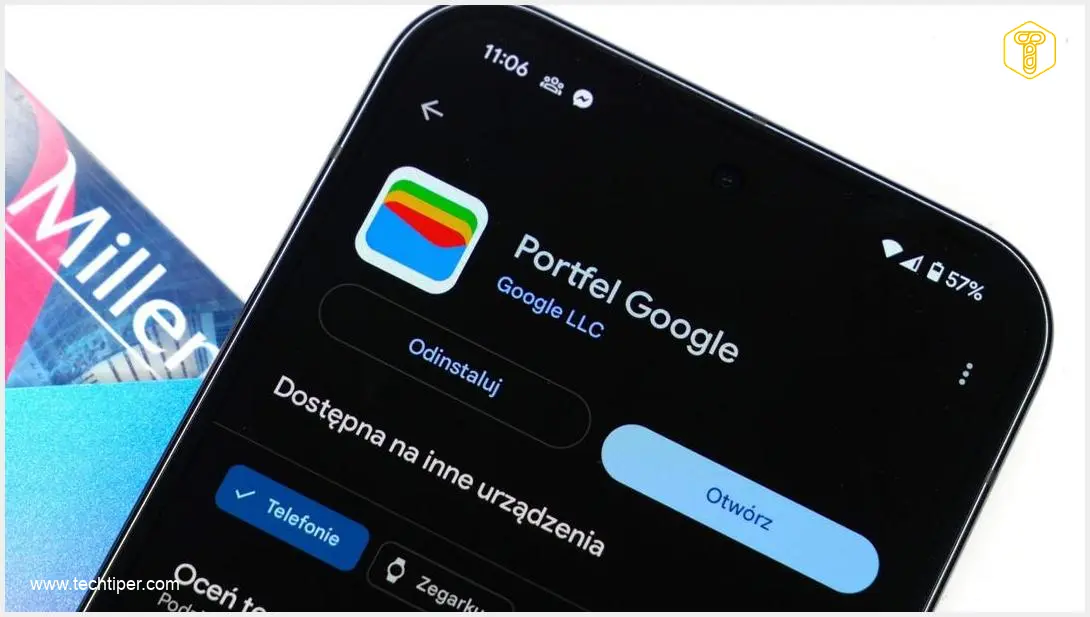
Google has comprehensively rebuilt its digital Wallet, moving beyond just a visual refresh. These thoughtful changes are designed to ensure that in critical moments—whether you’re checking in for a flight or scanning a ticket at a gate—everything you need is precisely where it should be. This significant update is just the beginning of what the application can do, or soon will be able to do, for users worldwide.
Contents
Google Redesigns Wallet: Not a Revolution, But You’ll Be Pleased
The Google Wallet application for Android has received a comprehensive overhaul. While the changes aren’t revolutionary, they significantly enhance the daily experience of using a digital wallet, making it easier to access and highlight your most important cards, tickets, and passes.
Key Improvements in the Google Wallet Redesign
Dynamic Home Screen and Quick Access
A central feature of the new Wallet is its dynamic home screen, now equipped with “dynamic quick access.” This intelligently prioritizes time-sensitive content, such as boarding passes, concert tickets, or public transit passes, ensuring users can quickly find and access them. This smart organization means less fumbling and more efficiency when you’re on the go. The aim is to make essential information instantly available, reducing stress during fast-paced situations. For further enhancements in quick access features, you might be interested in updates related to Google Gemini Quick Access updates, which similarly focus on instant information retrieval.
Streamlined Interface and Navigation
In the new layout, Google has moved away from the large floating button at the bottom of the screen. Instead, it introduces a central, divided button and a clearer separation between contactless payments and the rest of the wallet’s contents. Individual cards and tickets now feature a more readable, often full-screen view. A new “View more” button leads to a searchable hub, allowing users to quickly locate specific items by name, type, or associated transactions, offering a highly intuitive navigation experience.
Enhanced Experience for Tickets and Travel
One of Google Wallet’s primary use cases remains travel and events. The redesign therefore places a strong emphasis on more convenient handling of airline tickets and event passes.
Improved Boarding Passes and Event Tickets Display
Boarding passes and event tickets are now displayed in a clearer, mobile-optimized layout. The application better highlights crucial information like date, time, gate, or seat number, reducing the need to navigate through multiple screens in stressful situations. This thoughtful design ensures that critical travel information is immediately visible, streamlining your journey. For those who frequently use public transport, the upcoming Google Pixel Transit Mode Feature Drop in Android 16 will further enhance this experience.
Live Updates for Flights and Events
Google is also expanding its “Live Updates” feature, providing real-time notifications for flights and events. These updates can inform users about delays, gate changes, or cancellations, minimizing the need to manually check flight statuses in airline applications. This feature aims to increase the likelihood that key messages reach your phone’s lock screen directly, keeping you informed without extra effort.
Expanding Functionality: Digital Receipts and ID Verification
The new Google Wallet isn’t just about UI improvements; it also introduces new APIs for developers and merchants, including the convenient ability to deliver digital receipts directly to the user’s wallet.
Convenient Digital Receipts
Online and physical stores will soon be able to send electronic proofs of purchase to Google Wallet after a transaction. This innovation simplifies future warranty claims, returns, and expense tracking, offering a streamlined approach to managing your purchases and financial records. This feature eliminates paper waste and keeps all your important receipts organized digitally.

Secure Digital ID and Data Minimization
Google is also actively promoting the use of identity documents and digital IDs stored within Google Wallet, with a strong focus on the principle of data minimization. This allows users to confirm selected identity attributes—such as being over 18 years old or their country of residence—without sharing a full scan of their document. This approach significantly enhances privacy and security for digital identity verification.
Future of Payments: Cross-Device Verification
One of the most intriguing new features announced at Google I/O 2026 is Cross-device Payment Verification. This new method allows users to confirm Google Pay payments on a computer using an Android phone. Instead of entering SMS codes or navigating through cumbersome bank redirects, users will receive a push notification on their smartphone or scan a QR code on their computer screen to confirm the transaction using biometrics or a PIN.
Frequently Asked Questions (FAQ)
What are the main new features in the redesigned Google Wallet?
The main new features include a dynamic home screen with quick access for time-sensitive items, a streamlined interface, enhanced display for boarding passes and event tickets, live updates for flights, digital receipts, secure digital ID verification with data minimization, and cross-device payment verification for Google Pay.
How does the new Google Wallet improve the travel experience?
The redesigned Wallet offers a clearer, mobile-optimized display for boarding passes and event tickets, highlighting essential information like gate, time, and seat. It also introduces “Live Updates” for flights and events, providing real-time notifications for delays or gate changes directly to your phone’s lock screen, reducing the need to constantly check airline apps.
Can I store digital receipts in the new Google Wallet?
Yes, Google Wallet is introducing new APIs that will allow online and physical stores to send electronic proofs of purchase directly to your wallet after a transaction. This feature aims to simplify returns, warranty claims, and expense tracking by keeping all your receipts digitally organized.
What is Cross-device Payment Verification and how does it work?
Cross-device Payment Verification is a new way to confirm Google Pay payments made on a computer using your Android phone. Instead of traditional verification methods, you’ll receive a push notification on your smartphone or scan a QR code on your computer screen. You can then confirm the transaction securely using biometrics (like a fingerprint) or your PIN, streamlining the online payment process.
How does Google Wallet enhance privacy with digital IDs?
Google Wallet emphasizes data minimization for digital IDs. This means you can verify specific attributes of your identity, such as being over 18 or your country of residence, without needing to share a complete scan of your entire identity document. This approach provides enhanced privacy and control over your personal information during verification processes.
Source: 9to5Google, Android Police, Google, PC Mag.
Opening photo: Krzysztof Wilamowski
About Post Author
